3 Getting Started
38 FM-750 Display User Guide
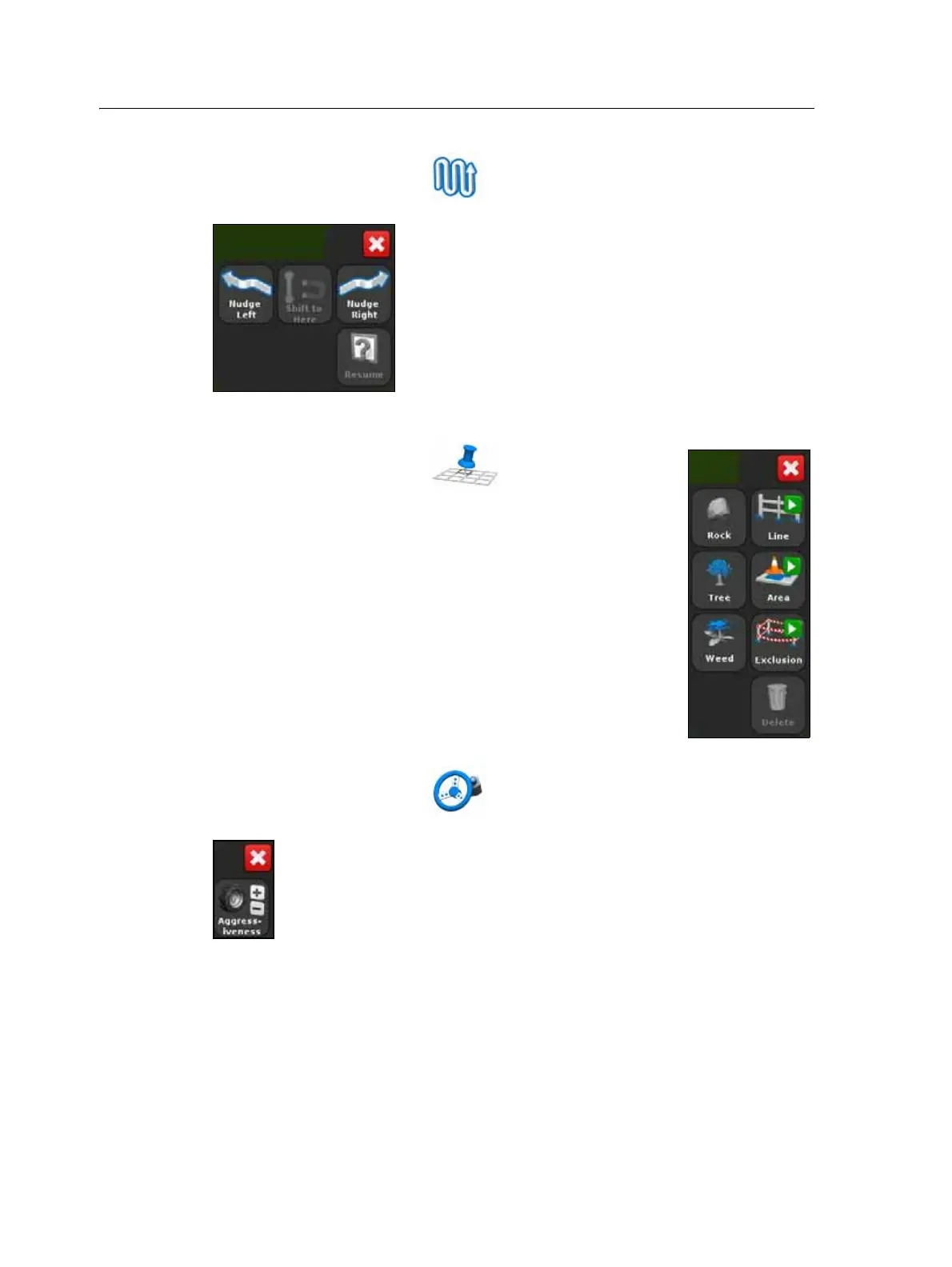
The Guidance icon
From the guidance screen, tap to quickly nudge, shift or resume a guidance
line:
The Mapping icon
From the guidance screen, tap to quickly add or delete
the following features:
• rock
• line
• tree
• area
• weed
• exclusion
The Auto steer icon
From the guidance screen, tap to quickly adjust the aggressiveness setting for
the EZ-Steer or Autopilot system:



 To Next Page