8 Data
116 FM-750 Display User Guide
Introduction
Use the options in the Data menu to:
• Save and retrieve fields from the USB drive.
• Send fields (via Connected Farm) to your home or office PC.
• Delete fields and coverage logging.
• Export diagnostic log files to the USB drive for technical support purposes.
• Copy prescriptions from the USB drive to the internal memory and delete from
the internal memory.
To access the Data menu:
1. From the guidance screen, tap .
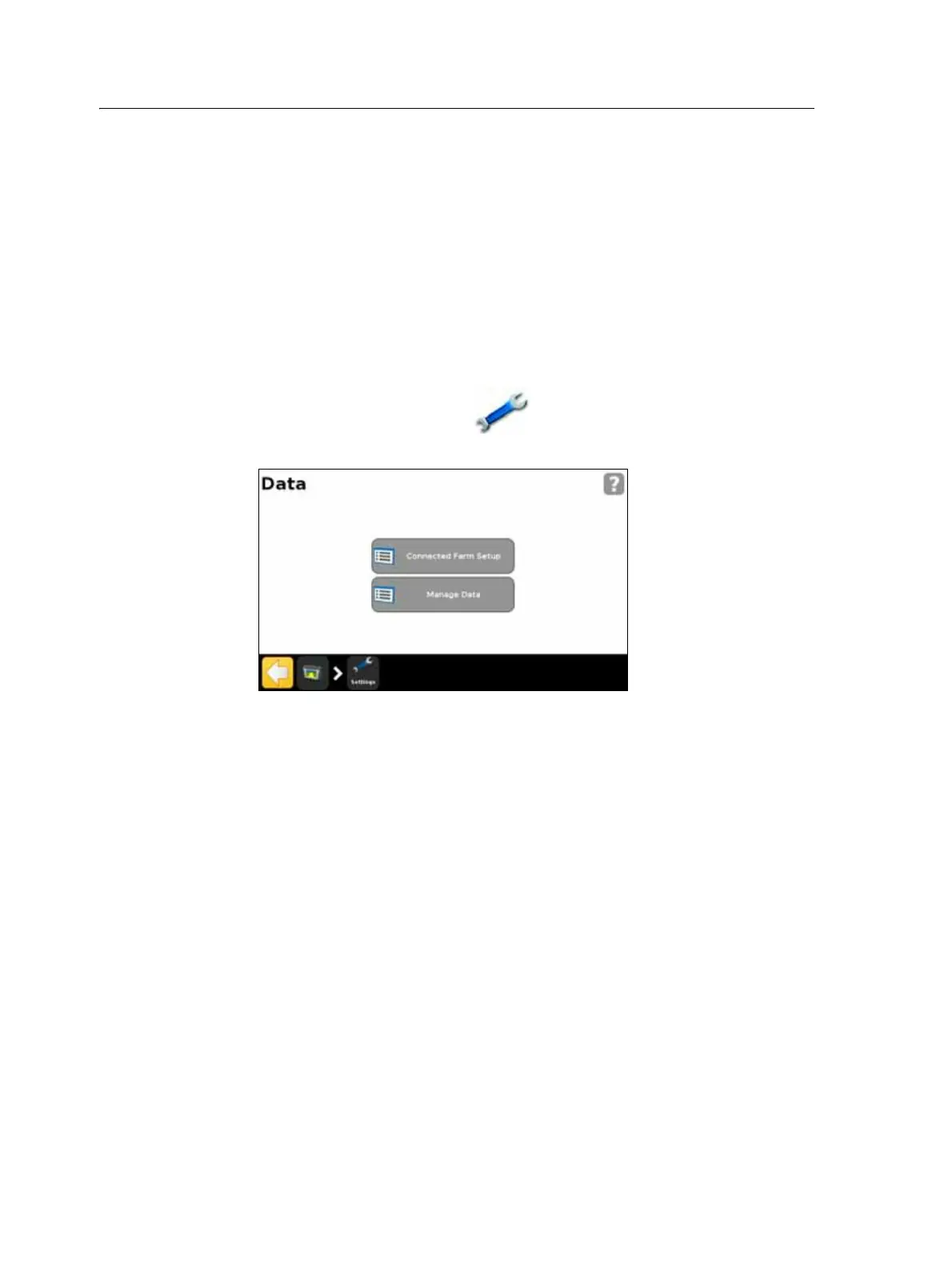
2. From the Settings screen, select Data. The following screen appears:
Connected Farm Setup
When you enable the Connected Farm feature, this allows the FM-750 display to use
the Connected Farm server to automatically and wirelessly send field information
(need to find out what type of info) to your home PC.
Initial setup
The Initial Setup wizard takes you through the process of setting up your wireless
modem and registering the network.



 To Next Page