3 Getting Started
40 FM-750 Display User Guide
Using the EZ-Remote joystick
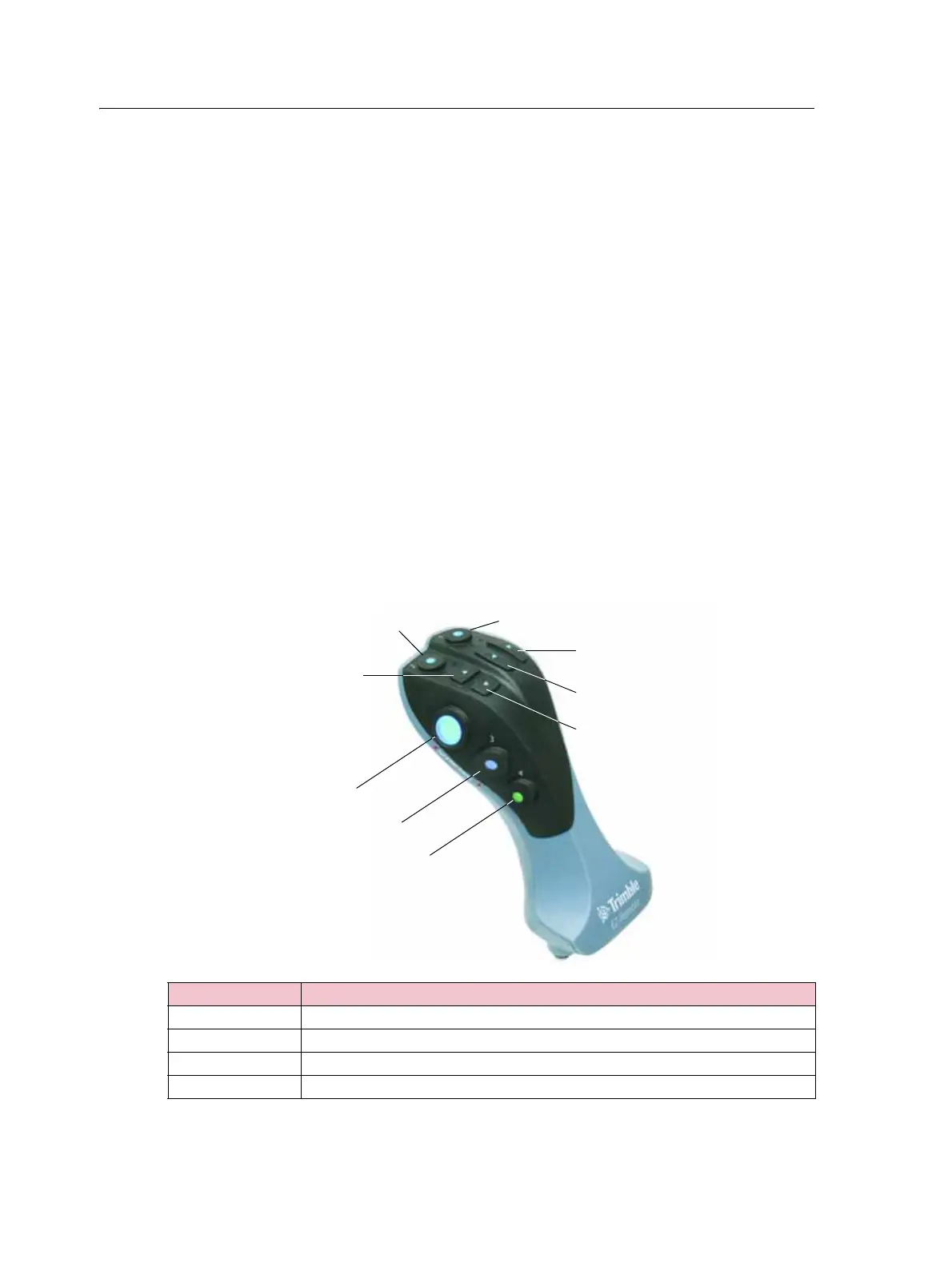
Optionally, you can use an EZ-Remote joystick to control the FM-750 display. The
joystick has ten LED buttons: six have preset functions; you can assign one of the
following functions to each of the other four:
• Map a rock, tree or weed
• Start or finish a line
• Start or finish an area
• Start or finish an exclusion zone
• Turn coverage on or off
• Camera A or Camera B control
• Show trailing map view
• Show overhead map view
• Zoom
• Show status
To learn how to assign a function to a programmable button, see EZ-Remote, page 126.
The diagram and table below explain how to use the EZ-Remote joystick.
Use this button ... To ...
Engage Engage auto steering
Up / Down Change the numbers in the Setup screens.
Right Nudge the guidance line to the right, in the guidance screen.
Left Nudge the guidance line to the left, in the guidance screen.
Trigger - on back of control
2
1
Up
Down
Right
Left
Engage
3
4



 To Next Page