9 System
130 FM-750 Display User Guide
Alternatively, do the following:
1. Power off the display and then power it on.
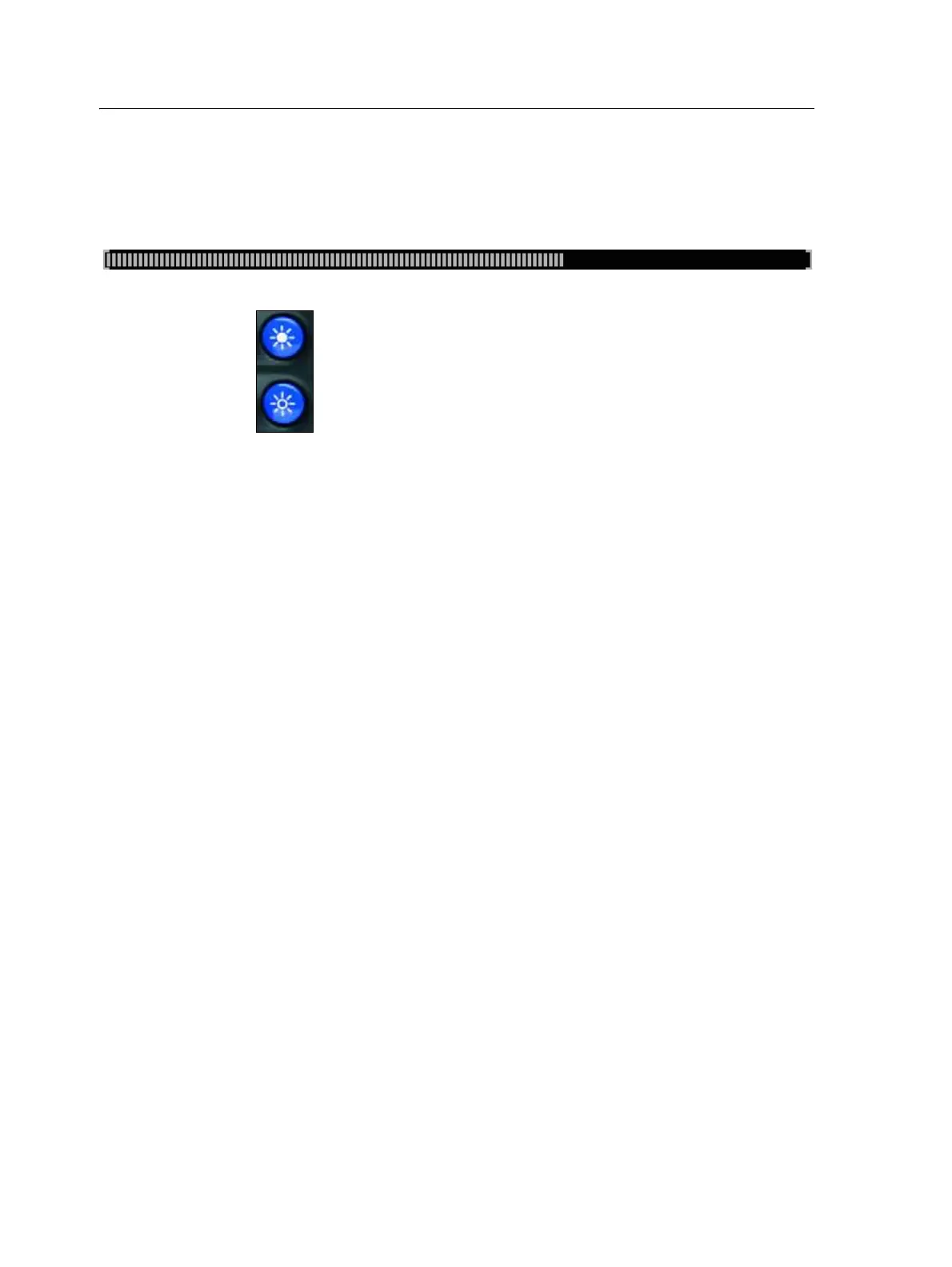
2. Wait until the status bar at the bottom of the second startup screen is more than
half full:
3. Press both brightness control buttons at the same time:
4. Hold the two buttons down until the display beeps.



 To Previous Page