FM-750 Display User Guide 43
Getting Started 3
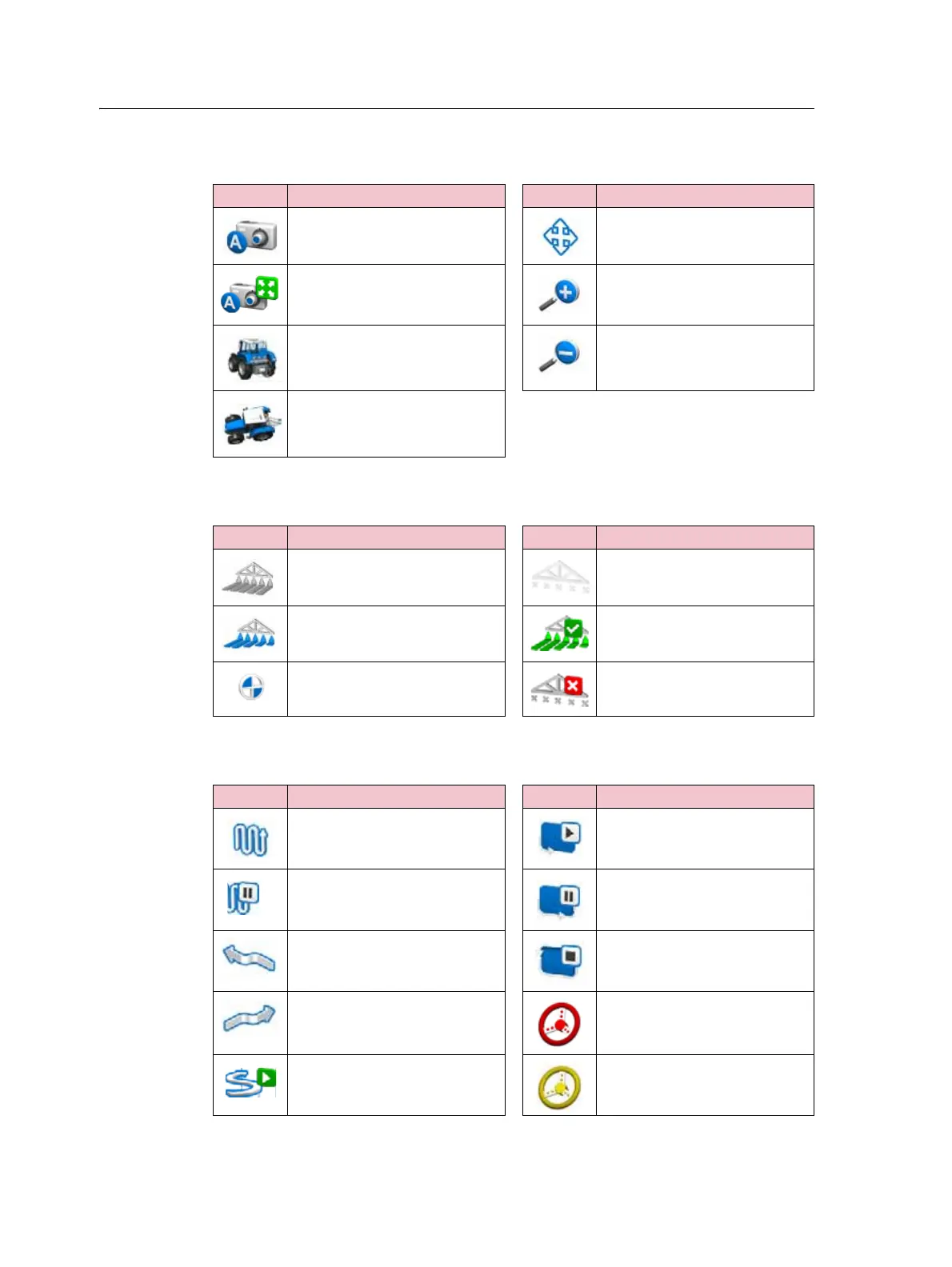
View icons
Application icons
Guidance icons
Icon Description Icon Description
Activate external video input Pan view
Full screen external video Zoom in
Run screen trailing view Zoom out
Run screen overhead view
Icon Description Icon Description
Manual section control Section control off
Automatic section control Coverage logging on
Target rate Coverage logging off
Icon Description Icon Description
Guidance pattern select Start recording headland
Pause guidance Pause recording headland
Nudge left End headland recording
Nudge right Cannot engage auto guidance
Record FreeForm guidance
pattern
Ready to engage auto guidance



 To Next Page