5 Implement Application Controller
60 FM-750 Display User Guide
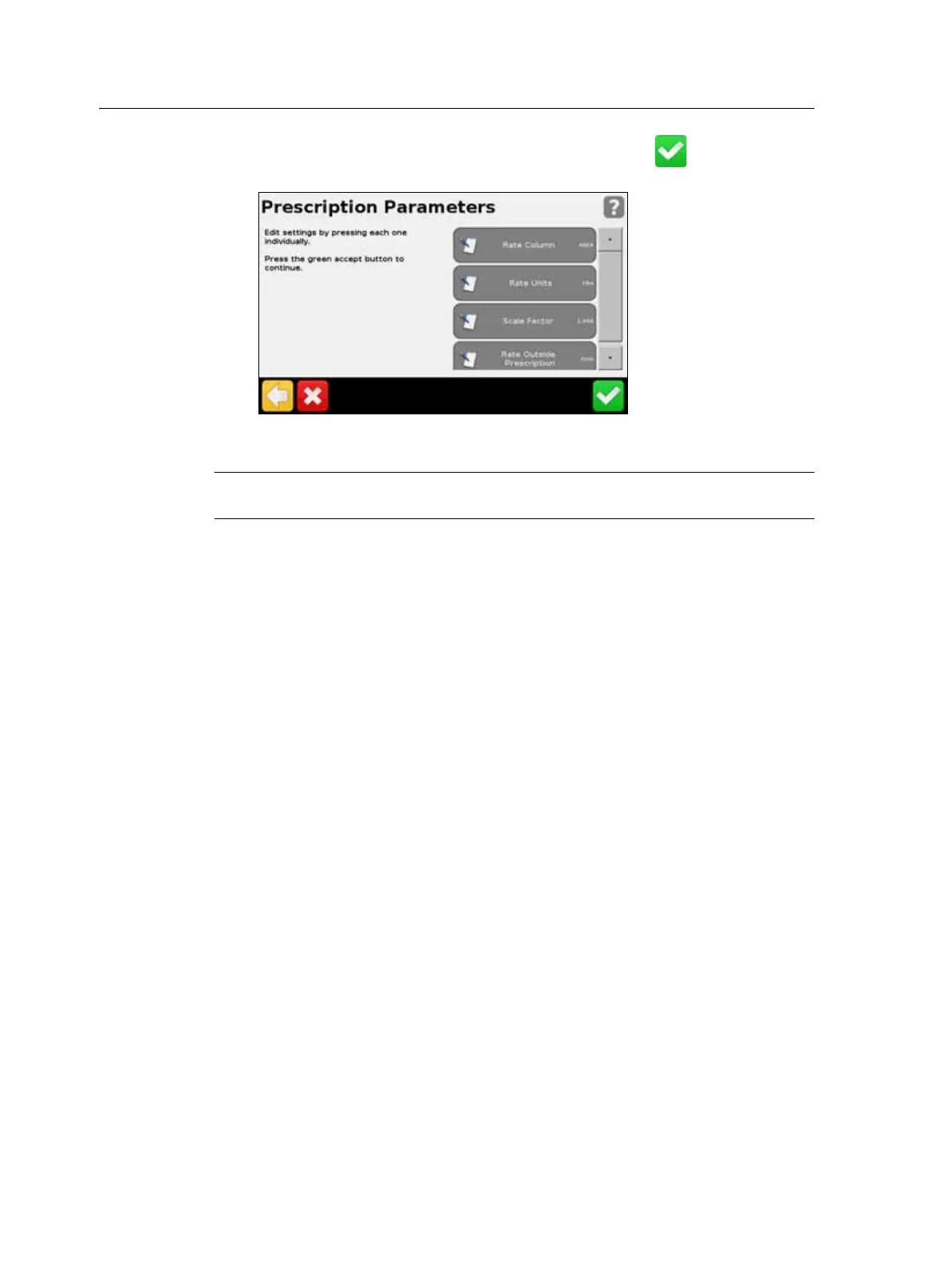
4. Select the prescription file that you require and then tap . The following
screen appears:
5. Configure each of the items in the Prescription Parameters screen.
C
CAUTION – For the system to work correctly, you must choose the correct Rate Column
setting. If you do not, then the applied rate will be incorrect.



 To Next Page