Motion Coordinator Technical Reference Manual
Programming 7-15
Command Line Interface
Command Line Interface
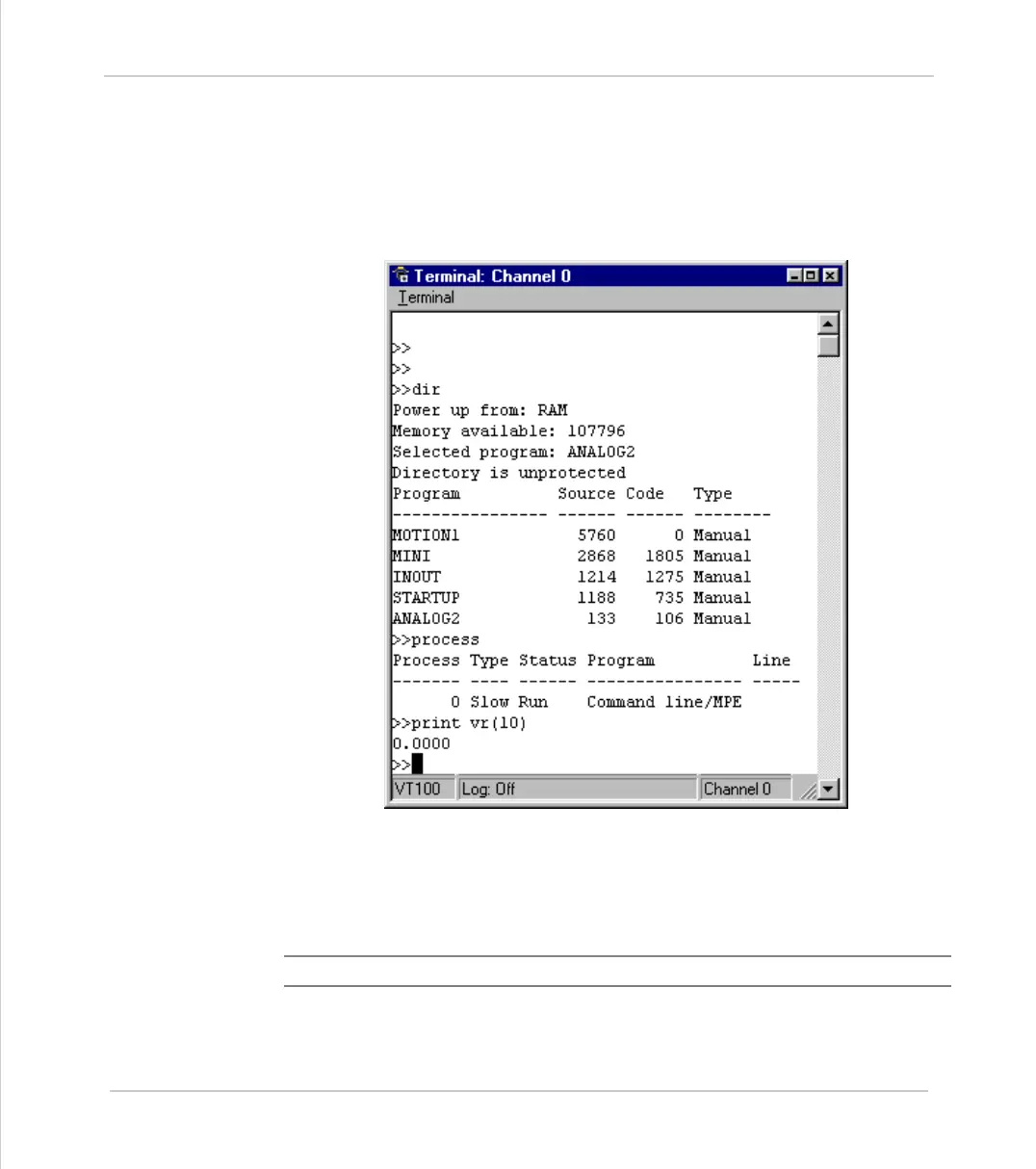
A “Command Line” interface to the controller can be set up by opening a
“Terminal” window in Motion Perfect. The command line interface always uses
channel 0.
Typing Commands for Immediate Execution
When the controller is waiting for a Trio BASIC command to be typed in it prints
the prompt >>
Example:
>>PRINT “HELLO”
Note:
A line must always be terminated by pressing the ENTER key (<CR>)



 To Next Page