10-76Support Software
Project Autoloader
Trio Motion Technology
Running the program
The program can be started in the same way as any other Windows program.
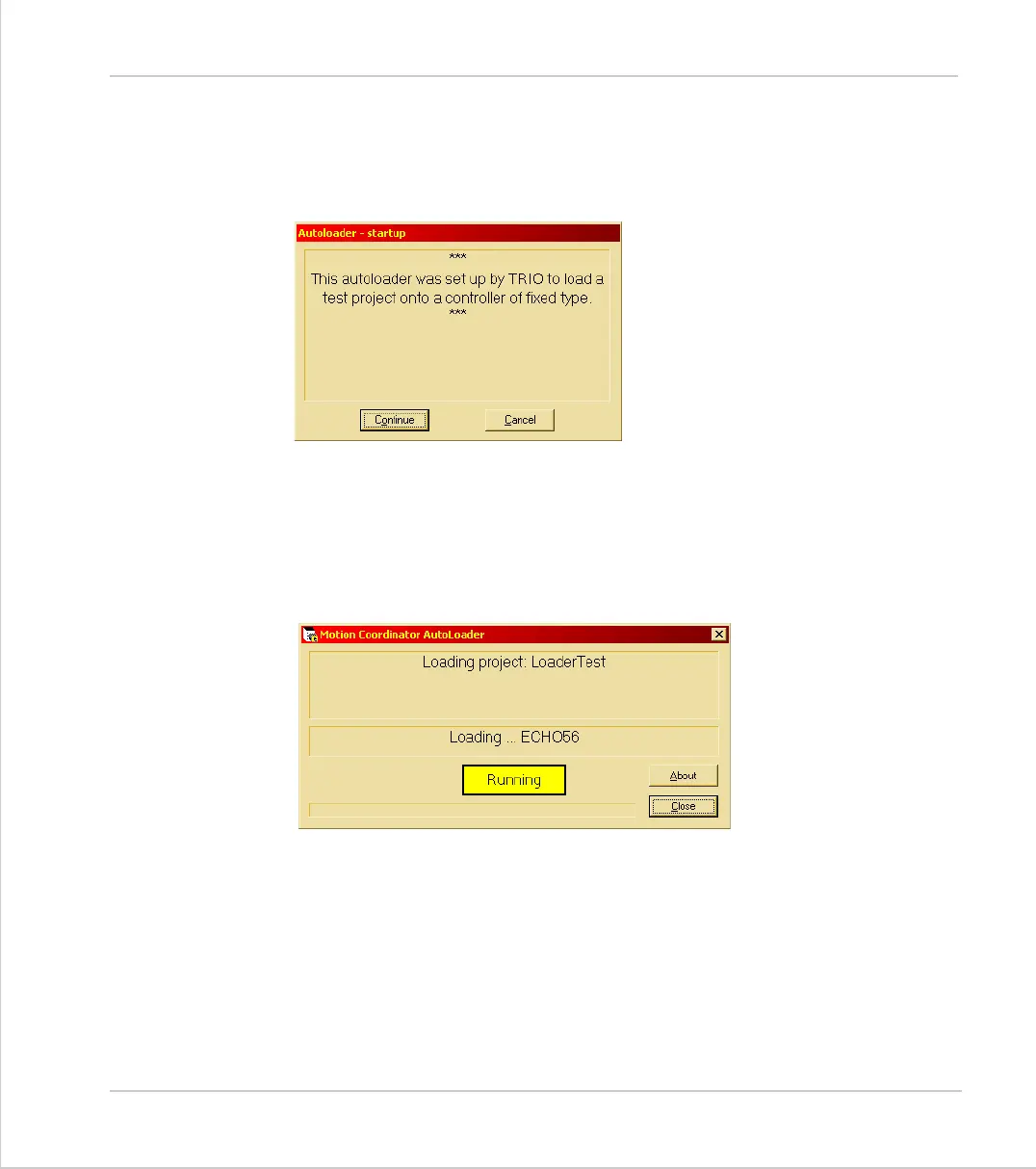
Start Dialog
The start dialog displays a message specified in the script and has continue and
cancel buttons so that the user can exit from the program without running the
script.
Main Window
The program main window consists of two message windows; one to display the
current command and the other to display the name of the program or file cur-
rently being loaded. There is a button to show the current status (Starting, run-
ning, pass or fail) and a progress bar to show the progress during file and table
loading.
The close button closes the dialog. If it is pressed while a script is being proc-
essed then script processing will be terminated at the end of the current opera-
tion.



 To Next Page