Motion Coordinator Technical Reference Manual
Support Software 10-67
Configuring The Motion Perfect 2 Desktop
Editor Options
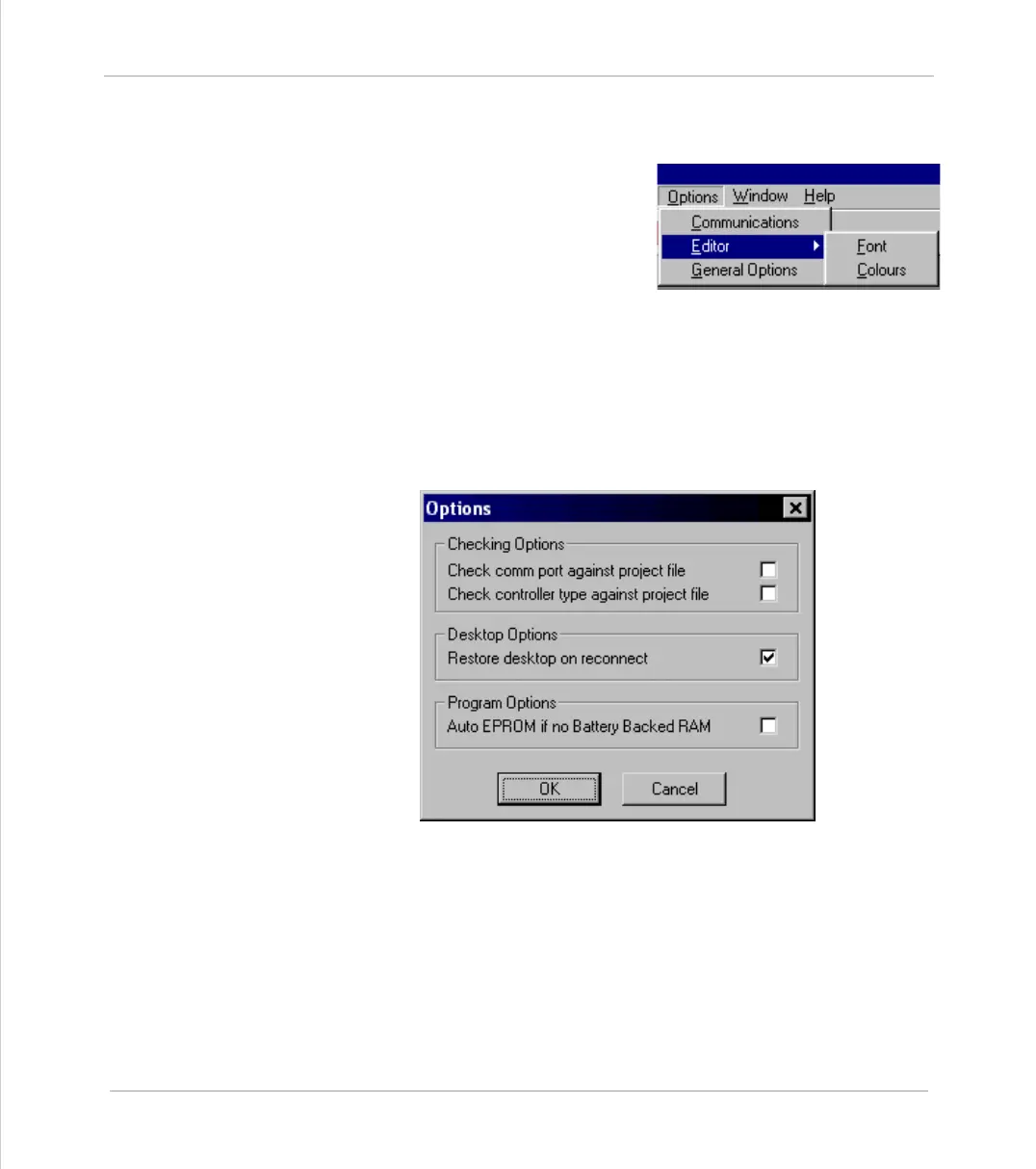
The Editor sub-menu allow you to modify
the appearance of the Motion Perfect 2
editor to suit your own personal taste. You
can change both the default font used and
the colours used by the syntax highlighting
feature.
General Options
This dialog allows the user to change a number of options relating to how
Motion Perfect 2 starts up and handles projects.
When you select General Options you will be presented with the following
screen.
The check-boxes enable the following features:
Check comm port against project file
Checks the comm port being used against the one in the project file when a
Check Project operation is performed.
Check controller type against project file
Checks the type of the connected controllerg used against the one in the project
file when a Check Project operation is performed.



 To Next Page