Motion Coordinator Technical Reference Manual
Support Software 10-69
Running Motion Perfect 2 Without a Controller
Running Motion Perfect 2 Without a Controller
Normally you will run Motion Perfect 2 on-line, that is connected to a controller.
In fact Motion Perfect 2 is designed to operate in this manner and has little func-
tionality without the connection.
In order that you can view or edit your project programs without a controller
connected there is a special application to simulate the controller operation and
to allow Motion Perfect 2 to operate in many ways as if a real controller were
connected.
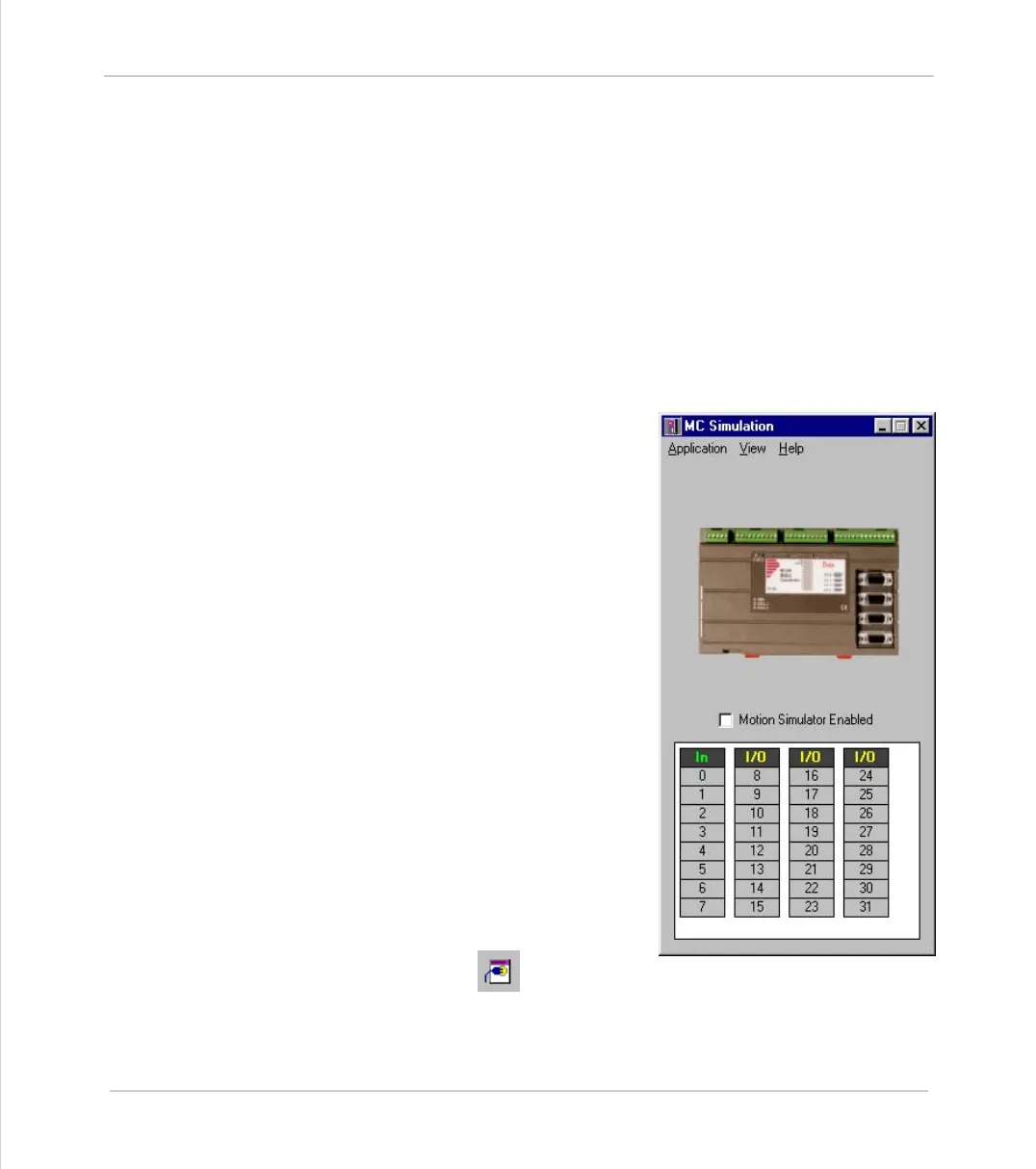
MC Simulation
MC Simulation (MCSim) is a very simple
program designed to run alongside Motion
Perfect 2 in the background. There are no
options or configurations to worry about,
you just have to run the program and con-
nect as usual.
Starting MC Simulatiion from
Motion Perfect 2
MC Simulatoion is automatically started (if
it is not already running) when Motion Per-
fect tries to connect to it. To connect to
MCSimuolation either use the Connect to
Simulator tool button or set up an
MCSim port in the connection list.



 To Next Page