10-70Support Software
Running Motion Perfect 2 Without a Controller
Trio Motion Technology
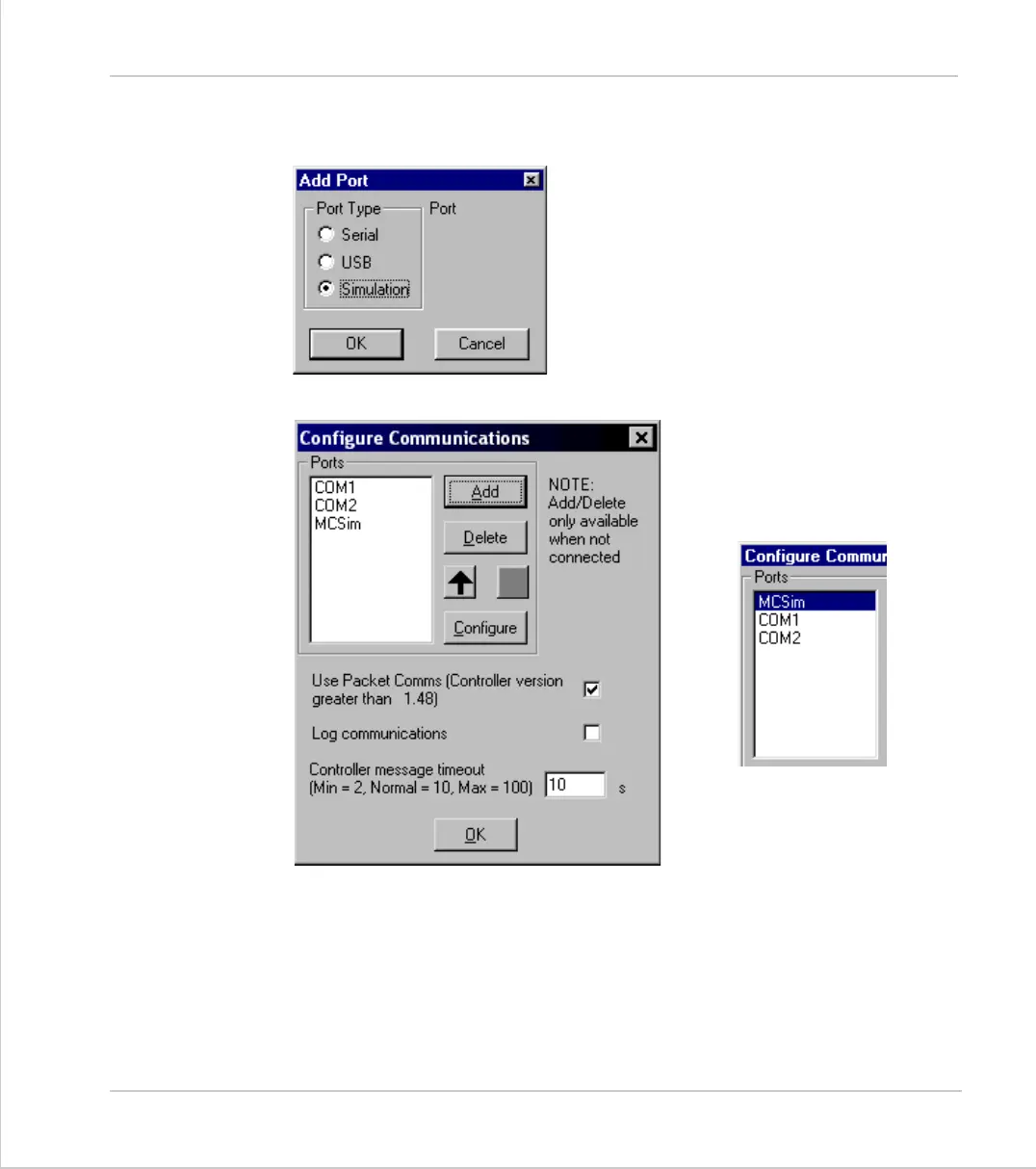
Use the Add Port option to select a new port
and choose "Simulation" as the Port Type.
The new device will normally
appear at the end of the list. Use
the "move up" button to make it
the default option.



 To Next Page