Motion Coordinator Technical Reference Manual
Support Software 10-43
Motion Perfect Tools
If the LED is clicked with the mouse the status corresponding output channel is
toggled, i.e. if the LED is white then the output will be turned on, if the LED is
yellow then the output channel will be turned off.
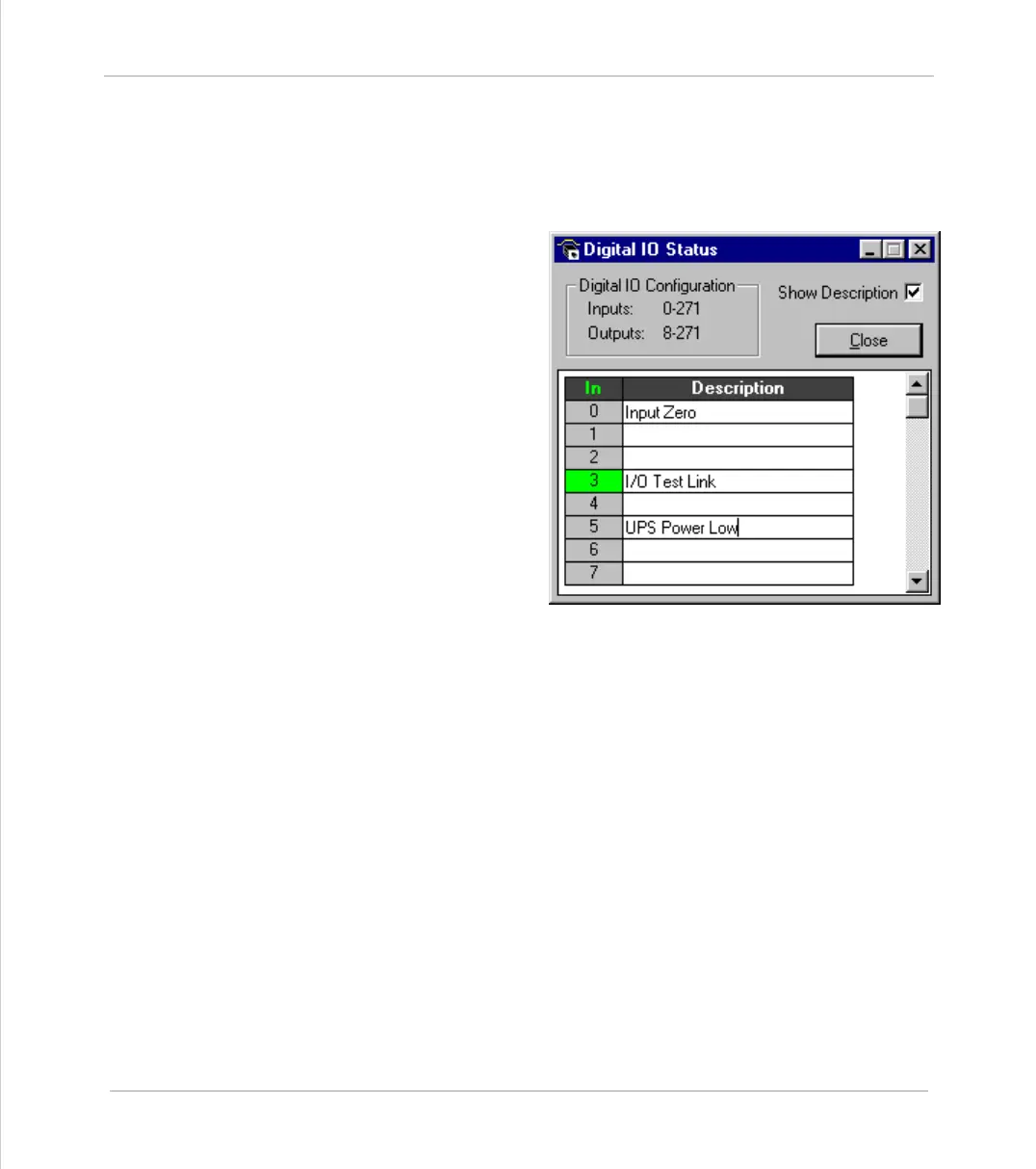
Checking the Show Descrip-
tion check box will toggle
between dsecriptions on, and
descriptions off. Descrip-
tions are stored in the
project file



 To Next Page