9-6 FI/FD Operation
Removing the FI/FD outer source
To remove the FI/FD outer source:
1. In the MassLynx Tune window, click Vacuum > Vent Source.
2. Wait for the Vacuum Status LED to display steady yellow.
3. If fitted, pull back the carrier tube in the GC interface or pull back the
whole interface to the lock point.
See also: Installing the GC interface on page 6-3.
4. Remove the inner source from the outer source.
See also: Removing the FI/FD inner source on page 9-13.
5. Disconnect the cables from the FI lens supply.
6. Disconnect the OA source housing cable.
7. Disconnect the EXT cables.
8. Unscrew the two wing nuts at the top of the outer source assembly.
9. Use the two handles to lift the outer source assembly vertically from the
outer source enclosure.
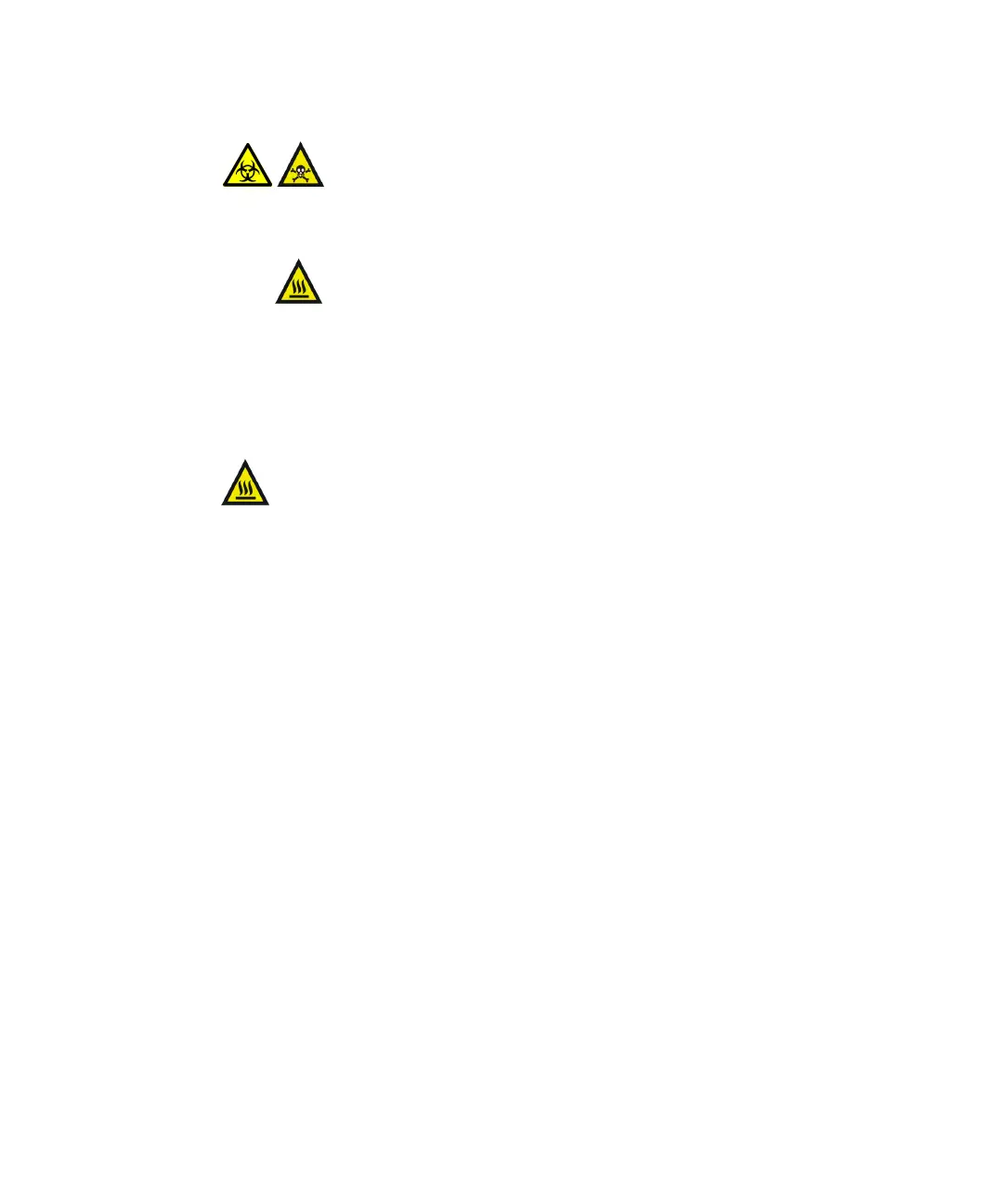
Warning: The source components can be contaminated with
toxic and biohazardous materials. Wear chemical-resistant,
powder-free gloves at all times while handling the
components.
Warning: The source is hot and can cause burn injuries to
the skin. Allow the source to cool before handling it.
Warning: To avoid burn injuries, allow the GC column and
interface to cool before handling.











 To Next Page