Setting up the instrument automatically 3-13
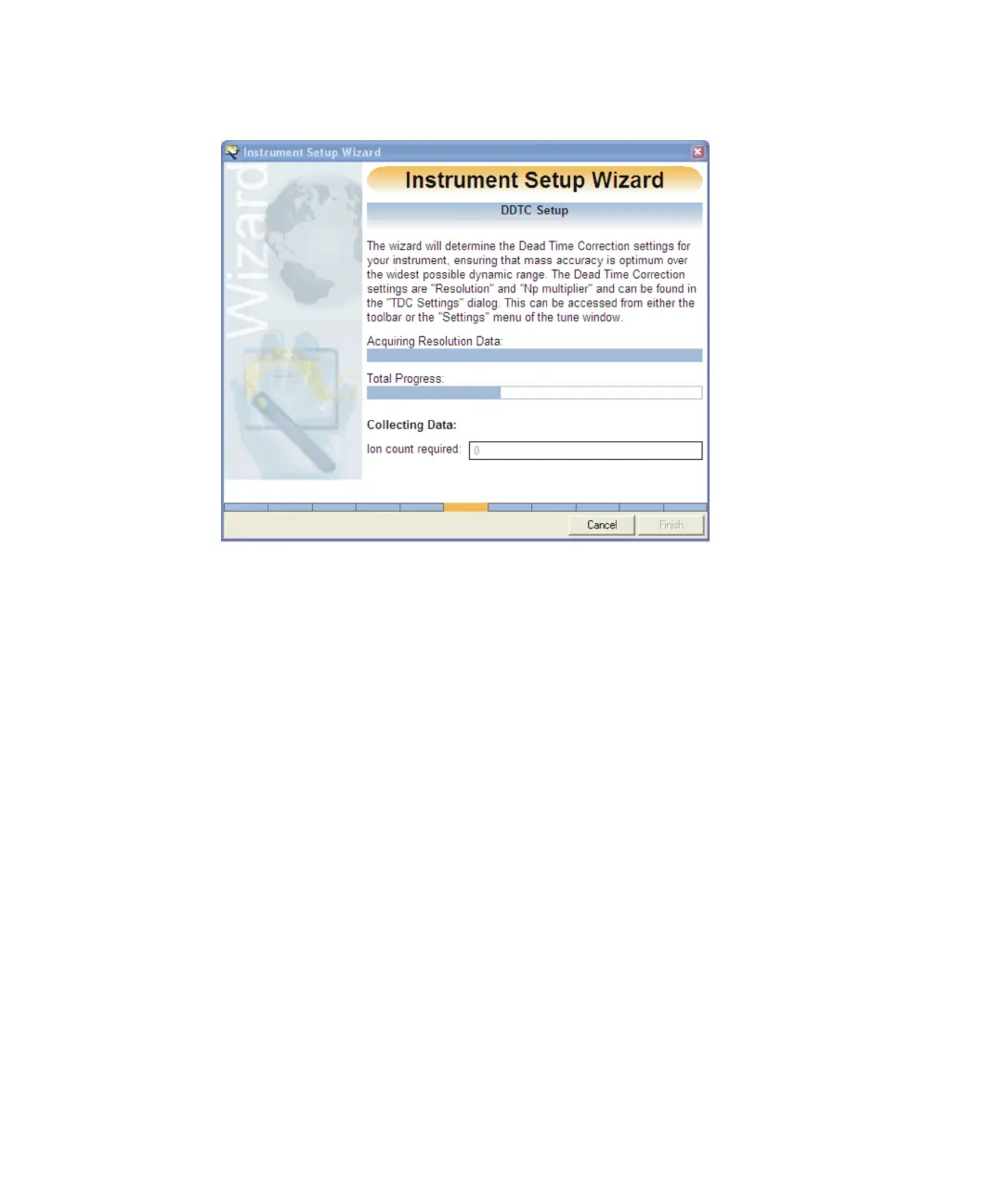
Instrument Setup Wizard DDTC Setup:
The wizard automatically determines the resolution and sets the Np
Multiplier setting to compensate for dead time.
See also: Setting up resolution for dead time correction manually on
page B-48 and Dead time correction on page B-49.
When completed the Instrument Setup Wizard Lock mass Setup window
appears.











 To Next Page