3-14 Tuning the Instrument
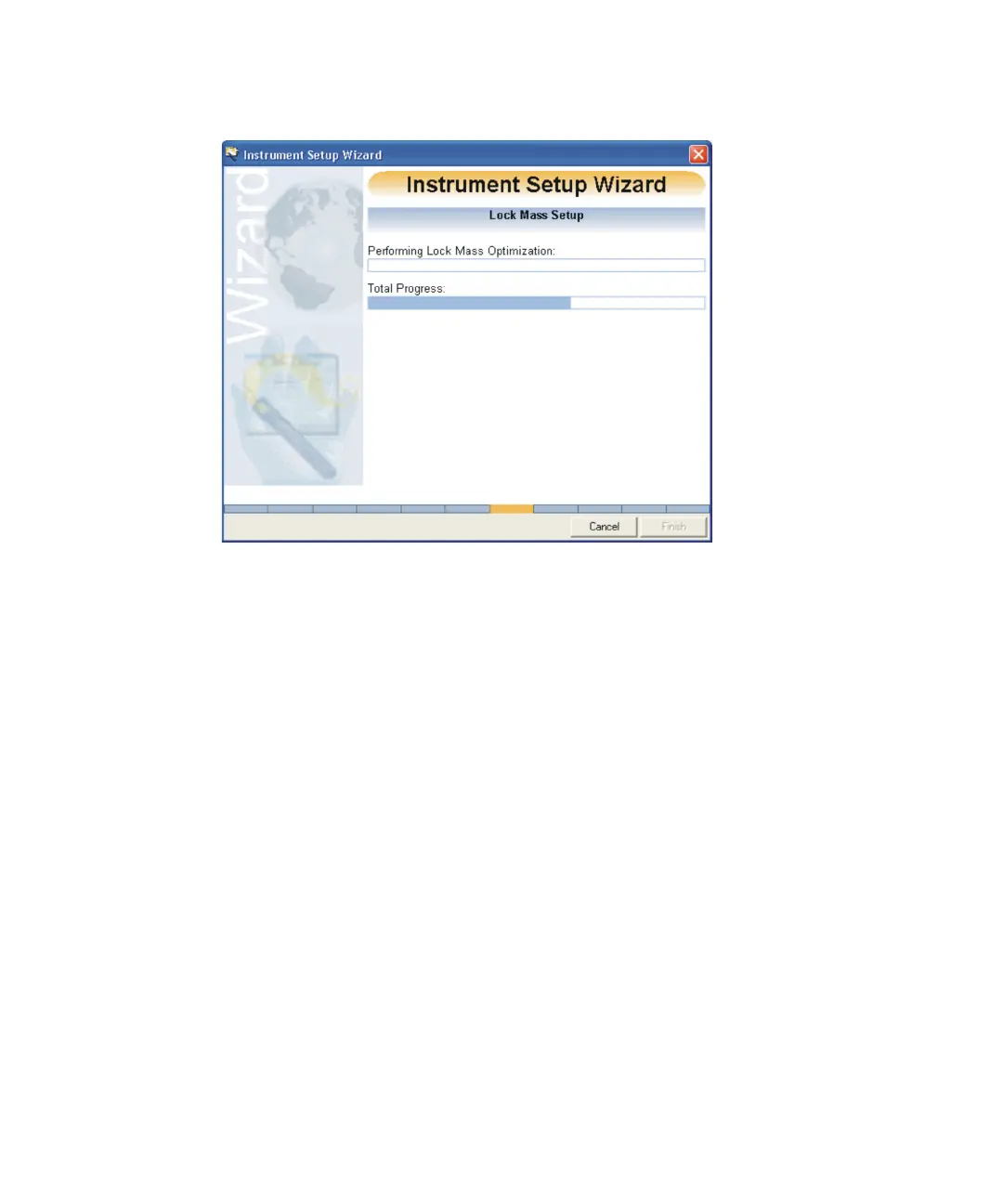
Instrument Setup Wizard Lock Mass Setup:
The wizard automatically sets the Lock Mass by checking a specific
mass and intensity. To achieve the best mass accuracy a lock mass is
necessary to correct the mass scale for the thermal drift factors.
See also: Configuring the TDC settings on page B-11 and Lock mass
correction on page 5-3.
If the Lock Mass intensity is too high, open the reference reservoir valve
to reduce the intensity











 To Next Page