Chapter 10 Troubleshooting 40058725 BTA Alpha HSM
Version: 12.19.17 Page 106 of 112 GB
Error and warning messages
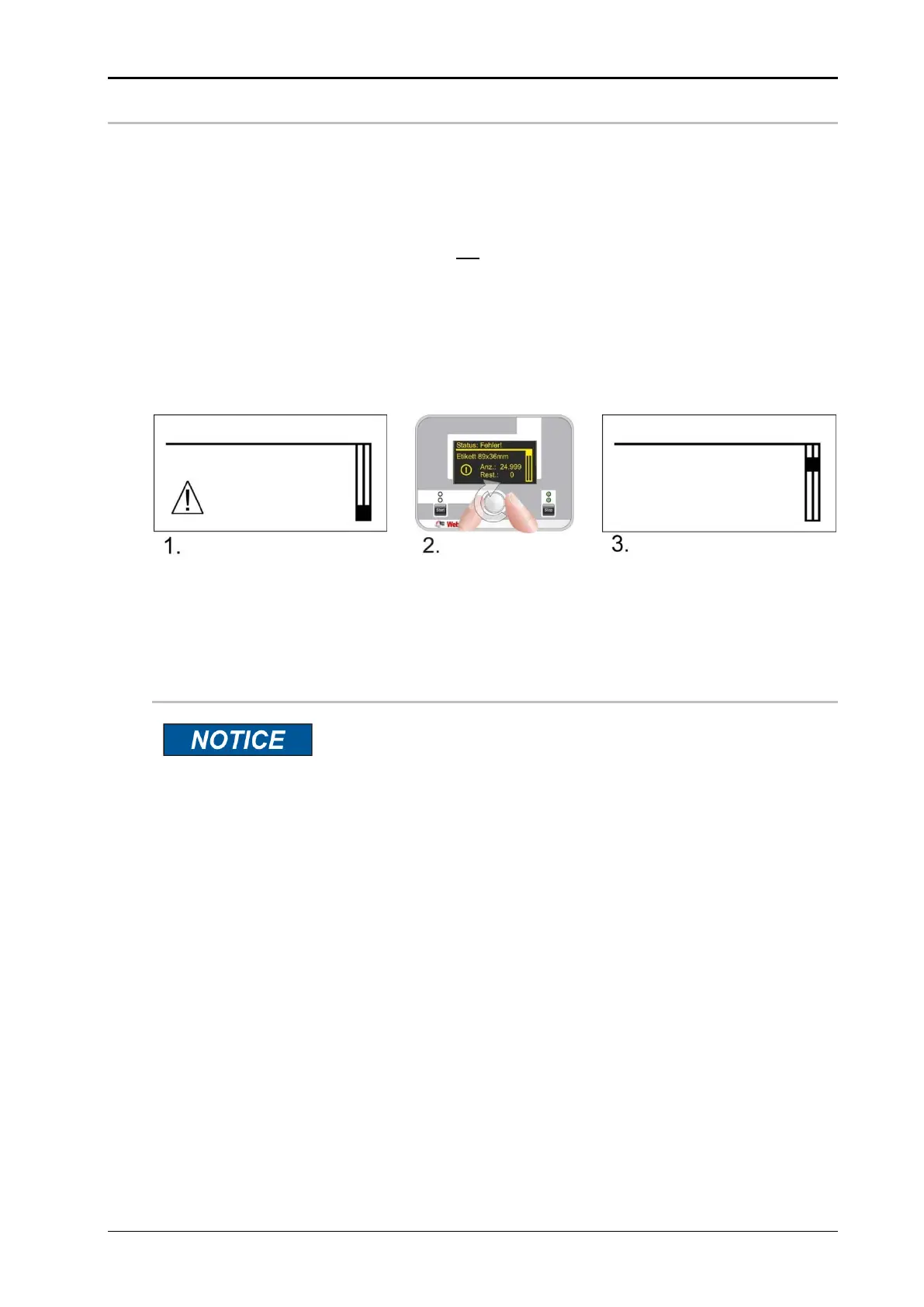
As soon as there is a fault on the labeler, this is indicated immediately on the HMI display
("Error" or "Warning"). The top LED above the [Stop] button is flashing in addition.
Errors stop the labeling operation. The labeler changes to standby mode (the ready-
signal of the I/O-signal interface is reset).
Warnings, on the other hand, do not interrupt labeling operations. It is intended to
give the operator an early warning, e.g. when a label roll will soon be used up.
The display changes to the status menu when a message arrives. The status menu shows
the [Error] or [Warning].
By turning the setting knob in the status menu, the current message is called up, and by
pressing it you can switch between several messages.
If an error occurs repeatedly, please contact our service hotline (see page9).
Error acknowledgment
If the labeler is connected to a higher-level control system (e.g.
Geset labeler), faults can also be acknowledged at a central point
(e.g. on a touch panel).
Acknowledging with the [Stop] button resets the pending messages after the faults have
been remedied.
Press the adjustment button to leave the display.
Error: Sensor
Label position
not found
Web end reached


 To Next Page