Chapter 7 Settings and commissioning 40058725 BTA Alpha HSM
Version: 12.19.17 Page 64 of 112 GB
The following settings are conducted on both labelers using the HMI display.
Prerequisites
The initial commissioning (see page 61) has been completed successfully.
Labelers are supplied with voltage and label material.
Instruction
How to set the ZeroDownTime function or alternate mode.
For information on operating the HMI display, navigation and handling of
selection and input fields see page71).
Navigate to the menu page "Machine parameters".
By pressing the rotary knob briefly, you reach the submenus, which include
all machine parameters of the labeler. Password authentication is in place,
to protect the parameters. (Refer to page 73 for instructions on password-
protected pages).
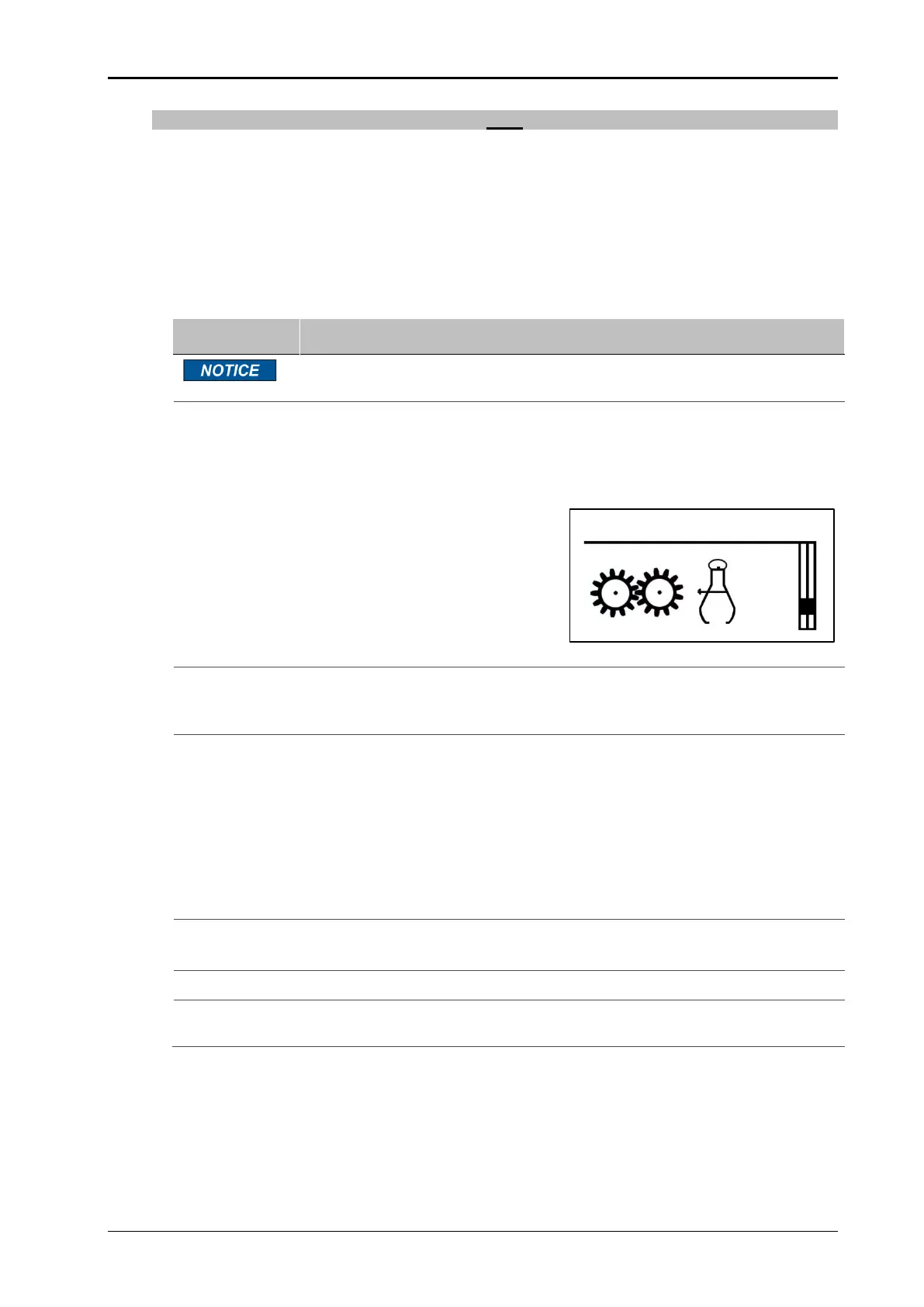
Fig. 7-16: Machine parameters
Set parameter 001 to "Encoder".
Set parameter 002 to the value "Distance of the rotary encoder".
Set parameter 003 to the value "Resolution of the encoder".
ZeroDownTime
Set parameter 023 "ZeDoTime Mode" as follows:
- for the master labeler = value 1
- with the slave labeler = value 2
Alternating operation
Set parameter 023 "ZeDoTime Mode" as follows:
- for the master labeler = value 3
- with the slave labeler = value 2
Only with the slave labeler:
Set parameter 024 to the value "Distance between product sensors".
Set parameter 025 to at least "1 m" (remaining label length).
Pressing the rotary knob (>1 sec.) jumps back one menu level (system
menu, see page 89).


 To Next Page