430 Ink Jet Printer Service and Maintenance Manual
152
Issue 2
Part No. 306-0430-102
VMS level sensor or cable faulty. Check that cable is connected.
Replace FMS if sensor faulty (see
Fluid
Management System (FMS)
, page 121),
I/O board (see
I/O Board
, page 110) or
CPU board (see
CPU Board
, page 112).
I/O board faulty. Replace I/O board (see
I/O Board
, page 110).
CPU board faulty. Replace CPU board
(see
CPU Board
, page 112).
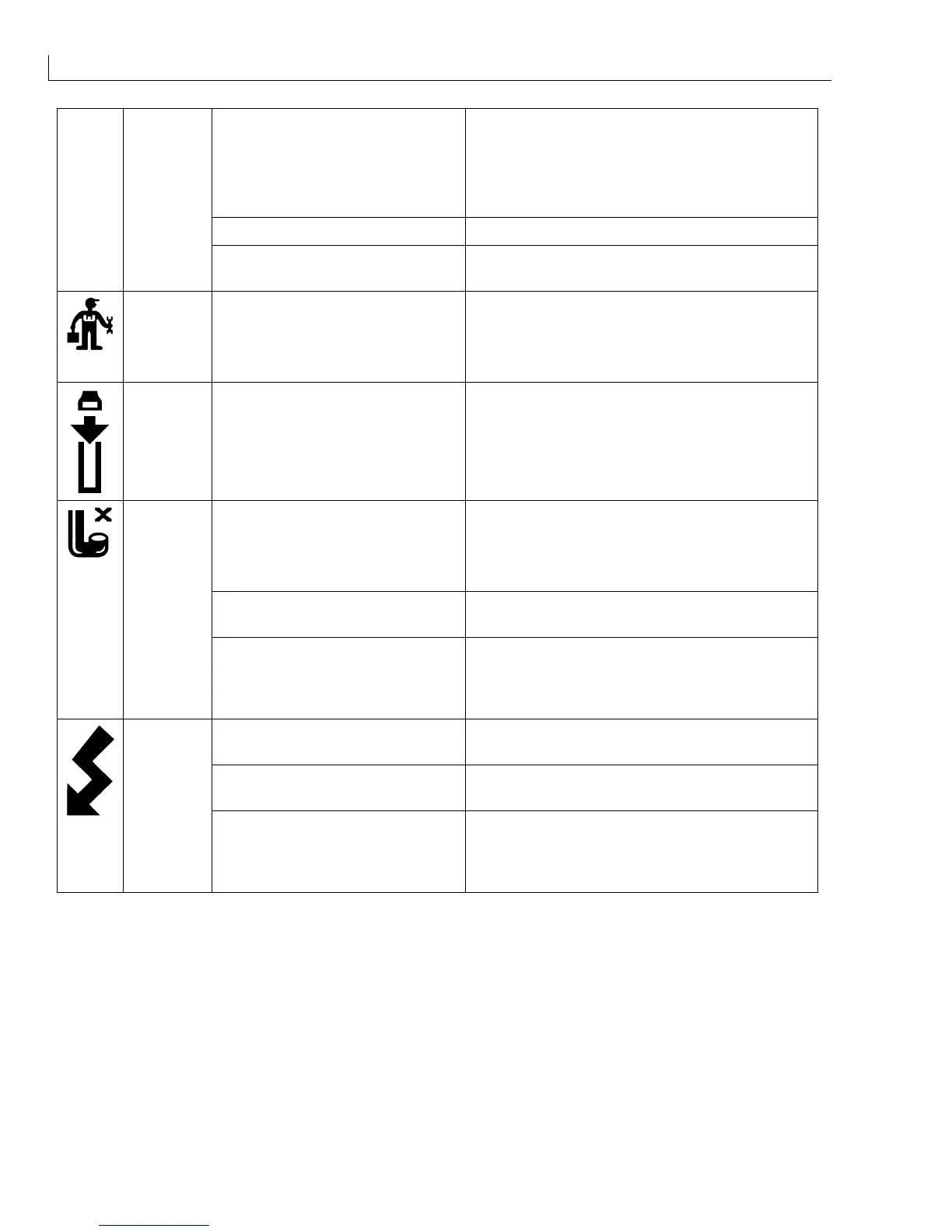
Service Filters require replacement.
1
Exchange the filters for new items
(see
Main Filter
, page 125 )
2
Reset the pump run hours
(see
Data Logging Menu
, page 108).
Printhead
Cover
Open
Printhead cover is not fitted
correctly.
Re-fit the cover.
Nozzle blocked.
1
Perform nozzle flush
(see
Nozzle Flush
, page 96).
2
Check that the jet is going into the gutter.
Repeat nozzle flush 3 or 4 times if required.
Nozzle misaligned. Re-align printhead
(see
Printhead Alignment
, page 161).
Gutter
Fault
Faulty gutter detect circuit. Replace gutter detect module
(see
Head Manifold
, page 131),
I/O board (see
I/O Board
, page 110) or
CPU board (see
CPU Board
, page 112).
Dirty or wet printhead. Clean and thoroughly dry printhead
(see
Umbilical Purge
, page 160).
EHT trip out of calibration. Re-calibrate EHT trip (see
Set EHT Trip Level
(Normal Operation)
, page 39).
EHT Trip
Faulty EHT circuit. Replace faulty component/EHT Module
(see
EHT Module
, page 78),
I/O board (see
I/O Board
, page 110) or
CPU board (see
CPU Board
, page 112).



 To Next Page