Installing NCi:
• Navigate to the Abbo Point of Care website
• Find the link to the NCi ulity
• Follow the instrucons on the screen
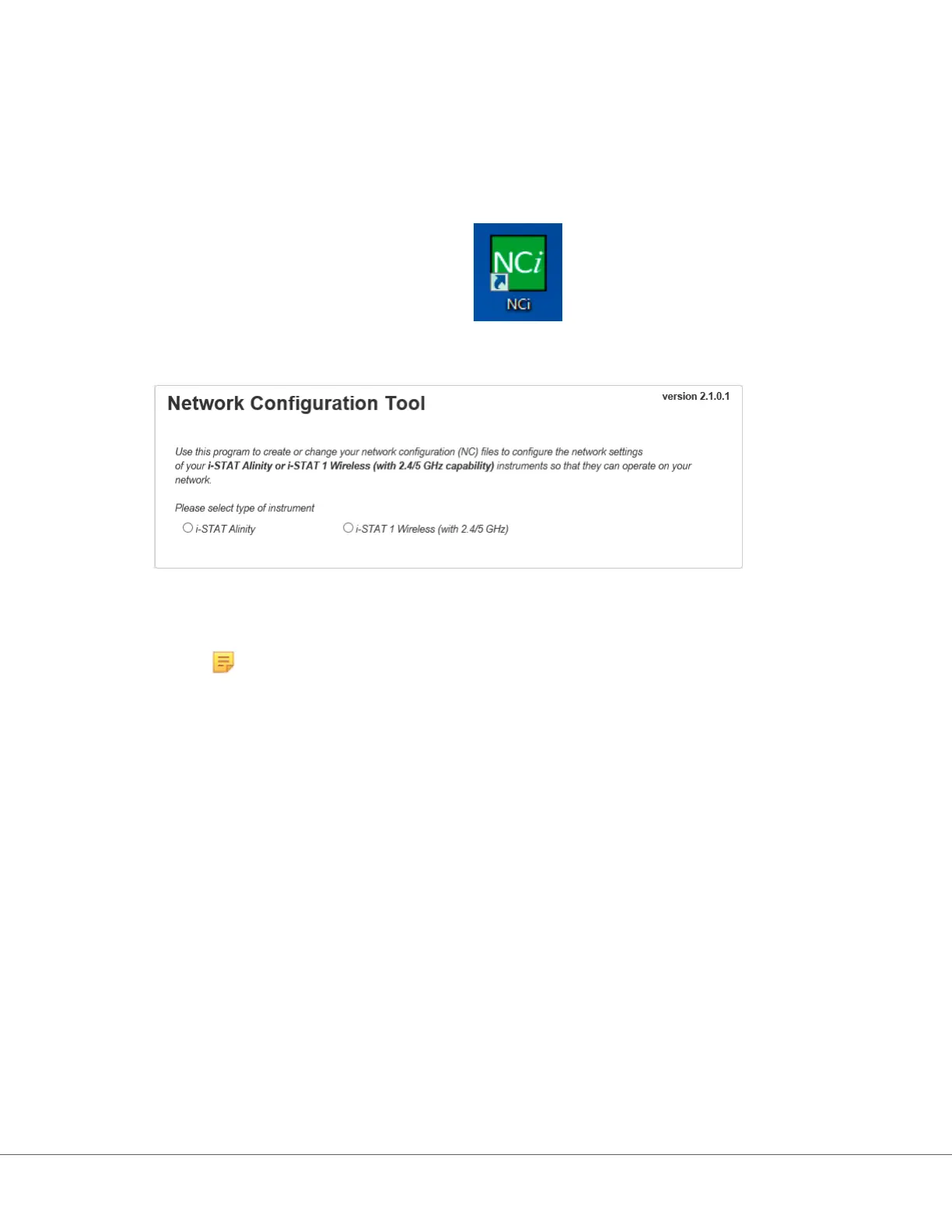
When the installaon of NCi completes, this icon will appear on the desktop:
To run NCi, double click the icon. On the rst screen of the NCi that displays, select the type of
instrument as i‑STAT Alinity.
Upon selecng i‑STAT Alinity, the NCi screen used to create NC les for i‑STAT Alinity instruments
displays.
Note: NCi consists of one screen for creang NC les, though it must be scrolled to be
viewed in its enrety. For this reason, the screen is shown here in secons.
112
i-STAT Alinity — System Operaons Manual Art: 747079-01 Rev. F Rev. Date: 28-Apr-2020












 To Next Page