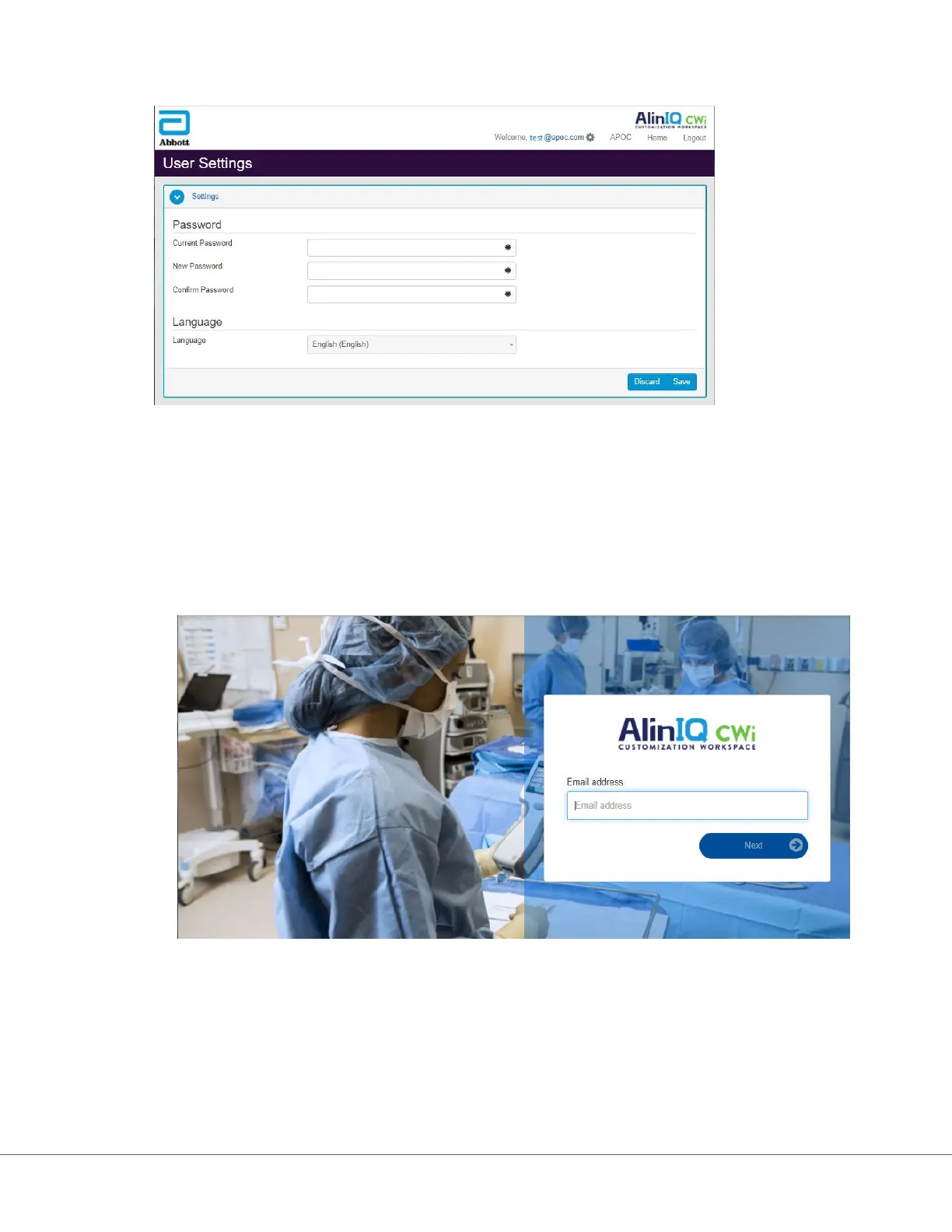
language sengs can be adjusted from this page.
To change the user password or language sengs, enter the new password or select a language from the
drop down menu and click the "Save" buon.
For Exisng User of CWi, log in as follows:
1. Using a compable web browser, navigate to https://
www.globalpointofcare.abbott/en/support/istat-brand/istat-
alinity.html
2. Click on the link for AlinIQ CWi
3. Log in with the user's email address and click the "Next" buon.
4. Enter the password created by the user and click the "Log in" buon. If 5 failed aempts are made,
the system will lock out the user. The lockout will last for one hour, unless the user resets their
password.
133
i-STAT Alinity — System Operaons Manual Art: 746298-01 Rev. M Rev. Date: 13-Oct-2022












 To Next Page