Radio Test Instruments
Subject to Export Control, see Cover Page for details.
7-18
[Horizontal] Soft Key
The [Horizontal] Soft Key accesses a set of soft keys that adjust the horizontal position of the
trace on the display. The horizontal scale can be adjusted using the [Expand / Contract] Soft
Keys or by changing the Time /div
setting. When the [Expand / Contract] Soft Keys are pressed
the Time/div value is simultaneously updated.
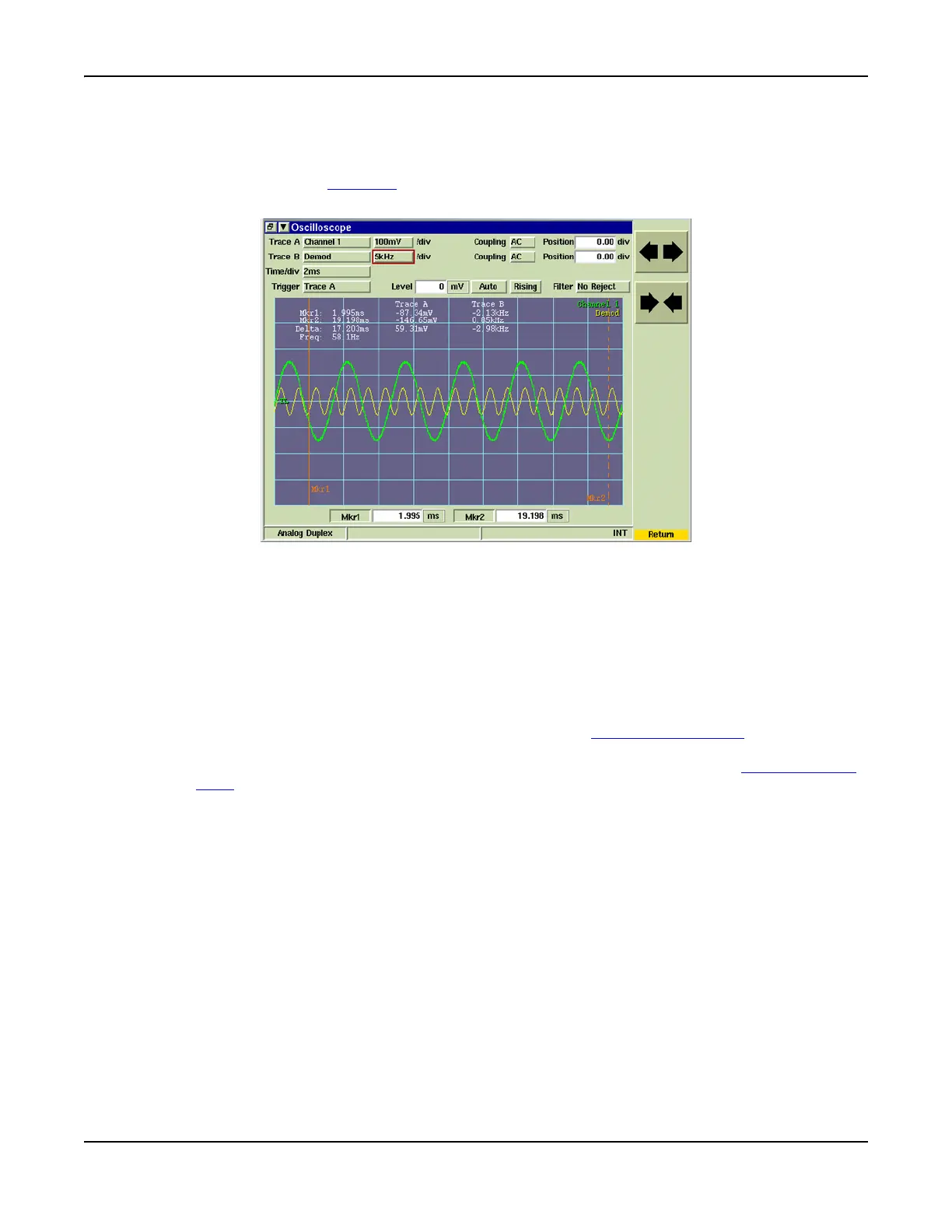
Fig. 7-20 Scope [Expand / Contract] Soft Keys
[Markers] Soft Key
The [Markers] Soft Key accesses a group of soft keys that provide additional marker functions.
Marker(s) must be enabled to use some of these functions. To define marker position:
1. Enable marker(s) using the Mkr1 / 2 toggle buttons or by pressing the [Marker 1 / Marker 2]
Soft Key(s).
2. Select Mkr1 / 2 data field and adjust marker position using any of the following methods:
● By focusing on the Mkr1 or Mkr2 settings box and entering a new value in the data field;
● By focusing on the Mkr1 or Mkr2 field and using the Rotary Control Knob to move the
selected marker to a new reference point. Setting three or four significant figures in the
settings box makes adjusting the marker position easier when using the Rotary Control
Knob. If the markers are locked, moving either marker moves the other marker.
● (Mouse option) By focusing on the Mkr1 or Mkr2 field and using a mouse to click and drag
the selected marker to the desired location on the display field.













 To Next Page