Radio Test Instruments
Subject to Export Control, see Cover Page for details.
7-27
Span
When Center-Span Mode is selected, signal span can be adjusted by selecting a defined value
from the Span drop-down menu or by selecting the Span data entry field and entering an
arbitrary value. Span can also be adjusted using the [Expand / Contract] Soft Keys.
Mkr1 / Mkr2
The Mkr1 and Mkr2 toggle buttons enable Marker 1 and Marker 2. When Markers are enabled,
marker data fields can be edited to define marker position. Refer to section titled [Markers] Soft
Key for additional information on configuring markers.
Averages
Enables Average measurements. Refer to section titled [Trace] Soft Key for additional
information on Average measurements.
Trk Gen
Enables/Disables the Tracking Generator. The TGEN toggle button is only available on the
Spectrum Analyzer Tile when the Tracking Generator Option (390XOPT061) is installed in the
Test Set.
Gen Lvl
Field provides quick access to set the Generator power level. This field is only available on the
Spectrum Analyzer Tile when the Tracking Generator Option (390XOPT061) is installed in the
Test Set.
RF Out
The RF Out toggle button selects the Generator RF out port. The On/Off toggle button turns the
RF Generator on and off. These Toggle buttons are only available on the Spectrum Analyzer Tile
when the Tracking Generator Option (390XOPT061) is installed in the Test Set.
[Vertical] Soft Key
The [Vertical] Soft Key accesses vertical scaling and positioning controls that adjust the trace’s
position on the display.
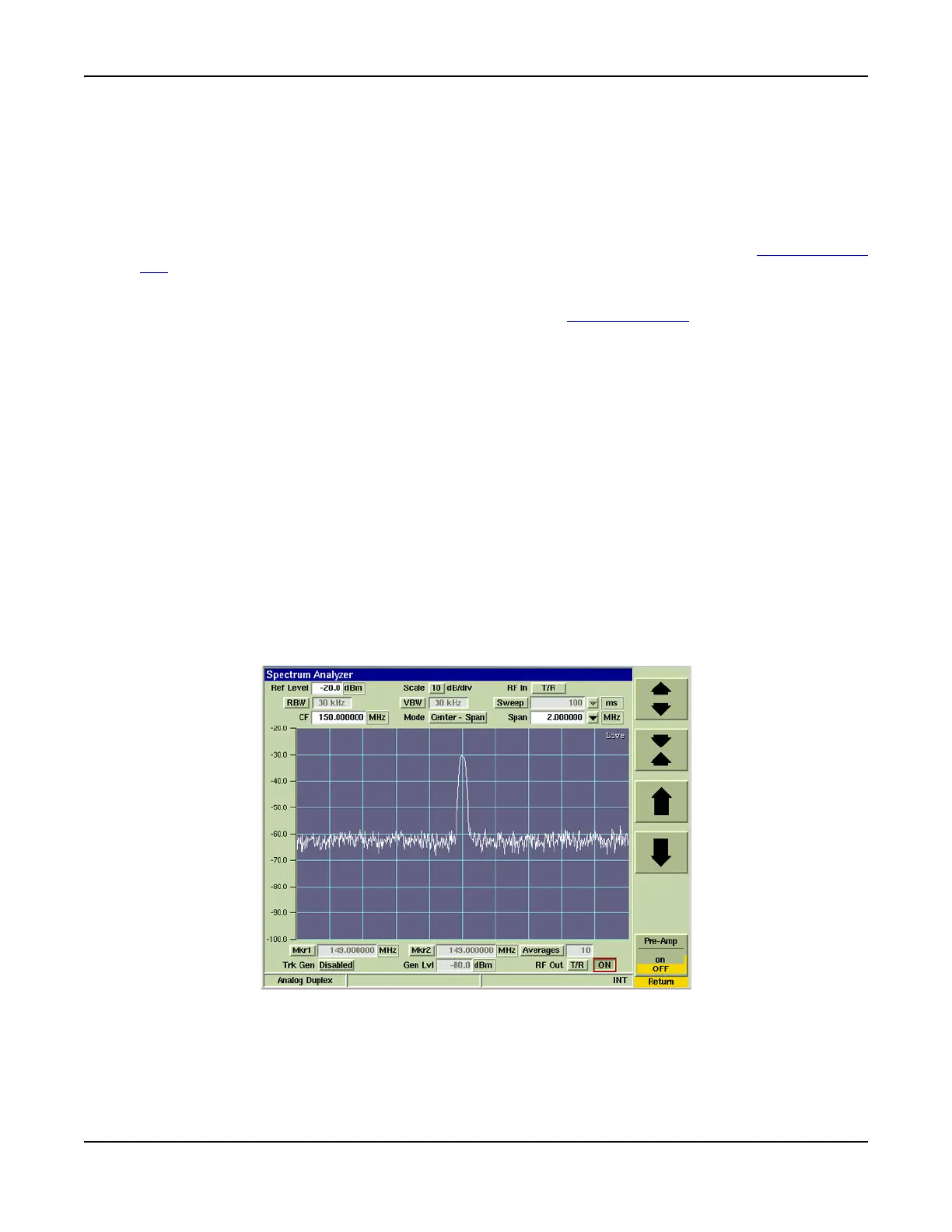
Fig. 7-31 Spectrum Analyzer Vertical Settings Tile













 To Next Page