S331L UG PN: 10580-00321 Rev. M 9-15
System Operations 9-8 System Menu
Status Menu
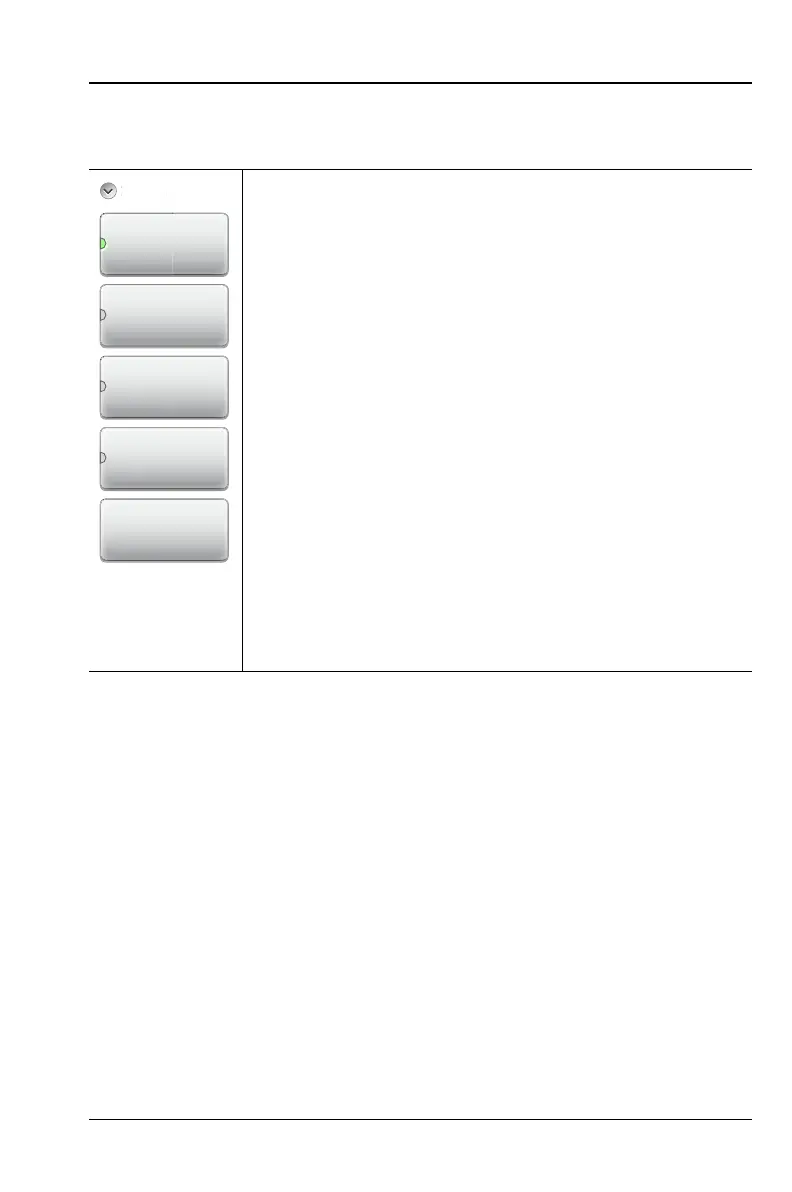
Key Sequence: System (8) > System Info > Status
Status:
Instrument Info: Displays the instrument model,
installed options, serial number, instrument name,
hours of operation, and the number of power cycles.
HW Info: Displays information on main board
temperature (internal temperature), module board
temperature, remaining battery charge, system
voltage, and ID information for various components.
SW Info: Press this submenu key to display the
version of various software components.
Connectivity Info: Press this submenu key to display
the Ethernet IP Address and MAC address of the
instrument.
Save to File: Press Save to File to create a text file of
the instrument status. The file is saved to internal
memory and labeled S331LStatus#X.txt. The .txt
file can be copied to a USB memory device and viewed
on a PC with a text reader or word processor.
Figure 9-12. Status Menu
SW Info
Save To File
HW Info
Instrument Info
Connectivity
Info













 To Next Page