Chapter 4: Running Samples 149
Performing Batch Analysis
Batch analysis allows you to automatically advance through a selected set of tube
data when using a global worksheet.
Do the following to set up batch analysis:
1 Verify that the global worksheet you will be using for analysis is displayed
in the worksheet window.
2 Right-click the specimen to analyze in the Browser and select Batch
Analysis.
Only tubes under the selected specimen will be processed. Tubes without
data are skipped during a batch analysis.
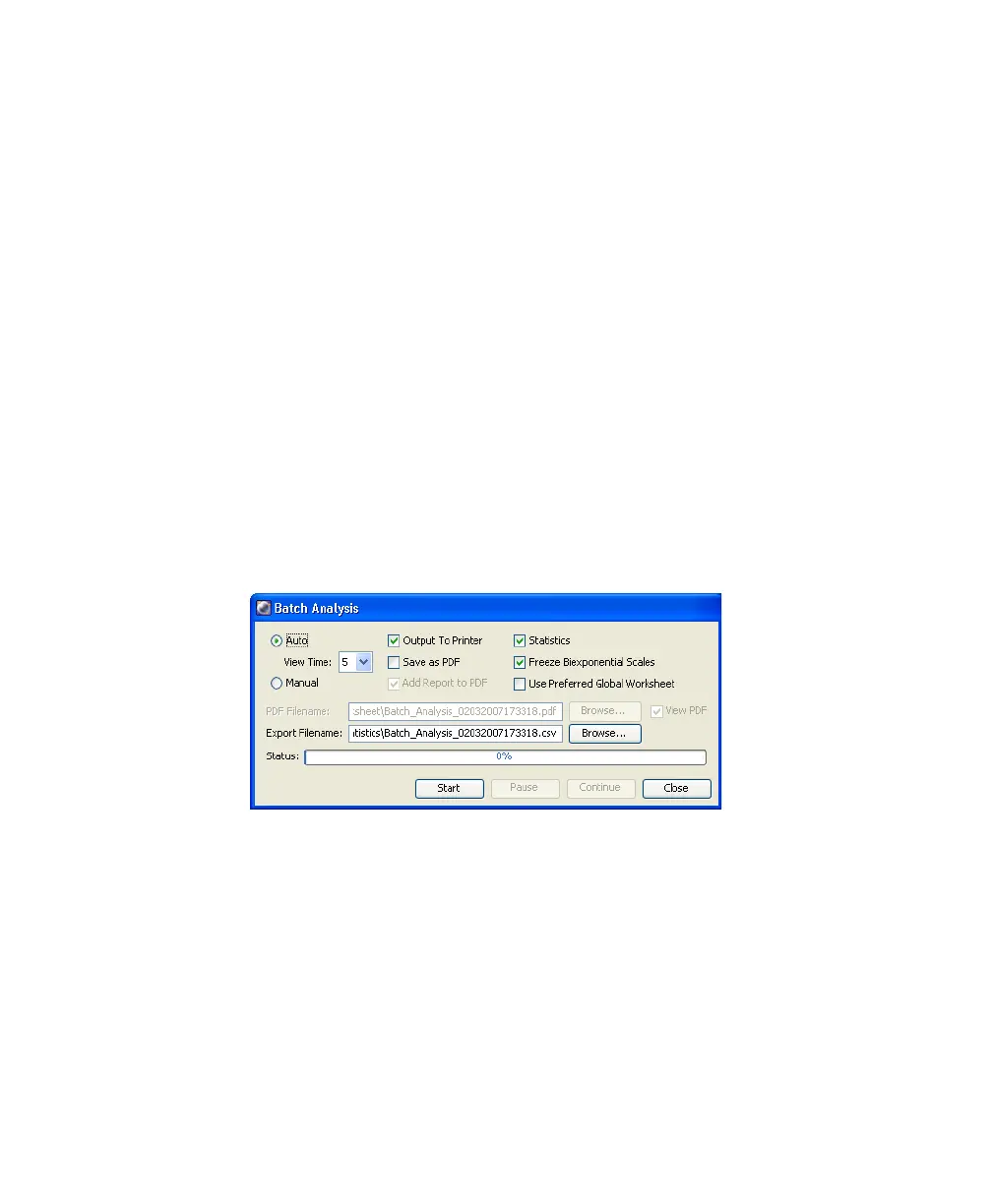
The Batch Analysis dialog appears.
3 Do the following in the Batch Analysis dialog:
• Select Auto to analyze all the files without user intervention.
• Select 5 from the View Time menu to pause the analysis for 5 seconds
after each tube is loaded.
• Select the Output to Printer checkbox to print a copy of the analysis
after the data for each tube is loaded.



 To Next Page