Chapter 5: Sorting 165
Examples of gating analysis can be found in Analyzing Data on page 146
and in Getting Started with BD FACSDiva Software.
NOTE Gates drawn on a biexponential scale can be used for sorting;
however, the cytometer will sort on a log scale. Therefore, a gate that
crosses the zero boundaries will sort all events below zero into that gated
population. This can cause a variance between the sort results and the
statistical results in the software.
NOTE Snap-To gates cannot be used for sort gates.
Setting Up the Experiment
Tip When more than one drop is deflected in the same direction, residual charge
from the first drop degrades the quality of the side streams. Thus, when four-way
sorting or sorting into small wells where precise deflection is required, use the 4-
Way Purity mode or select a mode with a Yield Mask of zero. For more
information, see Yield Mask on page 71.
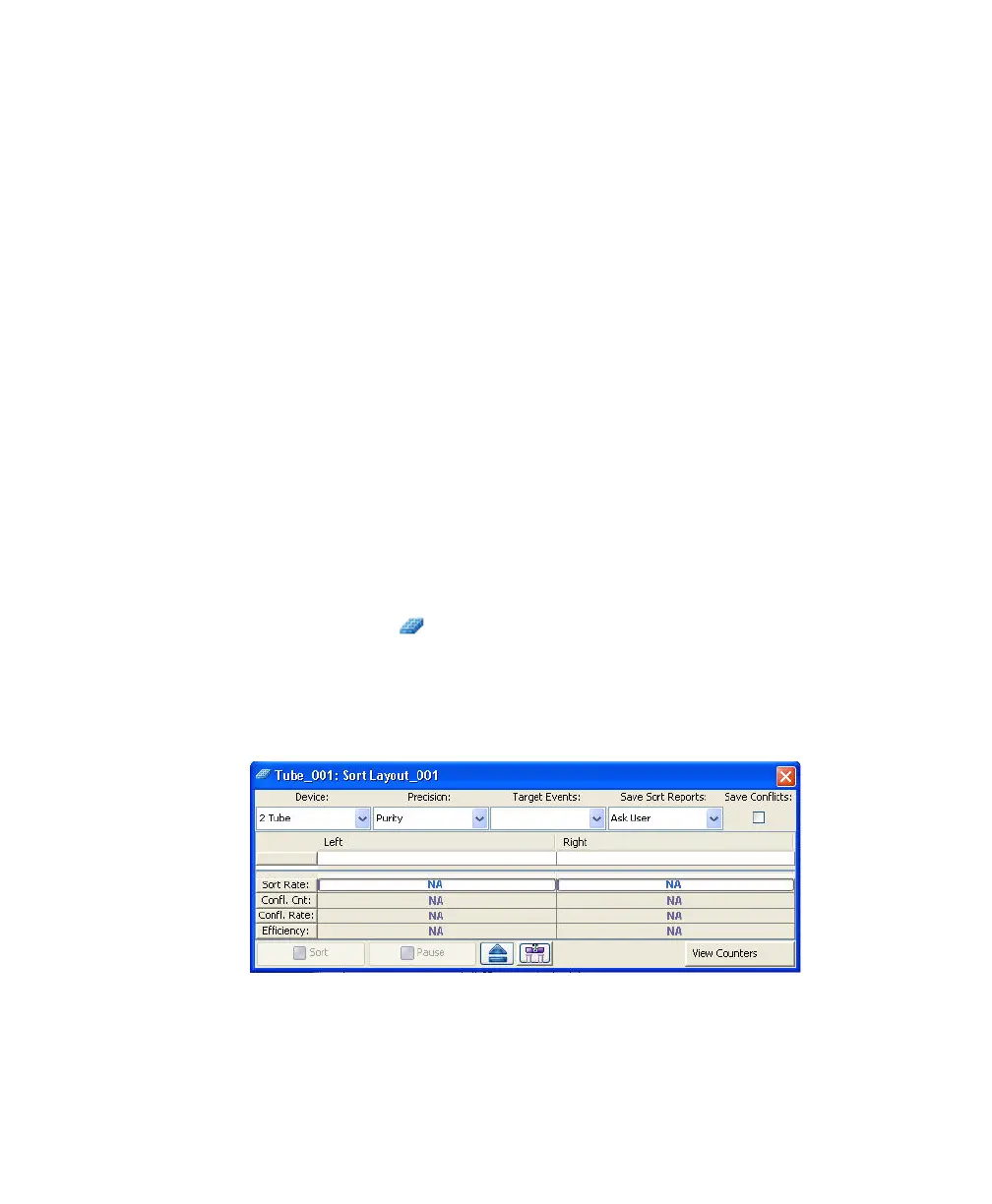
1 Create a new sort layout by clicking the New Sort Layout button on the
Browser toolbar ( ).
By default, the 2-Tube Sort Layout appears.
2 Make appropriate entries in the Sort Layout window.
• Select the collection device from the Device menu.



 To Next Page