108 BD FACSAria User’s Guide
Cytometer Startup
Follow these steps to start up your BD FACSAria cytometer.
1 Start up the workstation.
2 Open the flow cell access door.
The door is equipped with a laser interlock that blocks laser light when the
door is open. Leave the flow cell access door open until you turn on the
stream.
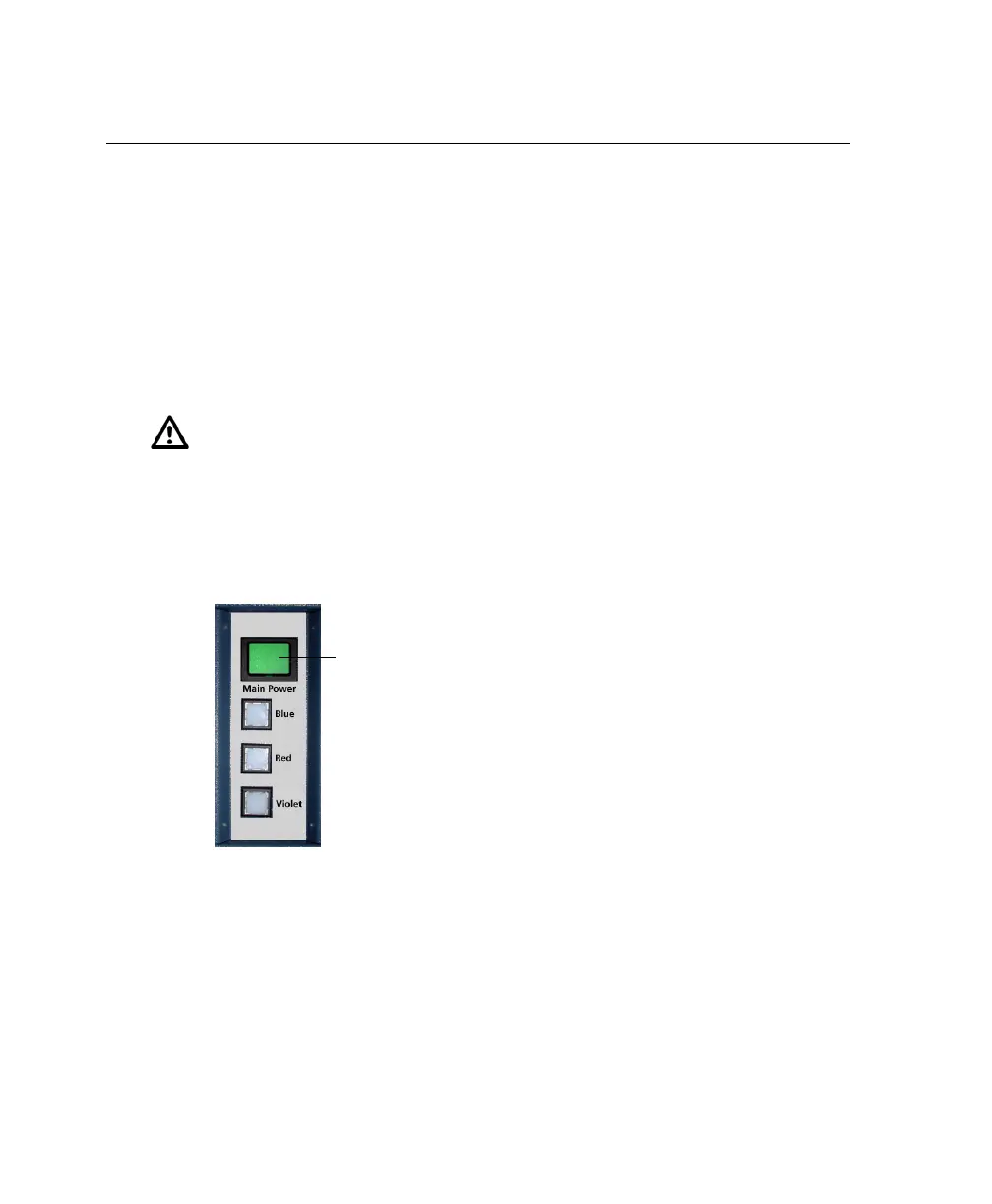
3 Turn on the cytometer main power.
Figure 4-1 Power panel
If the cytometer was just shut down, wait until the system is fully
depressurized (stops hissing) before you turn on the main power.
4 Turn on the lasers. Wait 30 minutes for them to warm up.
To turn on a laser, press the corresponding laser power button on the
power panel (Figure 4-1).
Do not allow the lasers to contact the cuvette flow cell before you activate
the stream. Running the lasers without activating the stream can degrade
the performance of the cuvette flow cell.
main power



 To Next Page