180 BD FACSAria User’s Guide
9 Turn off the cytometer main power. Quit BD FACSDiva software and shut
down the computer.
During shutdown, you will normally hear a hiss, which is caused by
condensed water discharging from the fluidics cart pumps.
10 (Optional) Remove the nozzle and allow it to air dry.
External Cleaning
To keep the system free from salt buildup, wipe down all cytometer surfaces that
have been exposed to sheath fluid. Clean surfaces with a cloth dampened with a
10% bleach solution, followed by DI water.
The following surfaces should be inspected and cleaned when necessary:
• inside the sort block
• deflection plates
Turn off power to the cytometer at least once a day. If your laboratory runs
the cytometer continuously and does not shut down at the end of the day,
switch on the Auxiliary Air Supply for 15 seconds every 8 hours (every 4
hours in an extremely humid climate). Doing this empties the cart
condensation trap and prevents excess moisture from overflowing the trap
or causing cart damage.
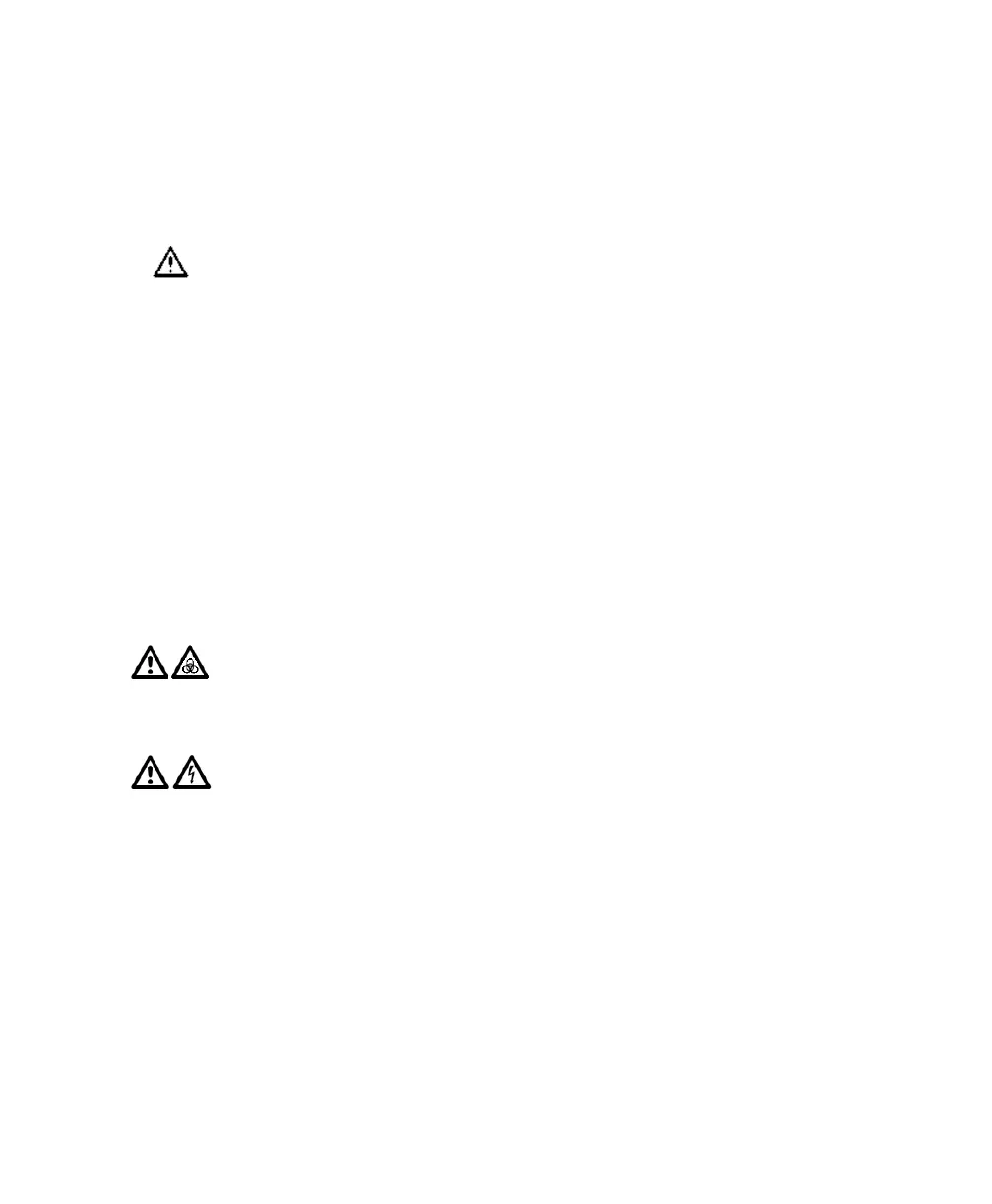
All cytometer surfaces that come in contact with biological specimens can
transmit potentially fatal disease. Use universal precautions when cleaning
cytometer surfaces. Wear suitable protective clothing and gloves.
To prevent shock, turn off the plate voltage before cleaning on or around
the deflection plates. To prevent arcing (sparking), make sure the plates are
completely dry before you turn the plate voltage back on.



 To Next Page