Chapter 3: Using BD FACSDiva Software 81
Cytometer Controls
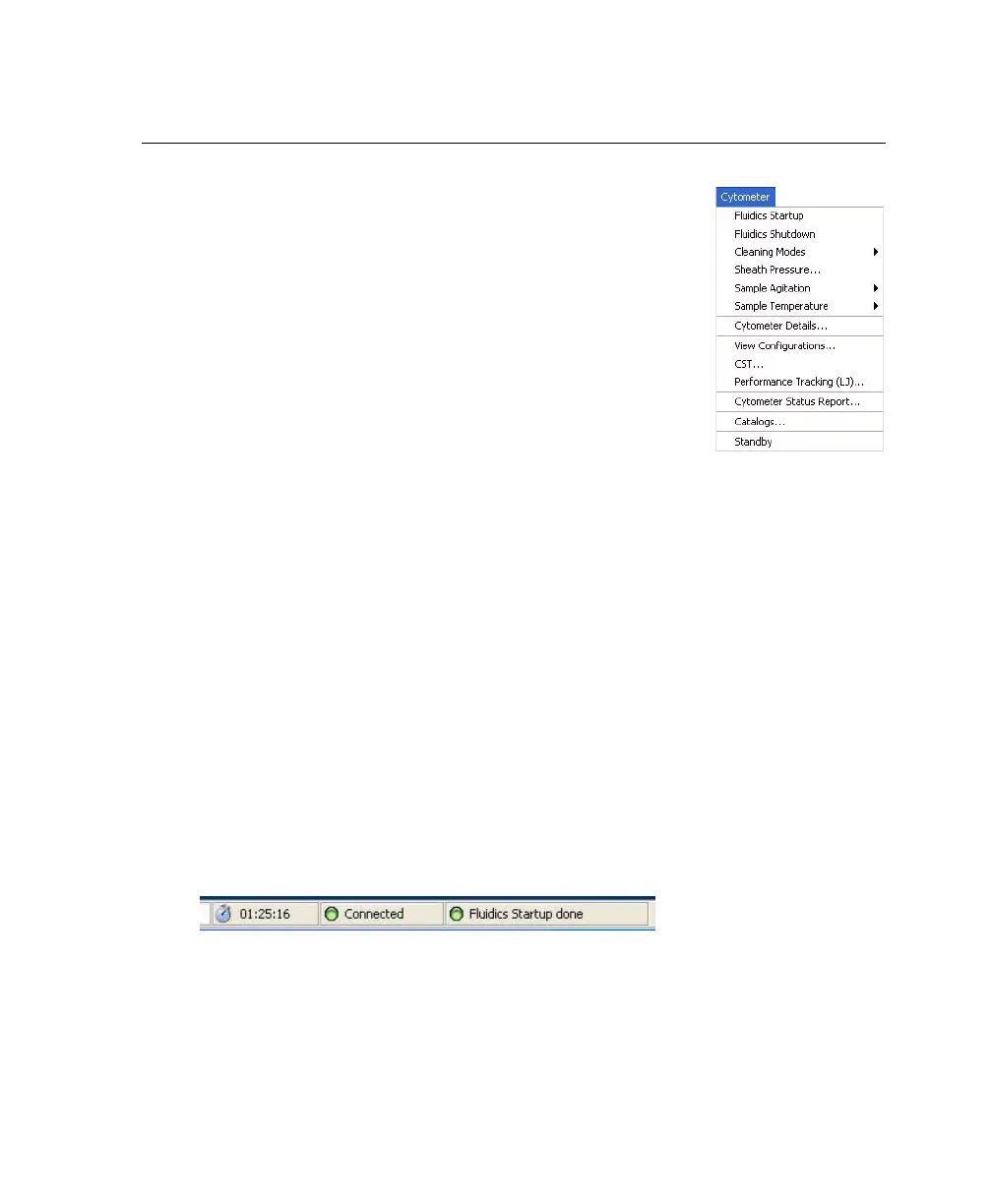
Most BD FACSAria-specific cytometer controls are
accessed through the Cytometer menu. Controls on the
Cytometer menu are described in the following sections:
• Fluidics Controls on page 81
• Cytometer Configuration on page 86
• Cytometer Status Report on page 89
The Cytometer Details and the Catalogs menu commands
are described in the BD FACSDiva Software Reference
Manual. Additional cytometer controls are located in the
Acquisition Dashboard. See Acquisition Controls on page 91.
Fluidics Controls
Fluidics control of the BD FACSAria cytometer is completely automated by
BD FACSDiva software. The software contains pre-programmed fluidics
protocols that are activated by choosing the corresponding menu command from
the Cytometer menu. In addition, fluidics level indicators are available in the
Cytometer window. See Fluidics Level Indicators on page 84.
Fluidics Startup
During fluidics startup, waste and sheath levels are verified and the fluidics
system is primed with sheath solution. The fluidics status is displayed at the
bottom of the main window.
See Cytometer Startup on page 108 for more information.



 To Next Page