162 BD FACSAria User’s Guide
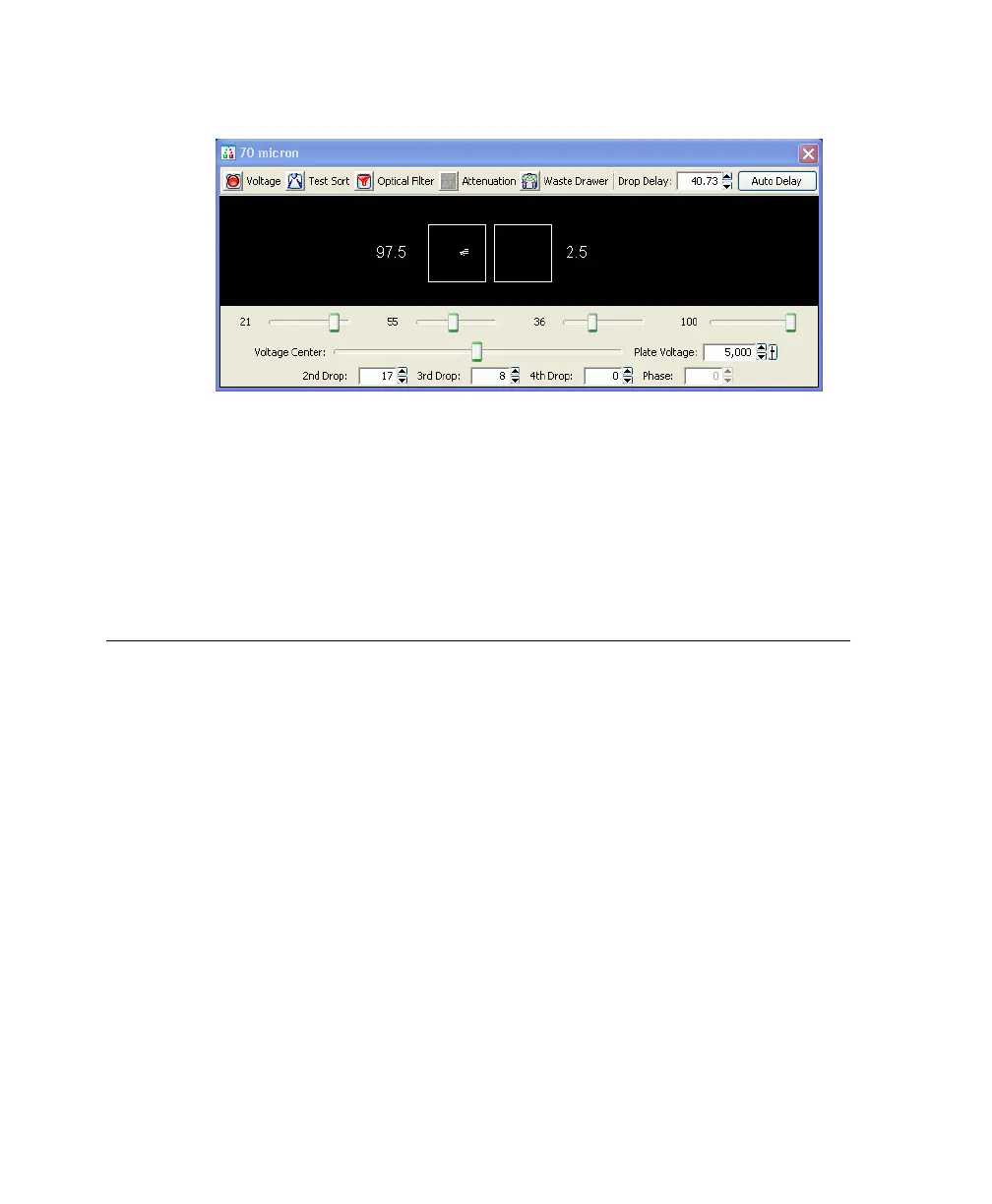
Figure 5-4 Sorting Accudrop beads in Fine-Tune mode
12 Click the Optical Filter control to move the emission filter away from the
camera.
13 Reset the window extension to its original setting (typically, 2).
14 Turn off the deflection plates.
Determining the Drop Delay - Automatic Method
The Auto Drop Delay feature automates setting the drop delay to get optimized
results from sorting. You should use this method after you have a good
understanding of how drop delay works in general. See Sorting Beads to
Determine the Drop Delay on page 159 for more information.
Overview of Auto Drop Delay
Auto Drop Delay works best when the sort system is stable and assumes that
Accudrop beads are used. When the process is started, the auto drop algorithm
uses several passes to find best drop delay possible under the system’s current
conditions. Coarse passes are used to find initial drop delay within 2 drops of the
ideal. The coarse passes are faster than fine-tune passes. Fine-tune passes are used
to locate the drop delay value that is ideal under current conditions.



 To Next Page