Chapter 4: Running Samples 139
Since the application settings have already been optimized for your sample,
the cytometer settings should require little or no adjustment.
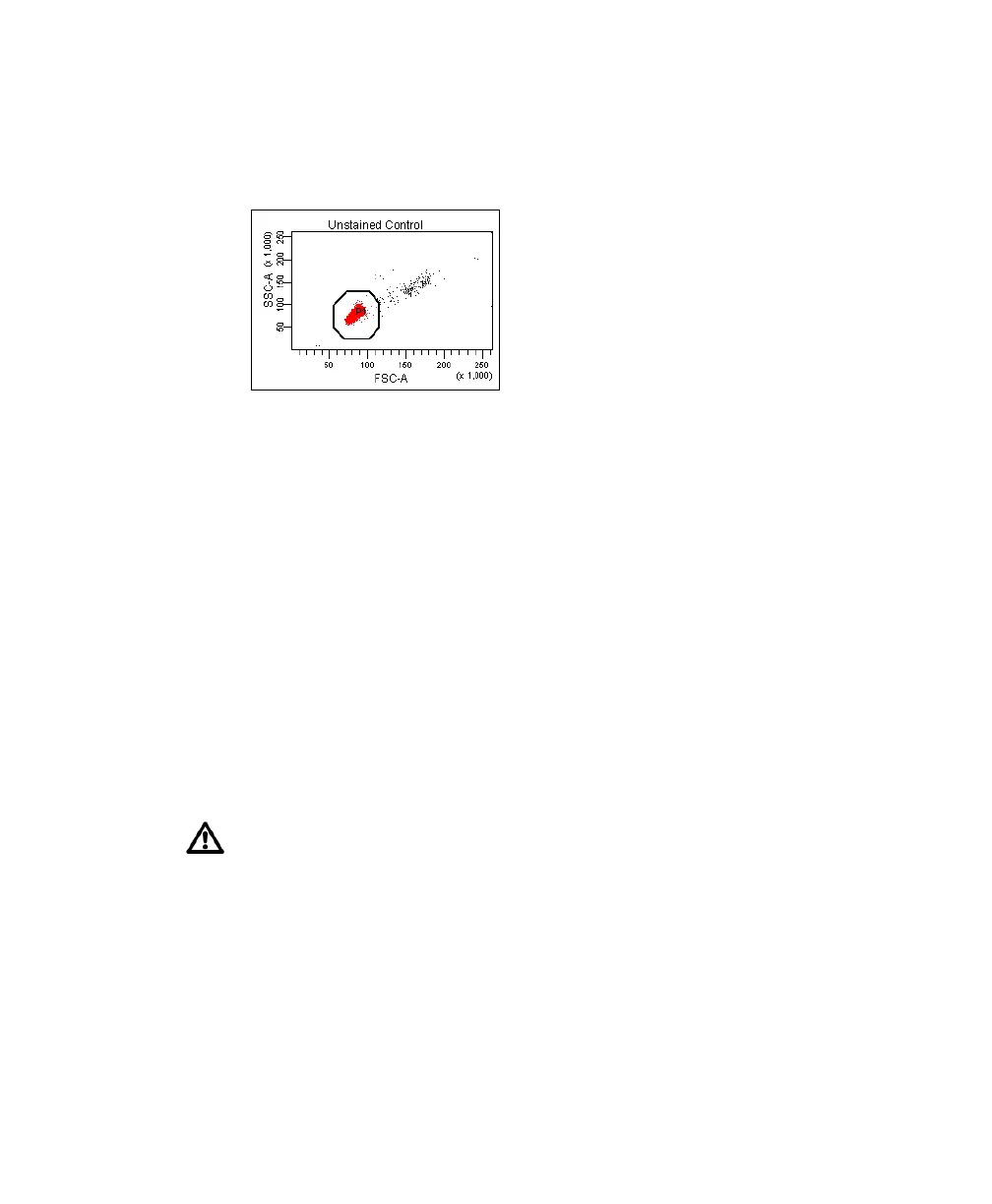
Figure 4-12 Voltages adjusted
5 Click the Threshold tab and adjust the FSC threshold, if needed.
Set the threshold to remove most of the debris without cutting off the
singlet population (Figure 4-12).
6 Adjust the P1 gate to surround only the singlets (Figure 4-12).
7 Right-click the P1 gate and select Apply to All Compensation Controls.
The P1 gate on each Stained Control worksheet is updated with your
changes.
8 Click Record Data.
9 When recording is finished, click Unload and remove the unstained control
tube from the cytometer.
10 Install the next tube onto the cytometer and repeat steps 8 and 9 until data
for all stained control tubes has been recorded.
Do not change the PMT voltages after the first compensation control has
been recorded. In order to calculate compensation, all controls must be
recorded with the same PMT voltage settings. If you need to adjust the
PMT voltage for a subsequent compensation control, you will need to
record all compensation controls again.



 To Next Page