70 BD FACSAria User’s Guide
Drop Charging
Drops are charged when an event is detected and meets the defined sorting
criteria, as specified in the Sort Layout window.
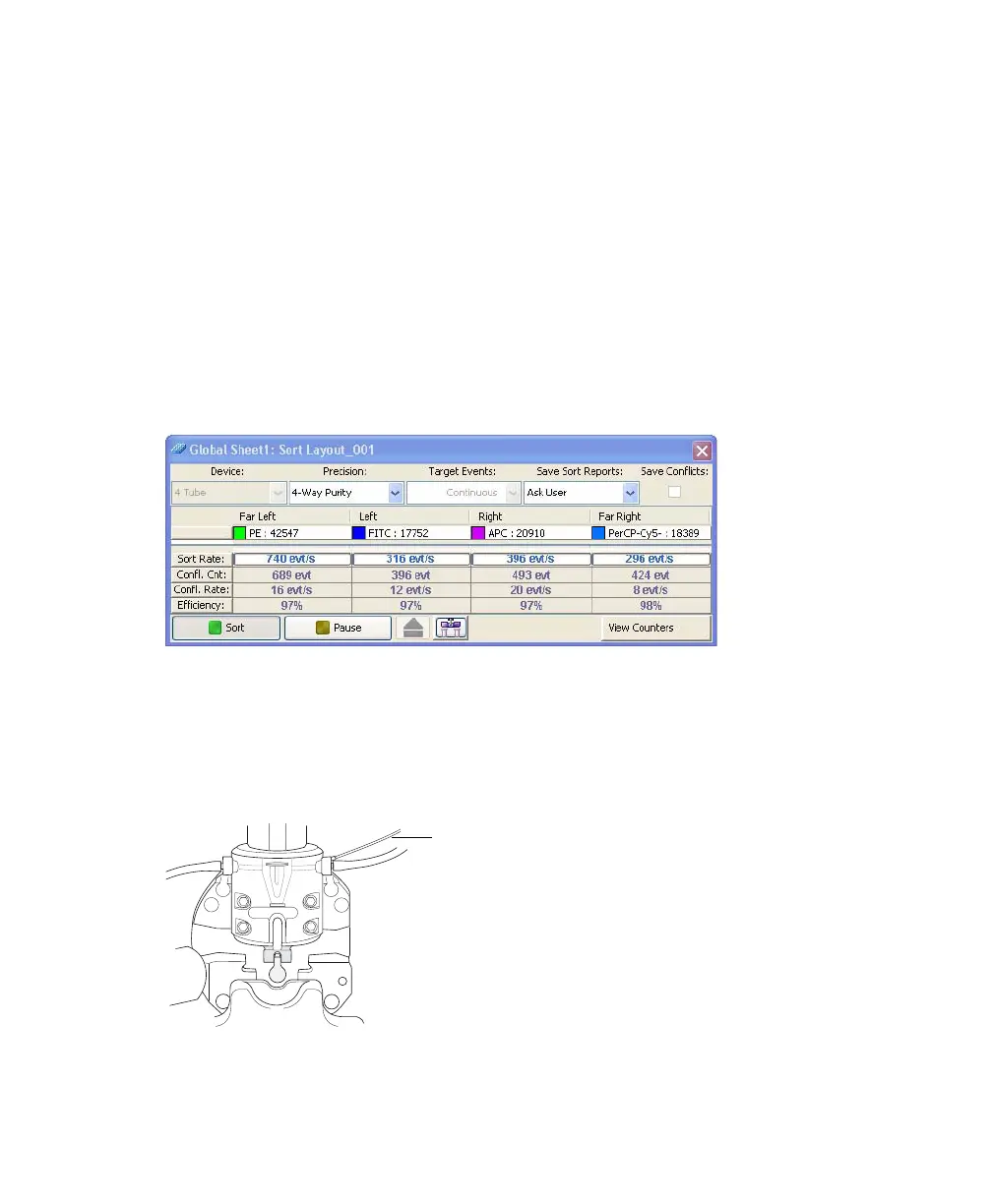
The Sort Layout window contains all sorting instructions and controls
(Figure 2-16). The sort layout designates which device will be used to collect
sorted particles and which particles will be sorted into each sort location. Up to
four sort counters can be displayed in the window to give ongoing status during a
sort. See Sort Layout on page 96 for more information about the Sort Layout
window.
Figure 2-16 Sort layout for a four-way sort
Target events are identified by drawing gates around populations of interest in
plots. The Sort Layout window specifies which gated population should be sorted
into each sort collection tube or spot in a plate or on a slide. During sorting,
when an event is identified within one of the sort gates, the drop containing the
particle of interest is charged via the stream-charging wire in the nozzle.
stream-charging wire



 To Next Page