80 BD FACSAria User’s Guide
Workspace Components
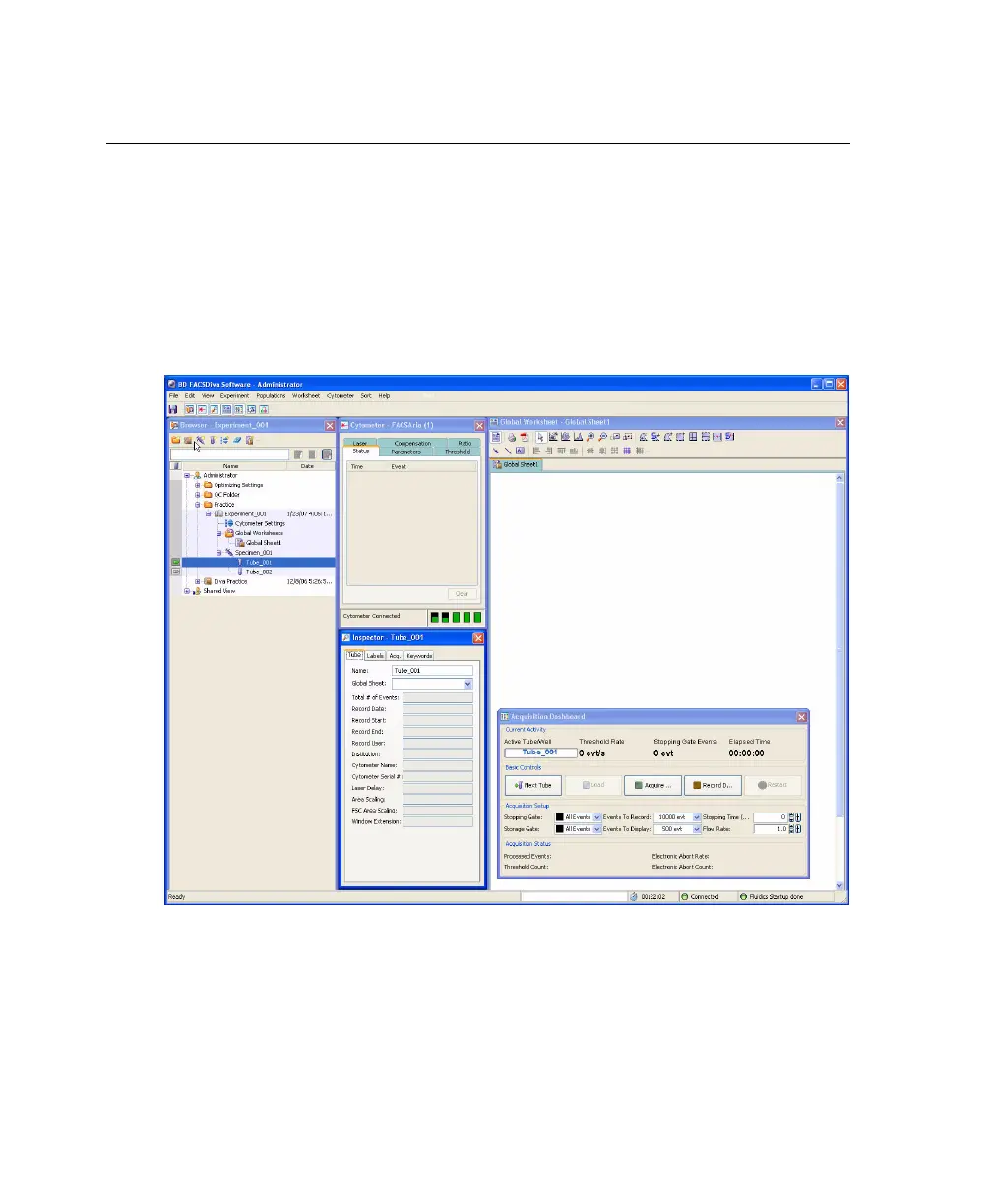
When you start BD FACSDiva software, the workspace appears (Figure 3-1). For
a general overview of the workspace and to get started using the software, refer
to Getting Started with BD FACSDiva Software. When running BD FACSDiva
with the BD FACSAria, two additional windows can be displayed by clicking the
Sorting button on the Workspace toolbar. See Sorting Controls on page 92 for a
description.
Figure 3-1 BD FACSDiva workspace



 To Next Page