Chapter 4: Running Samples 113
Refilling Containers
You can refill a container directly on the fluidics cart without detaching any lines,
or you can remove the container for refilling. Note that during operation, you
can add fluid to a container through the large cap without any interruption to
your experiment, but if you detach any lines, you will need to prime the system.
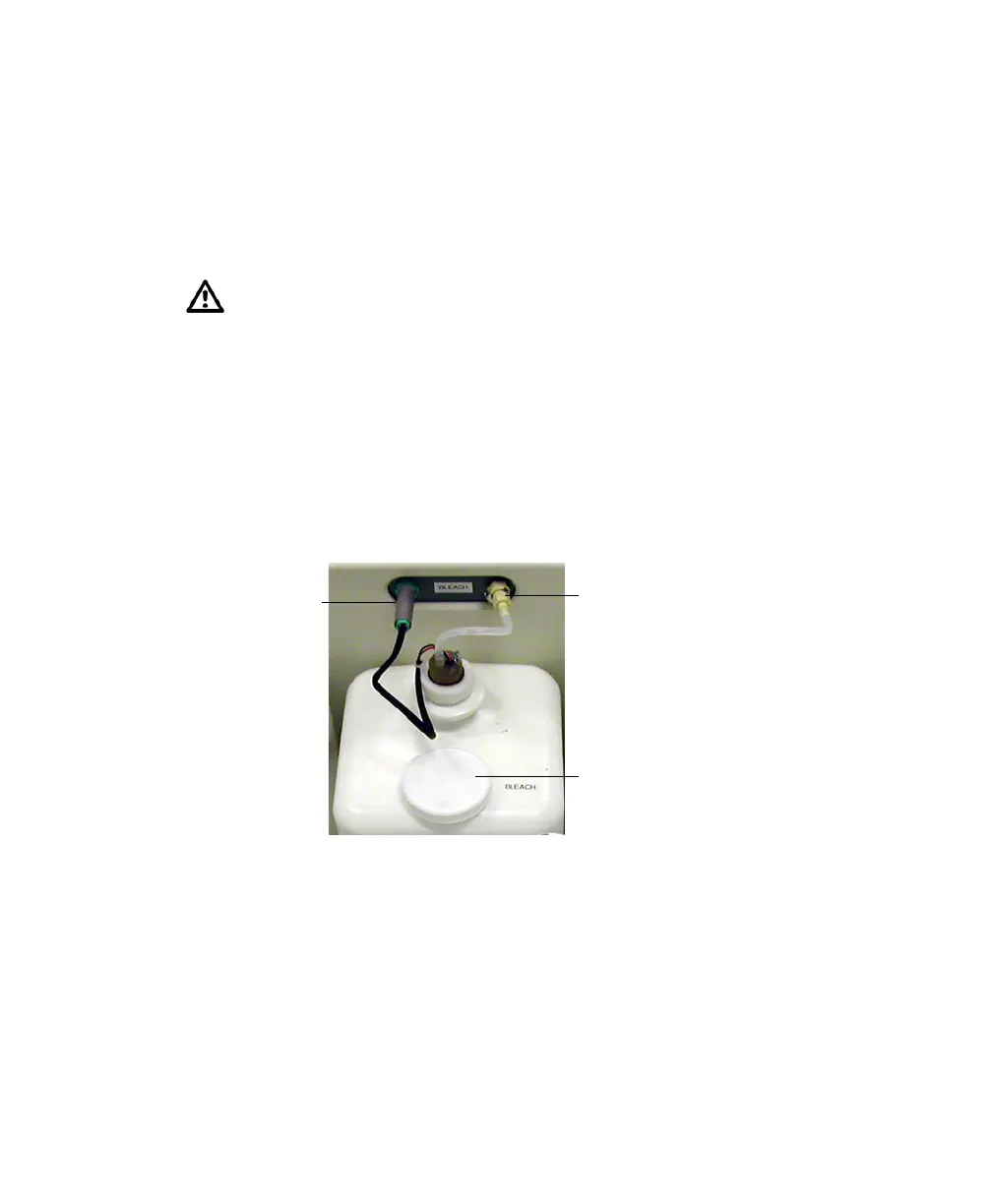
1 (Optional) Disconnect the container’s sensor and quick-release connector if
you need to move the container (Figure 4-2).
If you do not need to move the container, skip to step 2.
Figure 4-2 Fluidics container lines
2 Remove the large-sized cap from the container (Figure 4-2).
3 Fill the container with the fluid indicated on the container label.
4 Replace the container cap and hand-tighten it until it is fully closed.
If the cytometer is run until the sheath supply is depleted, air will
accumulate in the bubble filter. Purge the filter as described in Purging the
Bubble Filter on page 214. If you are unable to remove all of the air, replace
the bubble filter as described in Changing the Bubble Filter on page 203.
quick-release
sensor
connector
large-sized
cap



 To Next Page