112 BD FACSAria User’s Guide
Setting Up the Fluidics Cart
Tip Check the fluid levels in the sheath and waste containers every time you use
the cytometer. This ensures that you will not run out of sheath fluid during an
experiment and that the waste container will not overflow. Fluidics level
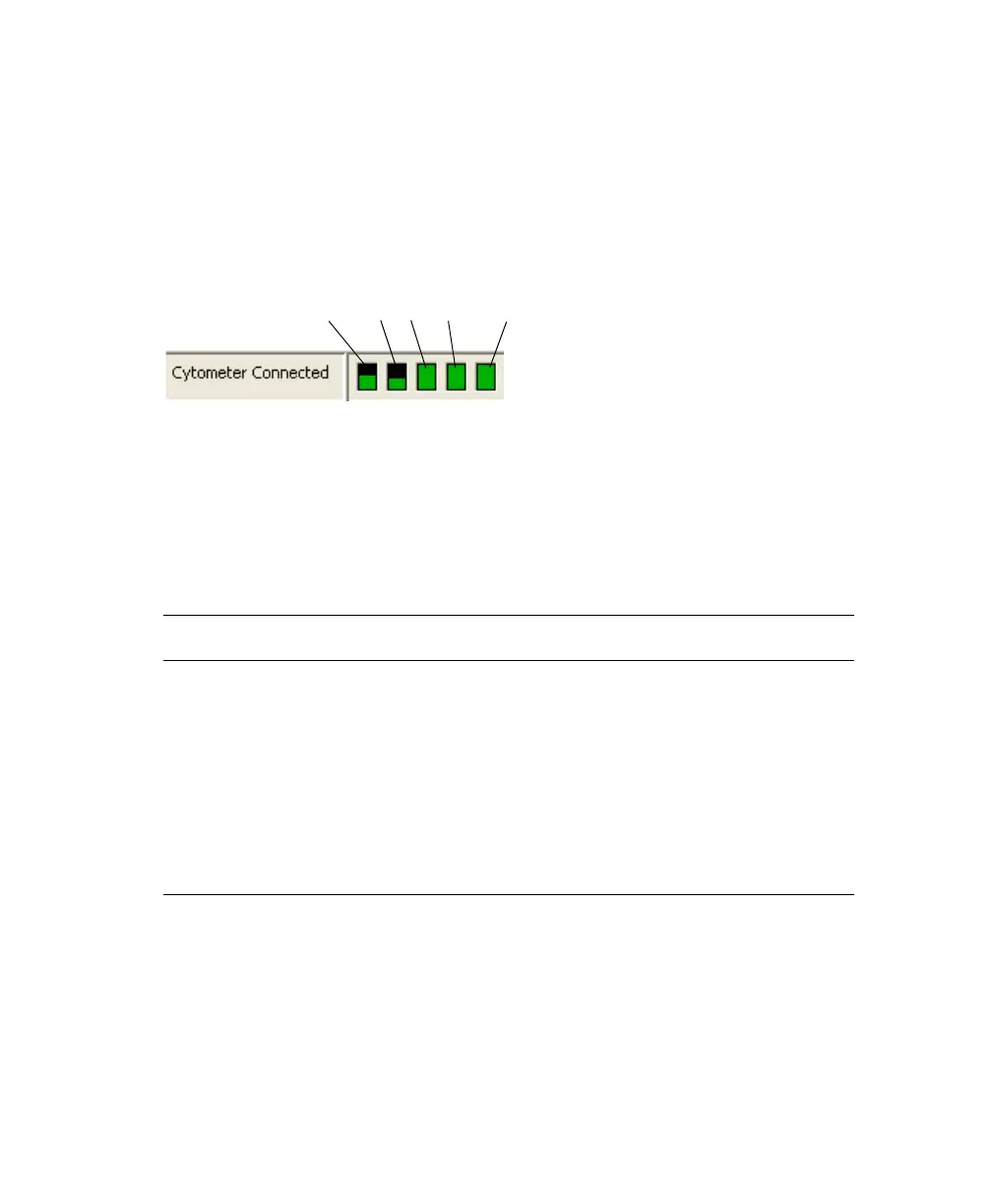
indicators are shown in the Cytometer window in BD FACSDiva software.
If a fluidics container is running low, refill it with the fluid indicated on the
container label. For best results, fill the containers only with the fluids shown in
Table 4-1. For ordering information, see Reagents on page 247.
For instructions on emptying the waste, see page 114.
Table 4-1 Recommended fluids
Container Compatible Fluids Capacity
Sheath
a
a. Users should select solutions that are compatible with their specific samples and experiments.
• BD FACSFlow™ solution (non-sterile)
• 1X phosphate-buffered saline (PBS), with or without
preservatives
Two 10-L
containers or one
20-L cubitainer
Bleach • 10% household bleach (0.5% sodium hypochlorite)
• BD™ FACSClean solution
5 L
DI Deionized water 5 L
Ethanol 70% solution diluted in DI or laboratory-grade water 5 L
ethanol
bleachDIwaste
sheath
Note: Roll the mouse pointer over
fluid indicators to see contents.



 To Next Page