150 BD FACSAria User’s Guide
• Select the Statistics checkbox to export the statistics to a separate file,
then enter a name for the statistics file. By default, the file is saved in
D:\BDExport\Statistics.
• Select the Freeze Biexponential Scales checkbox to process all files with
the same biexponential scales.
• Clear the Use Preferred Global Worksheet checkbox to display analyses
of tubes within the same global worksheets. This option is useful for
analyzing panels that require a separate global worksheet for each
tube.
4 Click Start to begin the analysis.
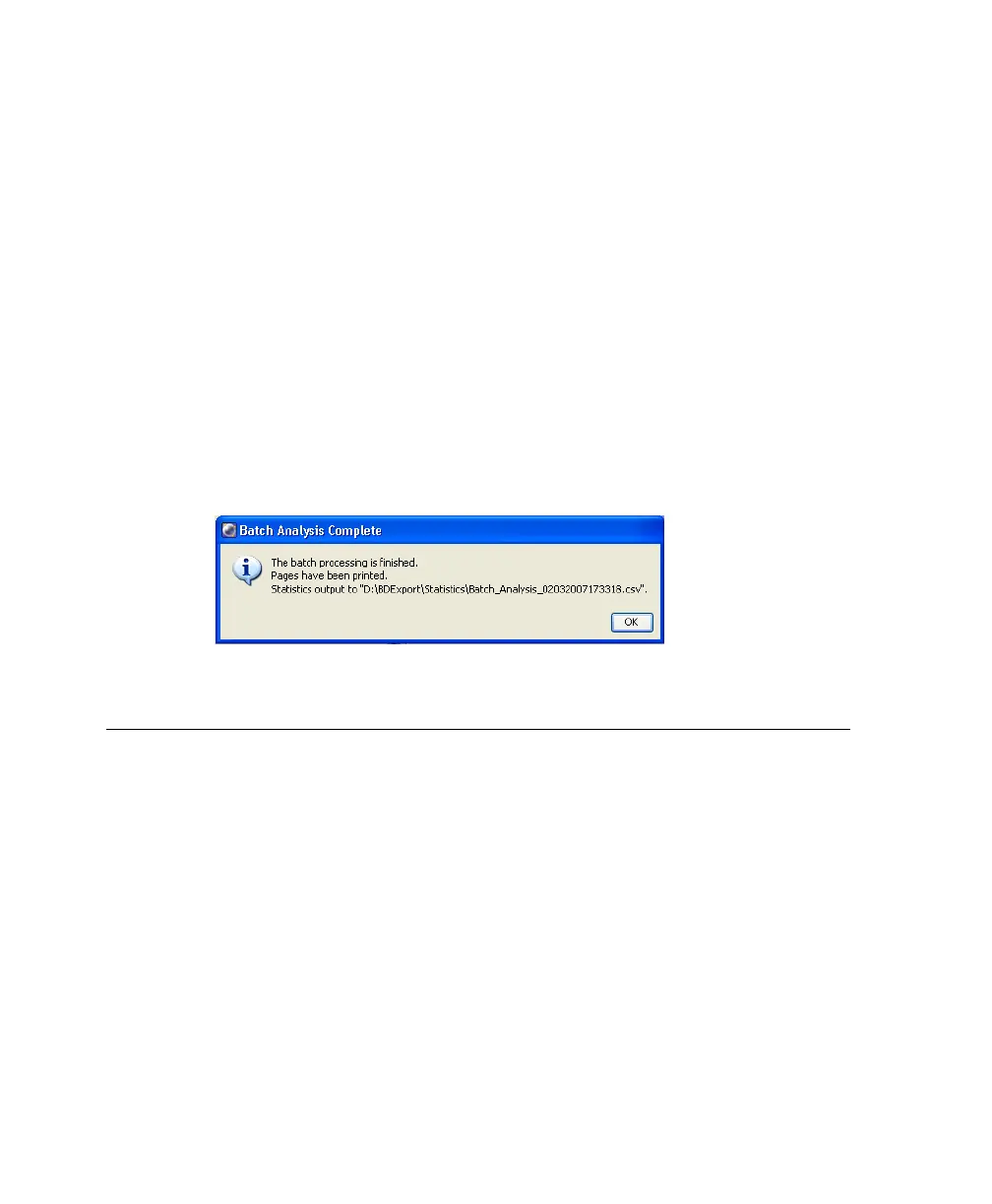
5 When the process is finished, a message similar to Figure 4-17 displays.
Figure 4-17 Batch analysis complete
Sample QC Log
A sample QC log is provided on the following page. This log can be photocopied
or used as a guide in designing your own QC log.



 To Next Page