136 BD FACSAria User’s Guide
For experiments where you do not need to distinguish singlets from
doublets, you can start with a default experiment or a template of your
choice.
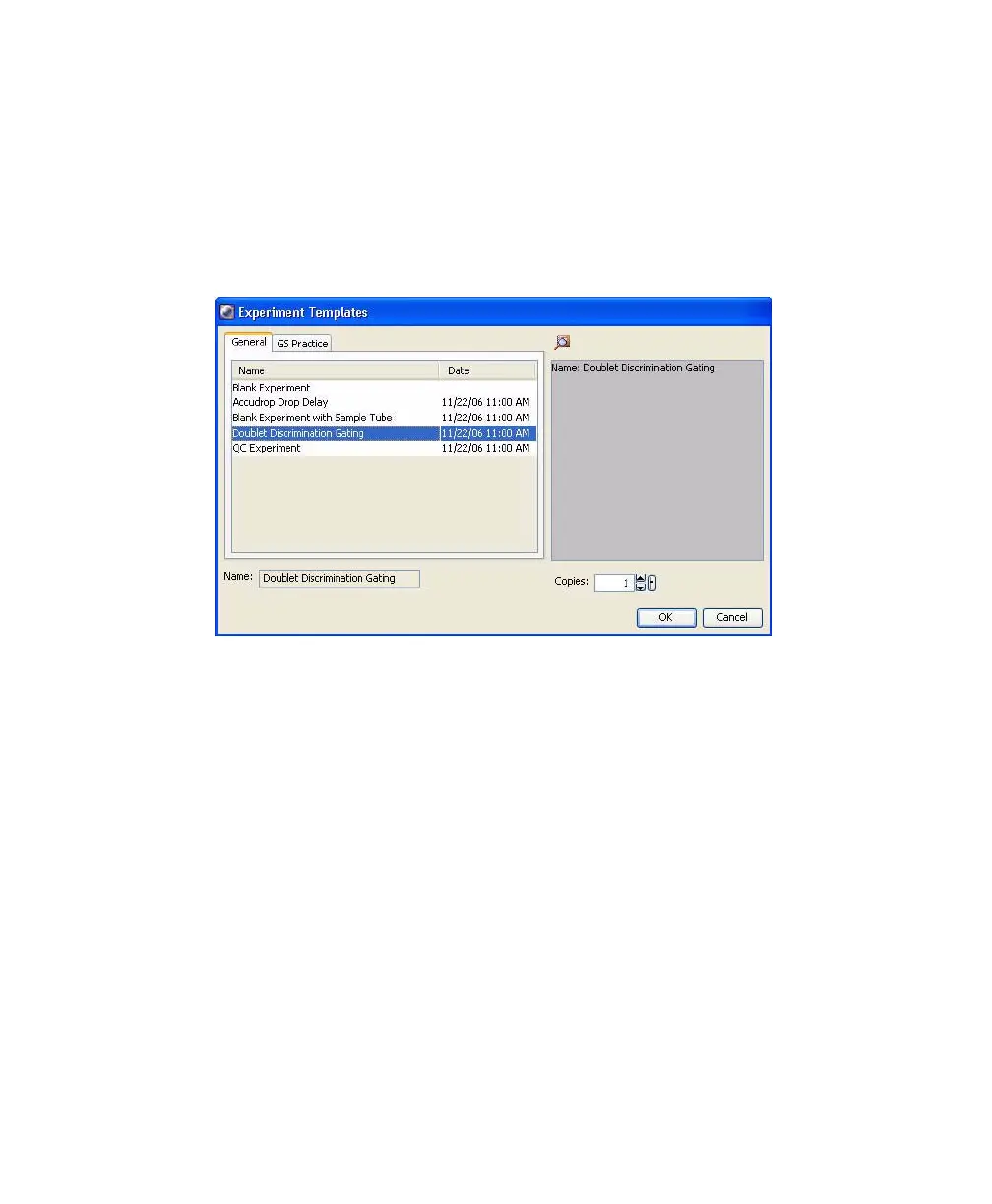
To use the template, select Experiment > New Experiment and select the
Doublet Discrimination Gating template. Click OK to add a copy of the
template to the Browser.
6 Rename the experiment appropriately, such as 4-Color experiment.
7 Right-click the experiment level cytometer settings in the Browser and
select Apply Application Settings. See Figure 4-10 on page 137.
Refer to Appendix B for instructions on creating Application Settings.
If you are not using CS&T, you must adjust area scaling and PMT voltages
for your sample.



 To Next Page