Chapter 4: Running Samples 137
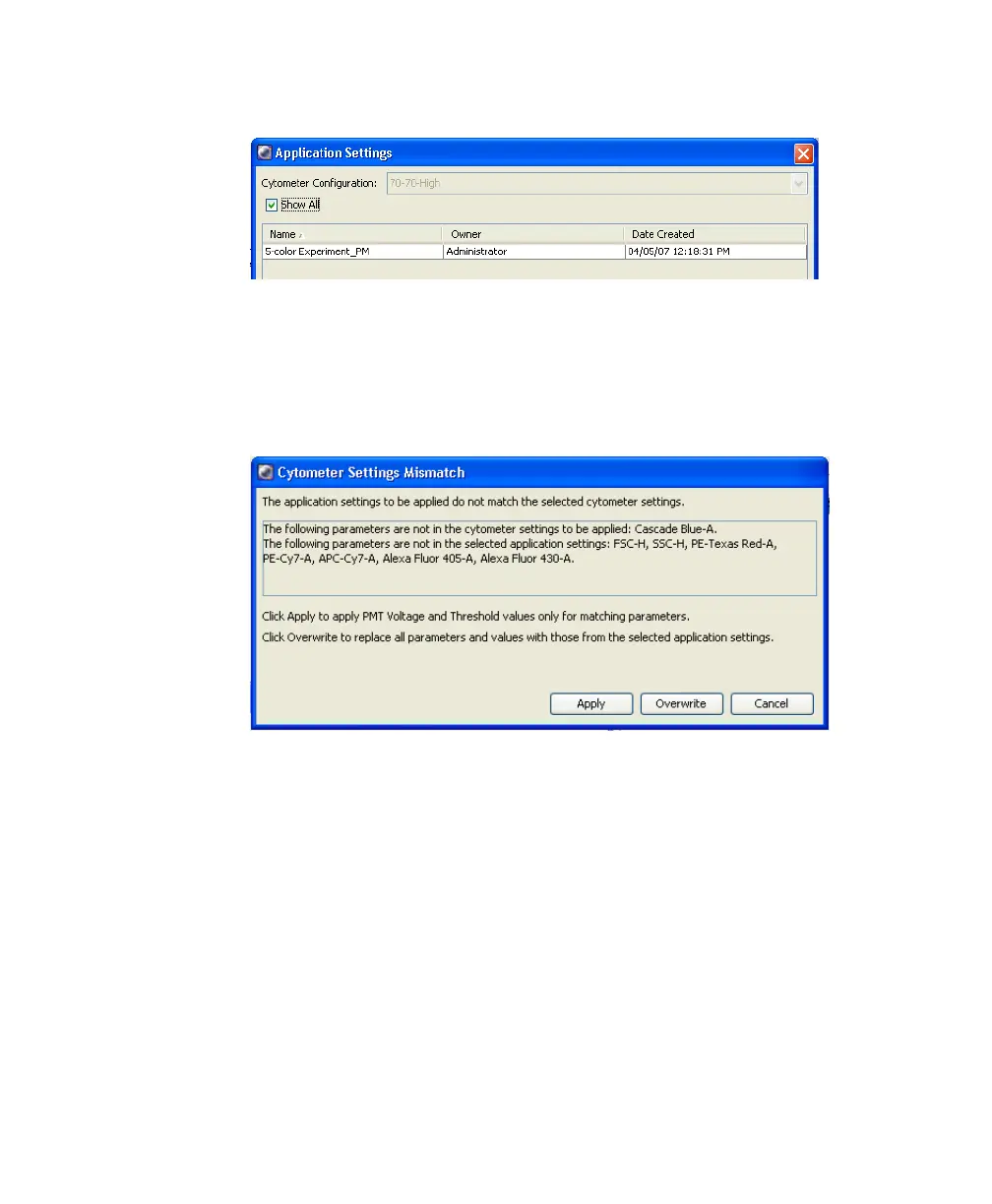
Figure 4-10 Application Settings window
8 Select the application setting for your sample and click Apply.
See Figure 4-11 for a typical error message if there are any mismatches
between the application and cytometer settings.
Figure 4-11 Example mismatch error message
9 Select Experiment > Compensation Setup > Create Compensation
Controls.
The Create Compensation Controls dialog box appears, listing only those
parameters specified in the previous step.
10 Click OK to add the specified controls.
Alternatively, add and define label-specific controls, and then click OK.



 To Next Page