92 BD FACSAria User’s Guide
• Flow Rate—Controls sample flow rate, from 1.0–11.0 (10–120 µL/min).
Do one of the following to change the flow rate:
- Select the value in the field and enter a new value.
- Click the pointer in the slider bar and drag it to a new value.
- Use the mouse to click the up and down arrows or press the arrow keys
on your keyboard to increase or decrease the values in small
increments.
Sorting Controls
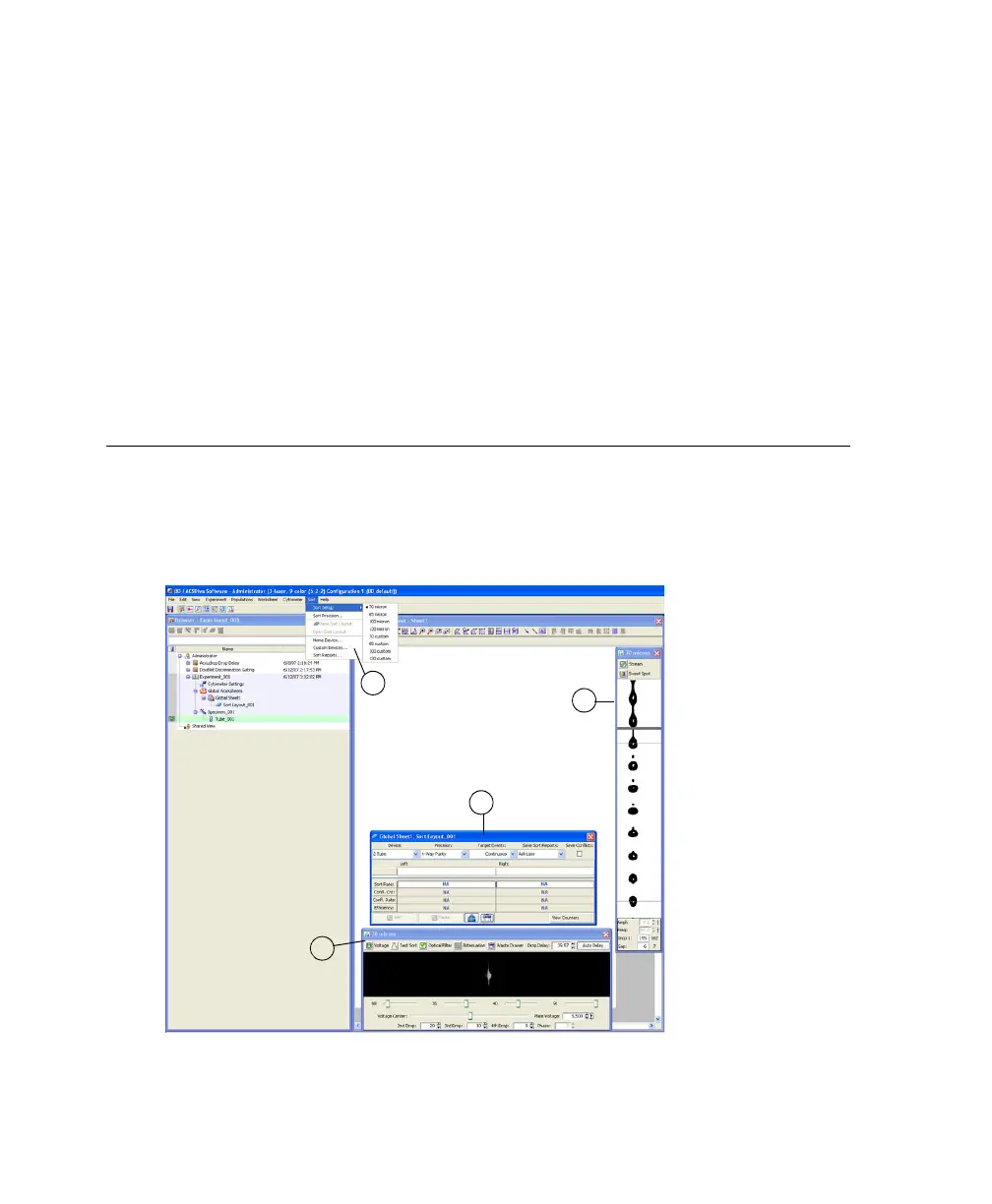
All sorting on the BD FACSAria cytometer is controlled by BD FACSDiva
software. Sorting controls are shown in Figure 3-7.
Figure 3-7 BD FACSDiva sorting controls
1
2
3
4



 To Next Page