Chapter 3: Using BD FACSDiva Software 93
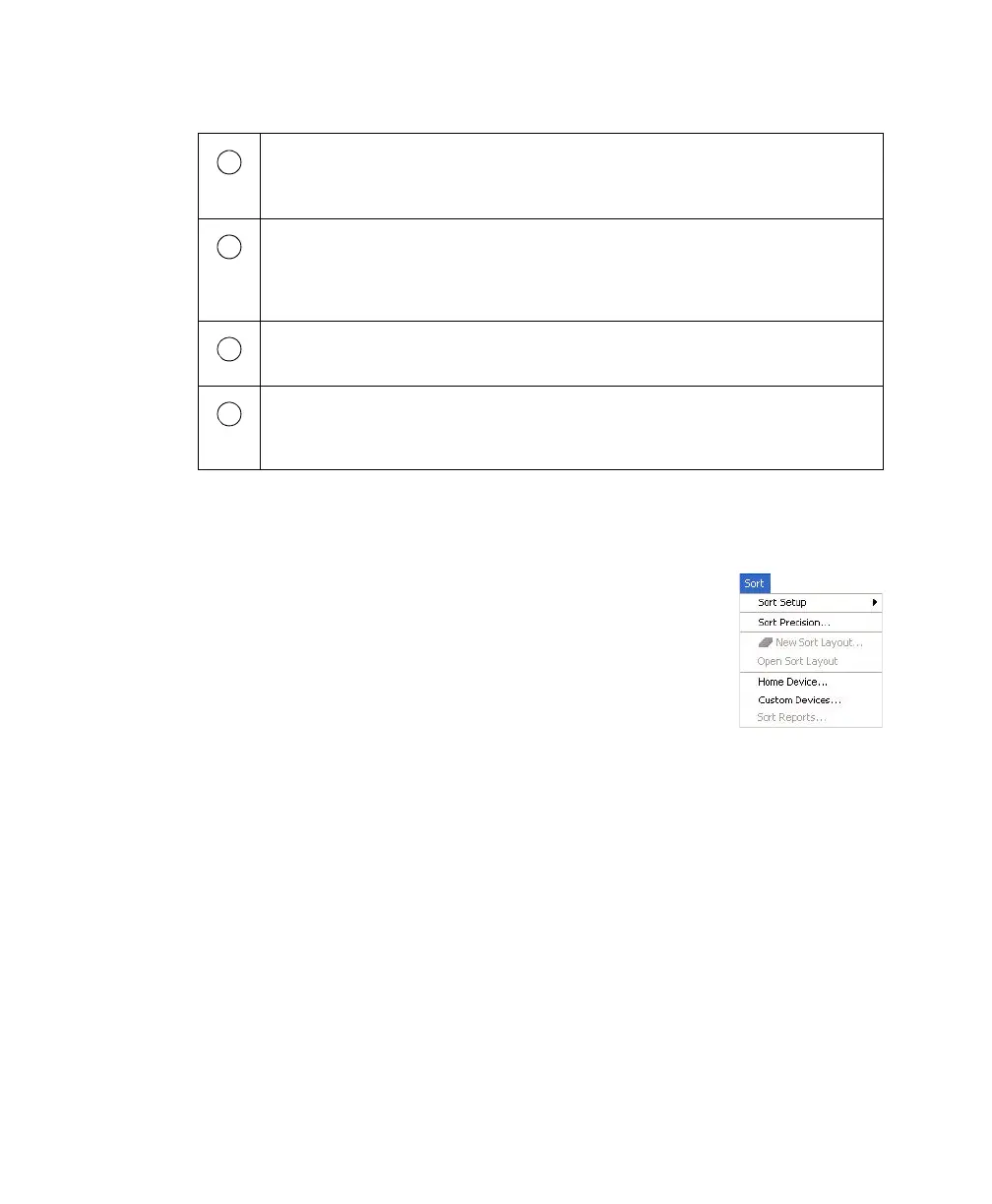
Sort Menu
Choose commands in the Sort menu for the following.
• Sort Setup—Downloads the most recently used settings
for sorting. See Sort Setup on page 94.
• Sort Precision—Opens a dialog box where you can
choose or define a sort precision mode for handling
sorting conflicts. See Conflict Resolution During Sorting
on page 71.
• New Sort Layout—Opens the default 2-Tube Sort Layout window where
other sort layouts can be chosen. See Sort Layout on page 96. (Note that
clicking the Sort Layout button on the Browser toolbar performs the same
function.)
• Open Sort Layout—Opens an existing sort layout. A sort layout must be
selected in the Browser for this menu command to be enabled.
Alternatively, double-click any sort layout to open it.
The Sort menu provides access to sort setup and sort precision modes, sort
layouts, sort reports, and sort devices used with the automated cell deposition
unit (ACDU). See Sort Menu on page 93.
The Sort Layout window designates which device will be used to collect sorted
particles and which particles will be sorted into each sort location. Sorting
controls and counters are also displayed in the window. See Sort Layout on
page 96.
The Breakoff window displays an image of the stream and contains controls to
adjust drop formation. See Drop Formation on page 63.
The Side Stream window displays an image of the side streams, and contains
controls to adjust electrical charges and the drop delay. See Side Stream
Formation on page 67.
1
2
3
4



 To Next Page