164 BD FACSAria User’s Guide
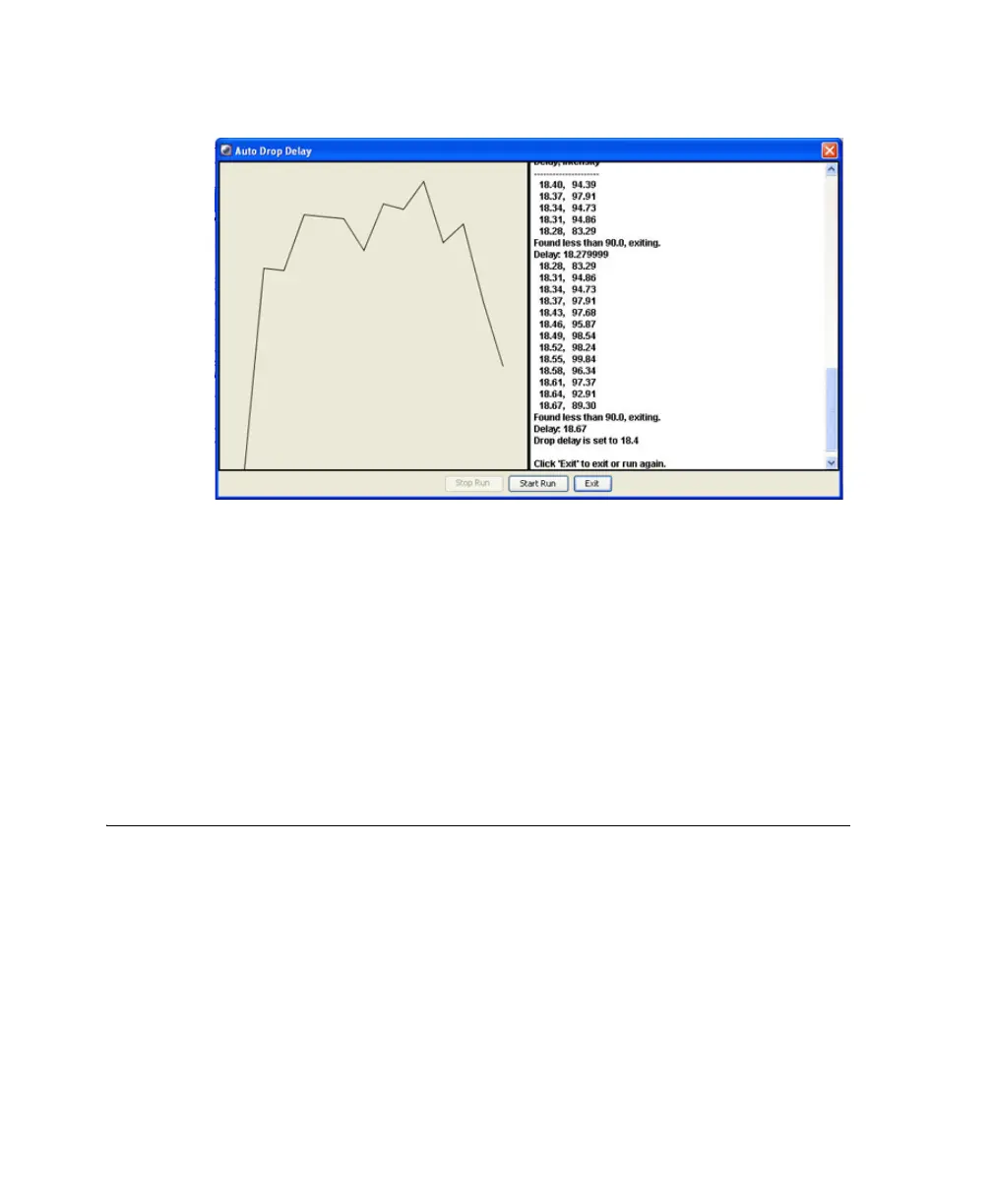
Figure 5-5 Auto Drop Delay Dialog
8 Select Start Run in the Auto Delay dialog.
9 Monitor the Auto Drop dialog for progress. A message appears when the
process is completed.
NOTE If the sort is stopped during algorithm execution (either by user
action, or because the system detected a failure), the run will be stopped
with an appropriate message. Start the sort again, verify that the stream is
stable and the sort is not pausing, and re-run the auto drop delay.
Sorting
Before beginning the sort, do the following:
• Perform the steps outlined in Setting Up for Sorting on page 154.
• Use gating tools and subsetting methods to define the population(s) of
interest.



 To Next Page