48 BD FACSAria User’s Guide
Sample Flow
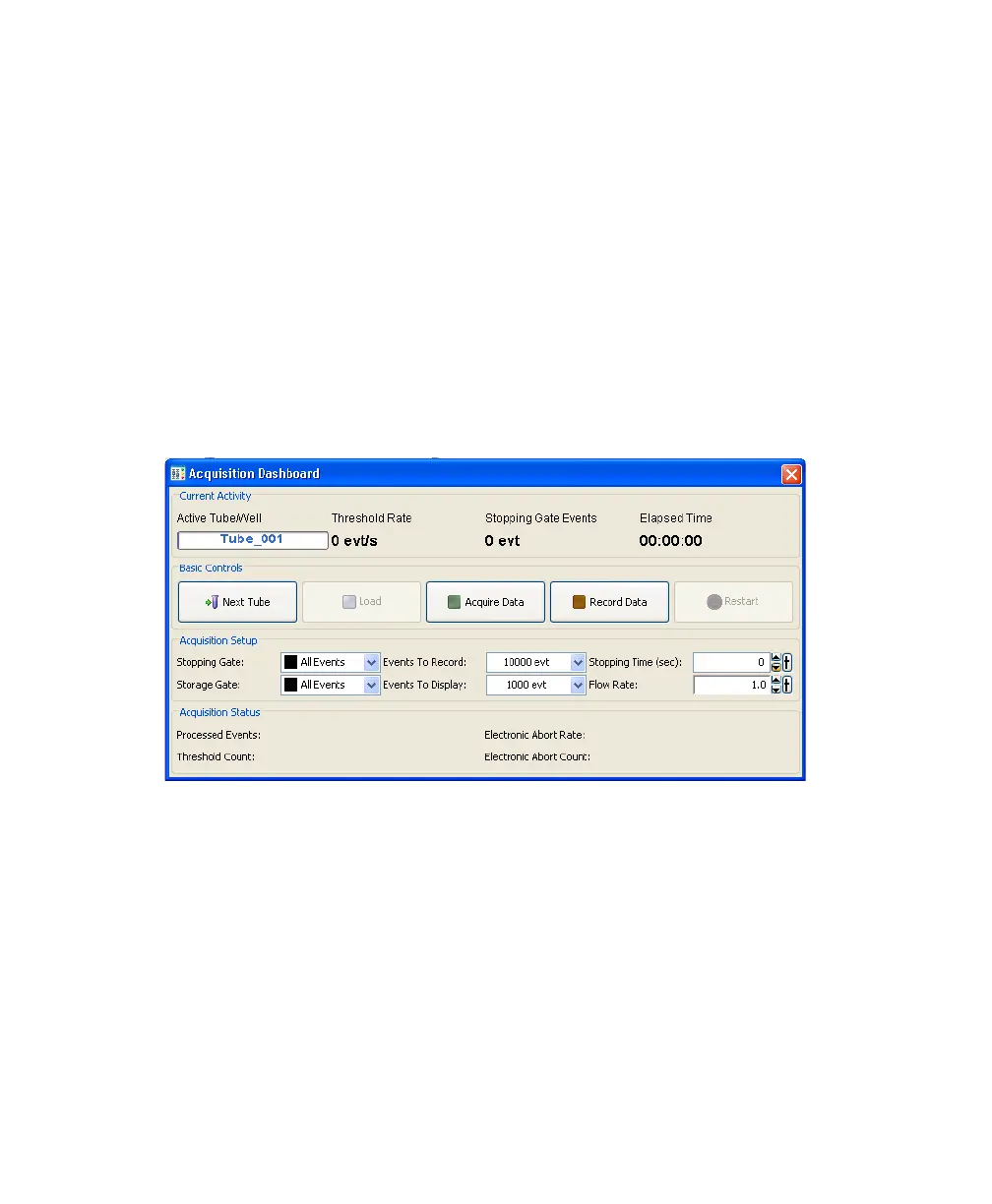
Sample is introduced into the cuvette when the Load button is clicked in the
Acquisition Dashboard (Figure 2-4). After Load is clicked, the loading port rises
to enclose the tube within the sample injection chamber. The chamber is
automatically pressurized and the chamber pressure forces sample through the
sample line into the cuvette flow cell. To stop sample flow after a tube is loaded,
click the Stop Acquiring button.
The sample flow rate is specified using the Flow Rate field in the Acquisition
Dashboard. You can adjust the Flow Rate from 1–11, which corresponds to
approximately 10–120 μL/min.
Figure 2-4 Load button and Flow Rate field in Acquisition Dashboard
Note that the relatively longer sample tubing on the BD FACSAria cytometer
results in a different flow rate between cells and beads. Thus, absolute counting
using BD Trucount™ beads can give erroneous results.



 To Next Page