Chapter 2: Theory of Operation 47
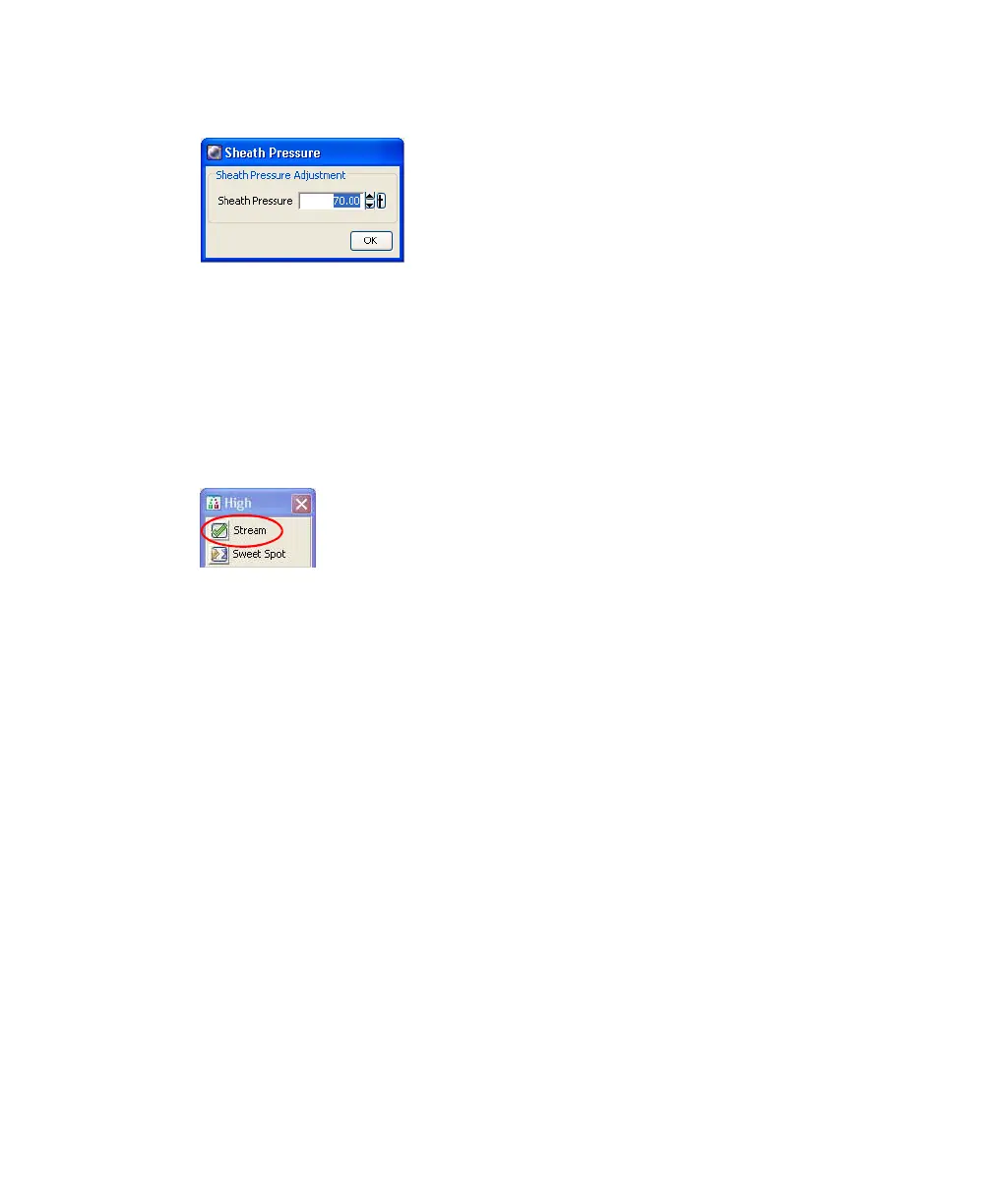
Figure 2-2 Sheath pressure level
After fluidics startup, sheath flow is controlled using the Stream button in the
Breakoff window, which is labelled with the chosen sort pressure (Figure 2-3).
When clicked, the button changes from a red “X” to a green checkmark, and
sheath flows through the cuvette flow cell at the rate that is specified in the
Sheath Pressure window. (See Drop Formation on page 63 for a complete
description of the Breakoff window.)
Figure 2-3 Stream control in Breakoff window
As a general rule, the sheath pressure level is set by choosing a Sort Setup option
from the Sort menu, rather than by adjusting the Sheath Pressure control. Each
Sort Setup option is optimized at a preset sheath pressure. If you change the
sheath pressure, a multitude of other values will be affected, including the drop
drive frequency, drop charge levels, laser delay, area scaling factor, and other
values. For more information, see Sort Setup on page 94.



 To Next Page