174 BD FACSAria User’s Guide
Creating a Custom Device
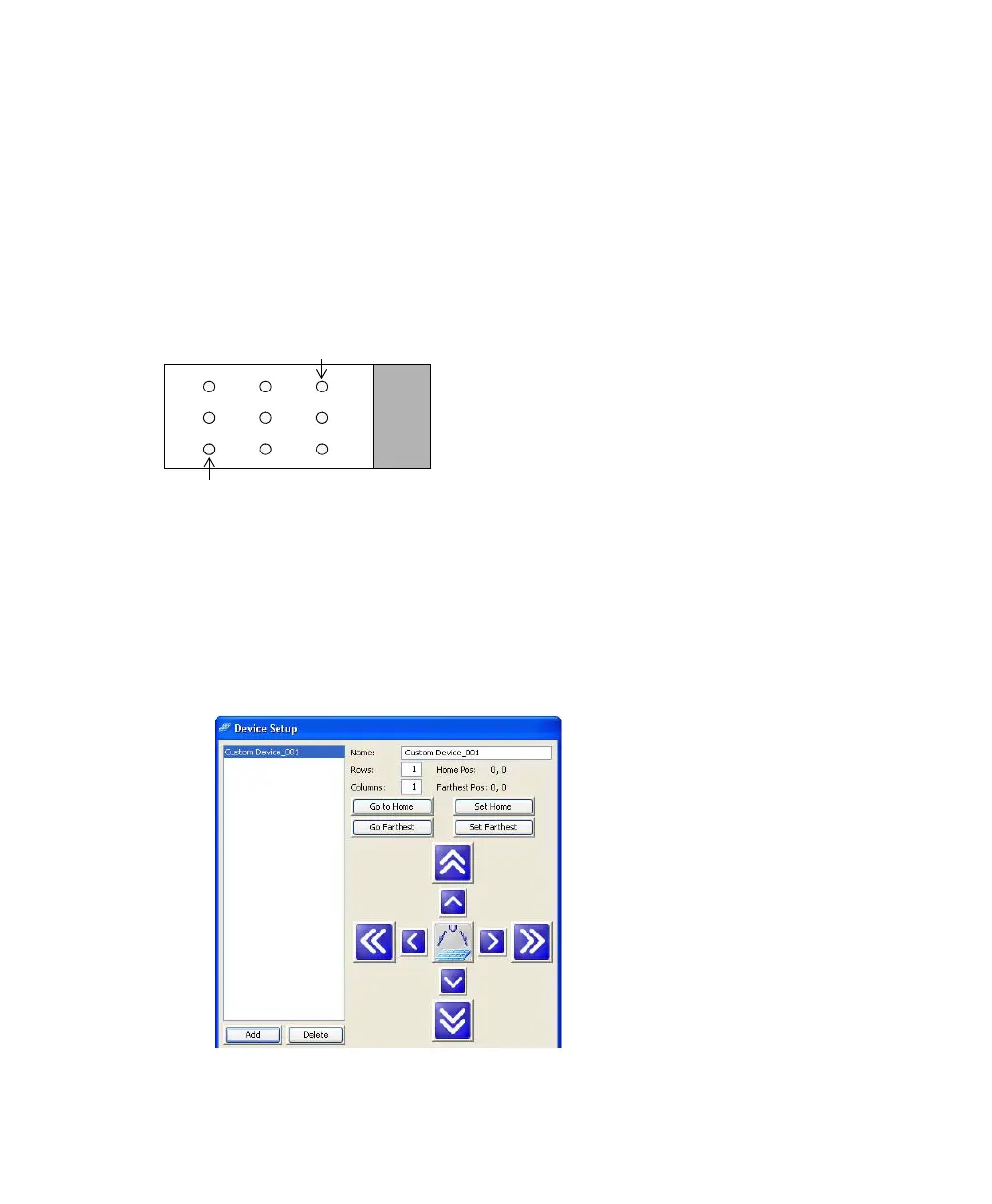
You can program the ACDU stage to sort into any grid configuration. Create a
custom device by entering the number of rows and columns and setting the Home
and Farthest locations. BD FACSDiva software calculates the increment between
rows and columns to determine the sort locations. The Home and Farthest
locations for a 96-well plate are A1 and H12, respectively.
Figure 5-8 Home and Farthest location on 9-drop slide (example)
1 Select Sort > Custom Devices.
2 Click the Add button in the Custom Devices dialog box.
A new device is added to the list of custom devices. By default, devices are
named Custom Device_00x, where x is the next consecutively numbered
device.
farthest
home



 To Next Page