122 BD FACSAria User’s Guide
2 Create a folder for the QC experiemnt.
In the Browser, select the icon for your
database and click the New Folder button
on the Browser toolbar.
Rename the folder Cytometer QC or create
a Cytometer QC folder inside another folder. Refer to the BD FACSDiva
Software Reference Manual for ideas on how to organize experiments.
Tip To place an experiment inside a folder, select the folder before you
create the experiment.
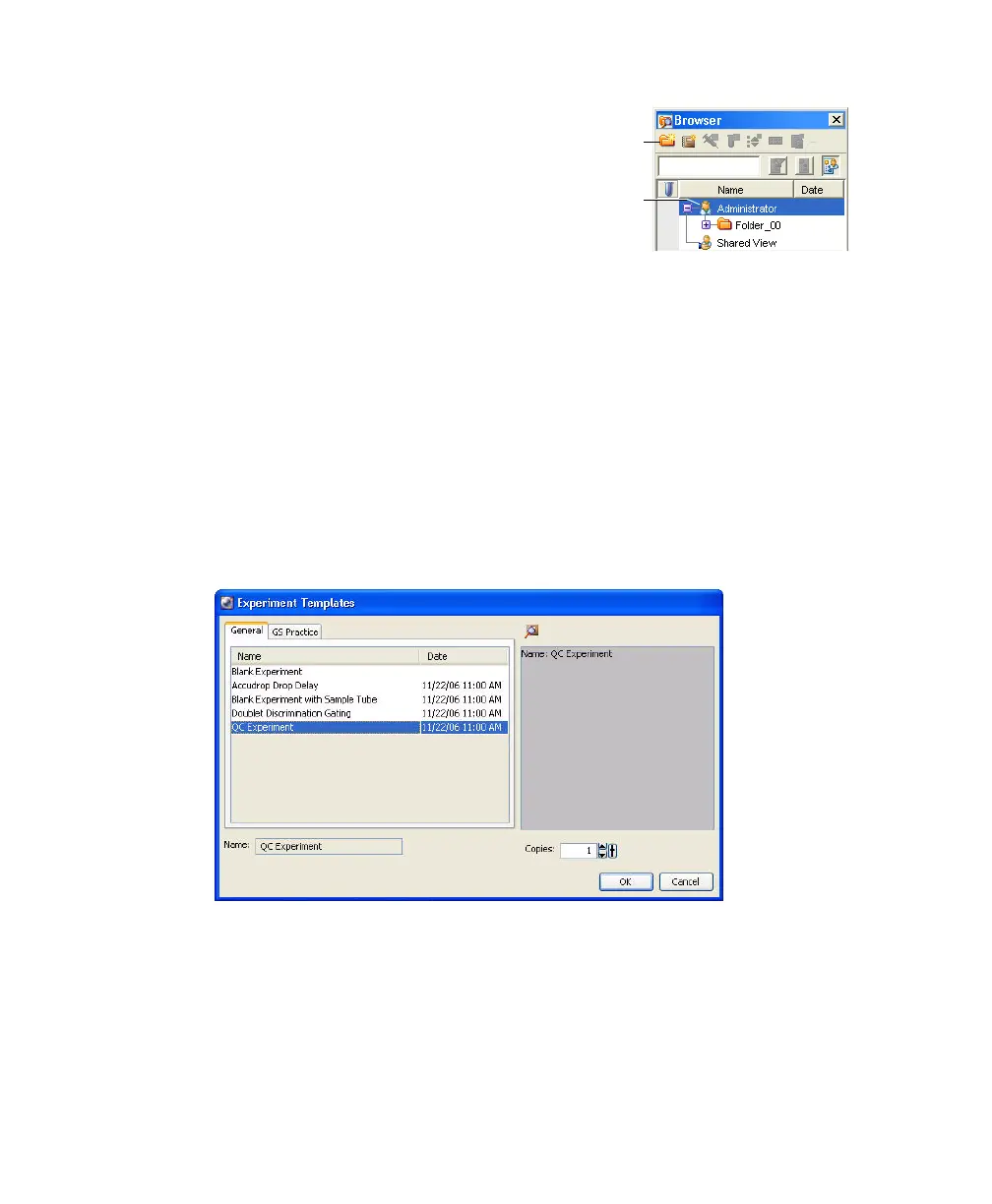
3 Create an experiment from the QC Experiment template.
Select Experiment > New Experiment, click the General tab, and select the
QC Experiment template (Figure 4-6). Click OK to add a copy of the
template to the Browser.
Figure 4-6 Creating an experiment from the QC template
4 Add the current month and year to the experiment name, rename the
specimen with the type of bead you are running (such as Rainbow beads),
and rename the tube with today’s date.
database
folder
button
icon



 To Next Page