86 BD FACSAria User’s Guide
Cytometer Configuration
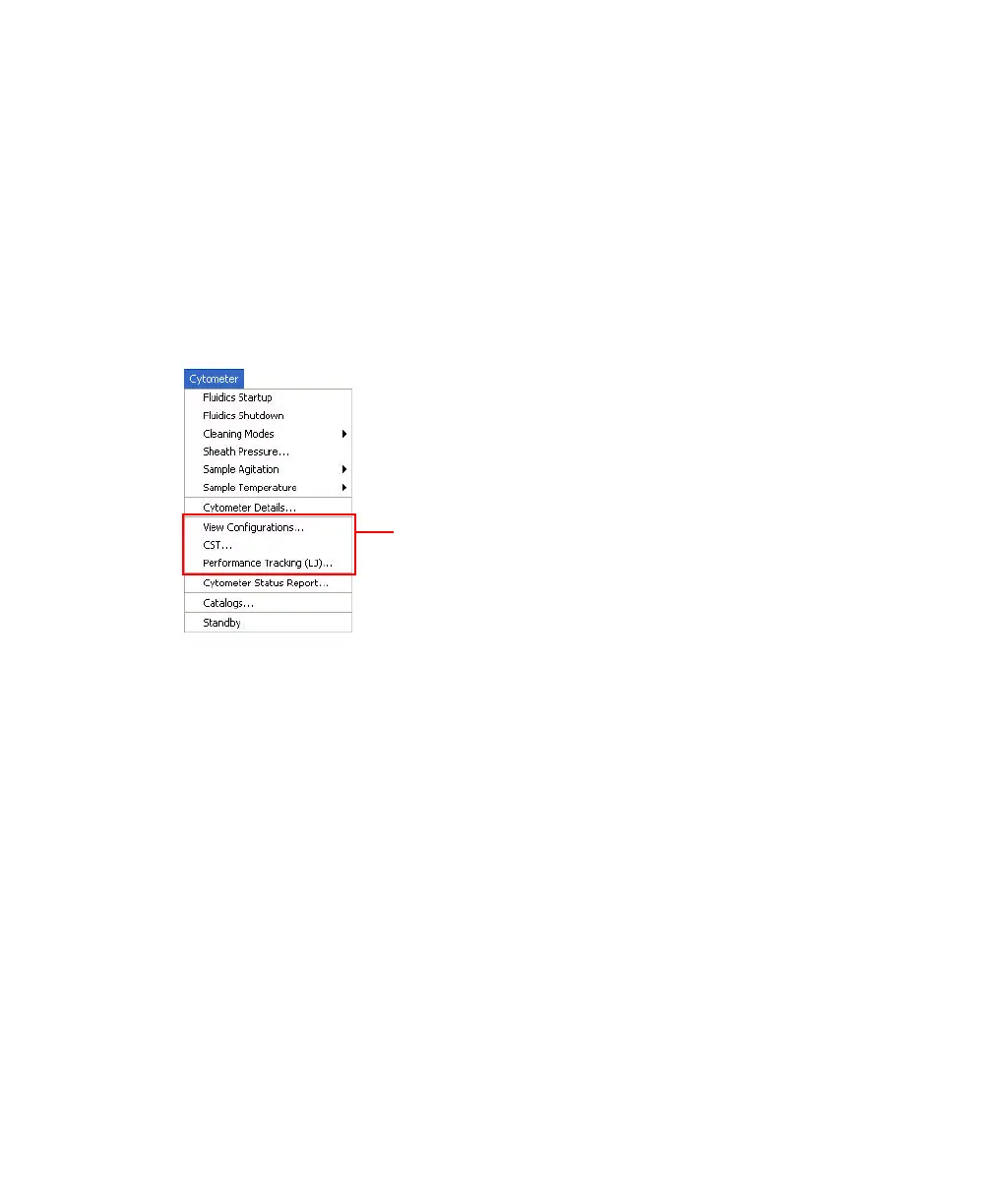
The menu selections shown in Figure 3-4 open the Cytometer Setup and Tracking
(CS&T) module in a separate window. The CS&T module enables you to
perform multiple functions related to cytometer configuration.
NOTE When the CS&T module is open, the FACSDiva software goes into a
holding mode. Once the CS&T module is closed, FACSDiva resumes operation.
Figure 3-4 Cytometer menu selections that open CS&T
• View Configurations—Opens the Cytometer Configuration window within
the main CS&T window. See the following section for an overview of this
function.
• CST—Opens the CS&T module. See the Cytometer Setup and Tracking
Application Guide for complete information on using CS&T.
• Performance Tracking (LJ)—Opens the Performance Tracking feature
within the main CS&T window. See the Cytometer Setup and Tracking
Application Guide for complete information on using this feature.
Menu selections that open the
CS&T Module.



 To Next Page