Chapter 3: Using BD FACSDiva Software 103
Sort Report
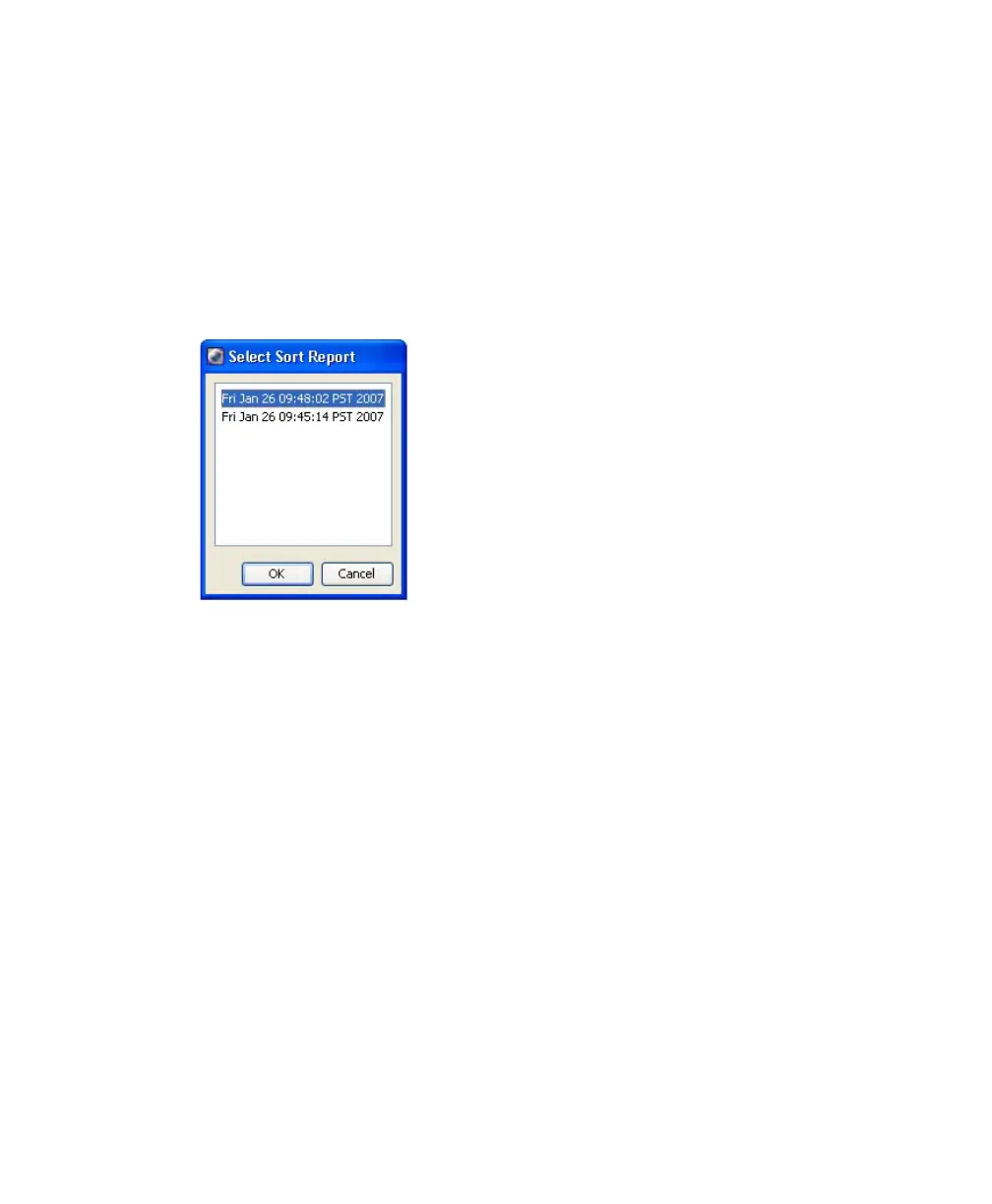
Select Sort > Sort Reports to view all of the saved reports for the current sort
layout. See Figure 3-12. A Sort Report can be printed or exported. The Sort
Reports menu item is enabled if either of the following is true: a sort layout is
selected in the Browser (even if experiment is closed), or a sort layout is open. If
both conditions are true, the Browser selection takes precedence.
Figure 3-12 Select Sort Reports
A Sort Report (see Figure 3-13 on page 104) contains the following:
• Header information—experiment name, specimen name, tube name, sort
layout name, type of collection device, and the date and time of printing
• Sort Settings—sort setup values, precision mode, and mask definitions
• Acquisition Counters—threshold count, processed events count, electronic
conflicts count, and elapsed time
• Sort Counters—counter values per sort destination, or total sort count if
sorting sequentially
• Sort Layout—population(s), sort count, and target event count for each
sort location field



 To Next Page