Chapter 3: Using BD FACSDiva Software 91
Acquisition Controls
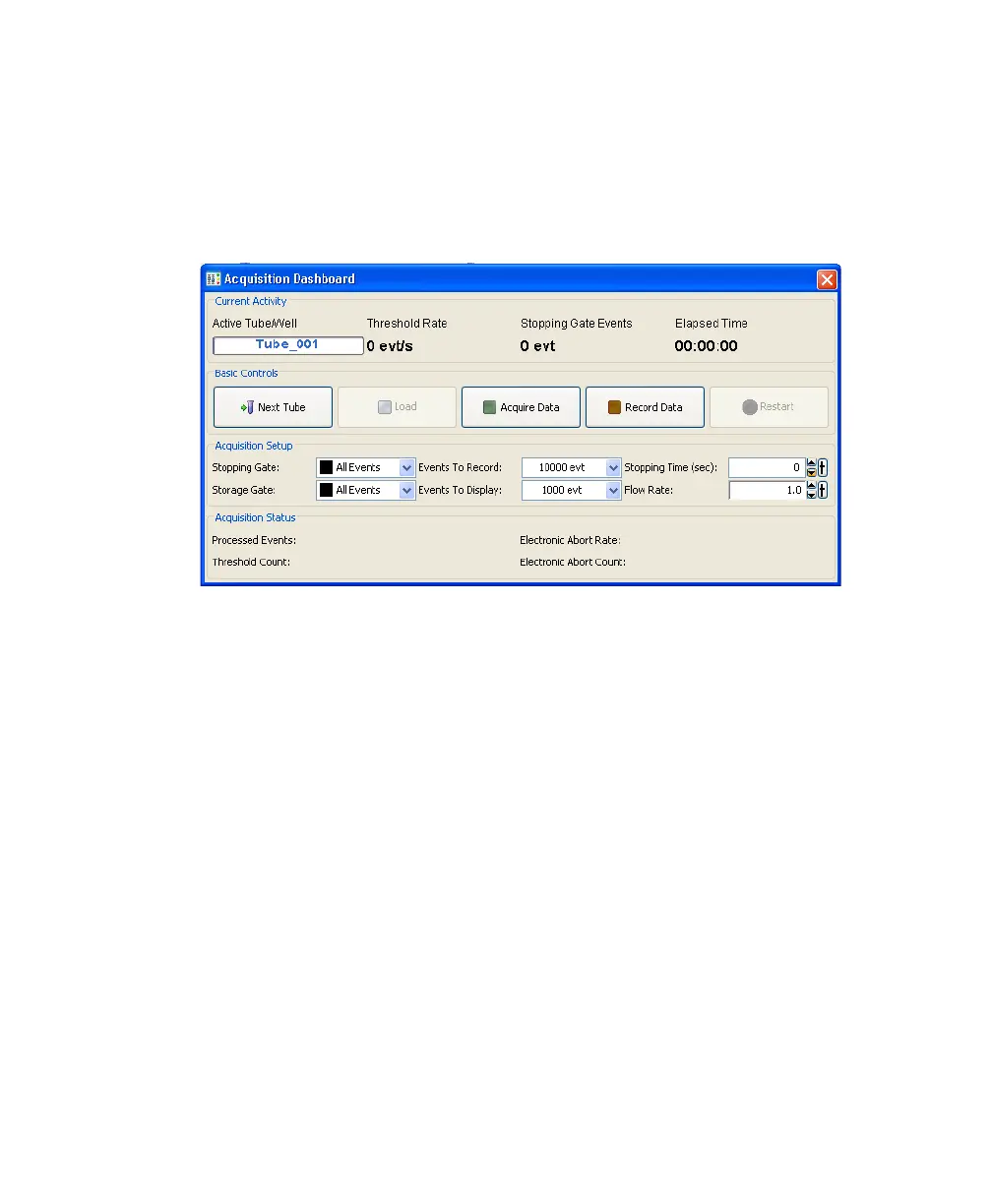
Along with the controls described in the BD FACSDiva Software Reference
Manual, the following acquisition controls are available for the BD FACSAria
cytometer.
• Load—Lifts a tube into the sample injection chamber, starts sample
agitation (if agitation is turned on), and starts acquisition of the sample.
When a tube is already loaded, the button changes to Unload. Clicking
Unload stops acquisition of the sample, turns off the agitator, and lowers
the tube from the sample injection chamber.
NOTE The Load button is enabled only when the workstation is connected
to the cytometer, an experiment is open, the stream is turned on, and the
current tube pointer is set to a tube.
• Stop Acquiring—Stops sample acquisition without unloading the sample
tube.
The Acquire Data button functions only when a tube is loaded.



 To Next Page