90 BD FACSAria User’s Guide
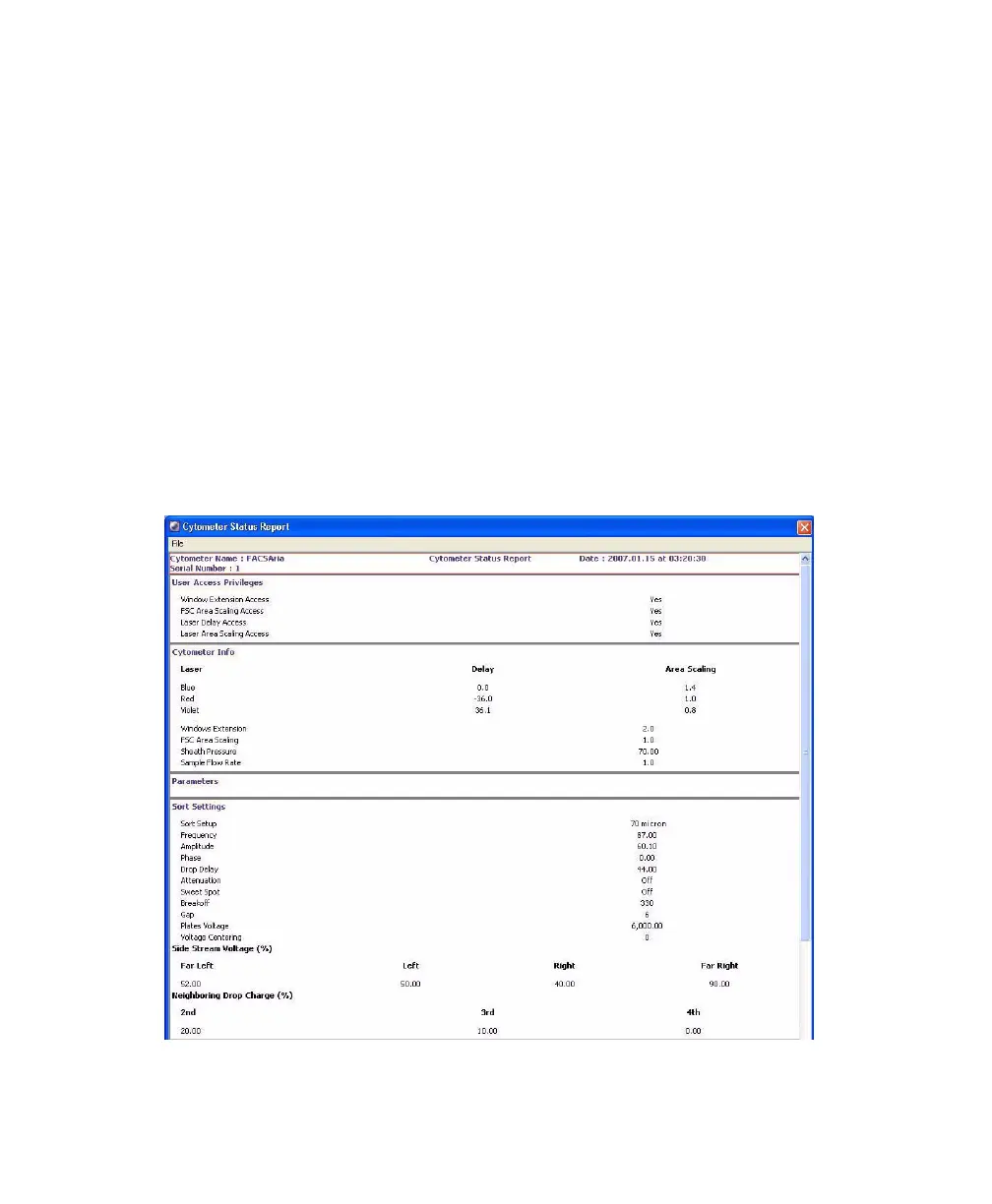
Four types of information are displayed on the report: user access privileges,
cytometer information, cytometer settings, and sorting settings (for cytometers
equipped with sorting features). The report can be printed or exported.
• The User Access Privileges section lists access settings for the current user.
• The Cytometer Info section lists values for laser delay, area scaling, window
extension, FSC area scaling, sheath pressure, and sample flow rate.
• The Parameters section displays settings for the current acquisition tube.
• The Sort Settings section lists all sort setup values, along with the Plate
Voltage and Voltage Center values. If the Sweet Spot is off, Breakoff and
Gap values are shown. If the Sweet Spot is on, Drop 1 and target Gap
values are shown.
Figure 3-6 Cytometer Status Report



 To Next Page