Chapter 3: Using BD FACSDiva Software 89
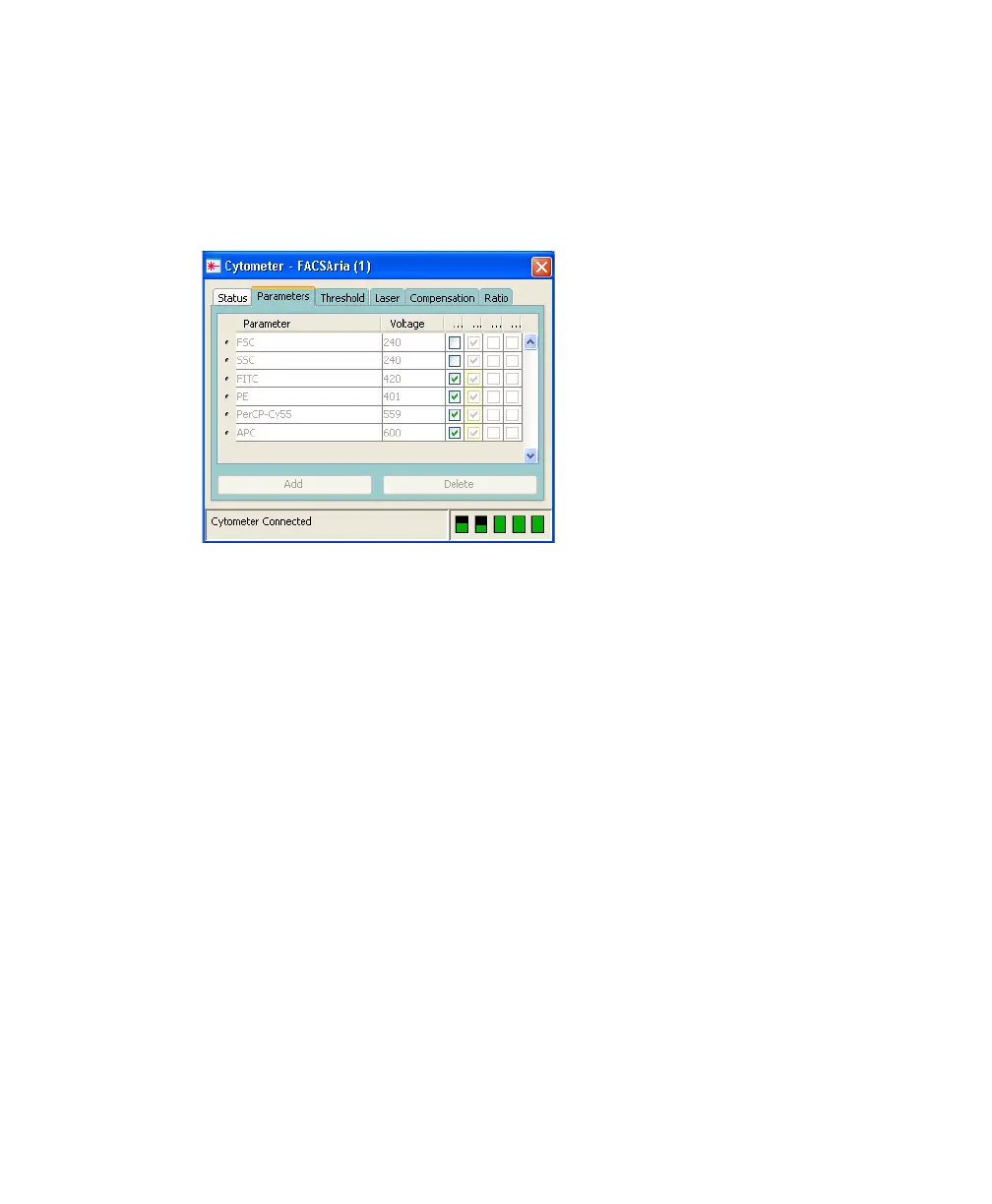
Selections in the cytometer configuration determine which parameters are
available for your experiment. When more than one parameter is available for a
detector, the first parameter is listed by default. To select a different parameter,
click the name in the Parameters tab and select a different parameter from the
drop-down menu.
Tip To ensure that your experiment’s parameters match those in the current
cytometer configuration, always record data with the same configuration.
Cytometer Status Report
The Cytometer Status Report provides a list of all cytometer settings at the time
the report was created. You must be connected to the cytometer to create the
report. In an open experiment, click to set the current tube pointer and select
Cytometer > Cytometer Status Report. The report is displayed in a separate
window with a menu bar above the report header. The header lists the cytometer
name, cytometer type, cytometer serial number, and the date and time the report
was prepared. See Figure 3-6 on page 90 for a sample report.
For a full description of the Cytometer Status Report, refer to the BD FACSDiva
Software Reference Manual. A BD FACSAria cytometer report includes the
following additional information.



 To Next Page