102 BD FACSAria User’s Guide
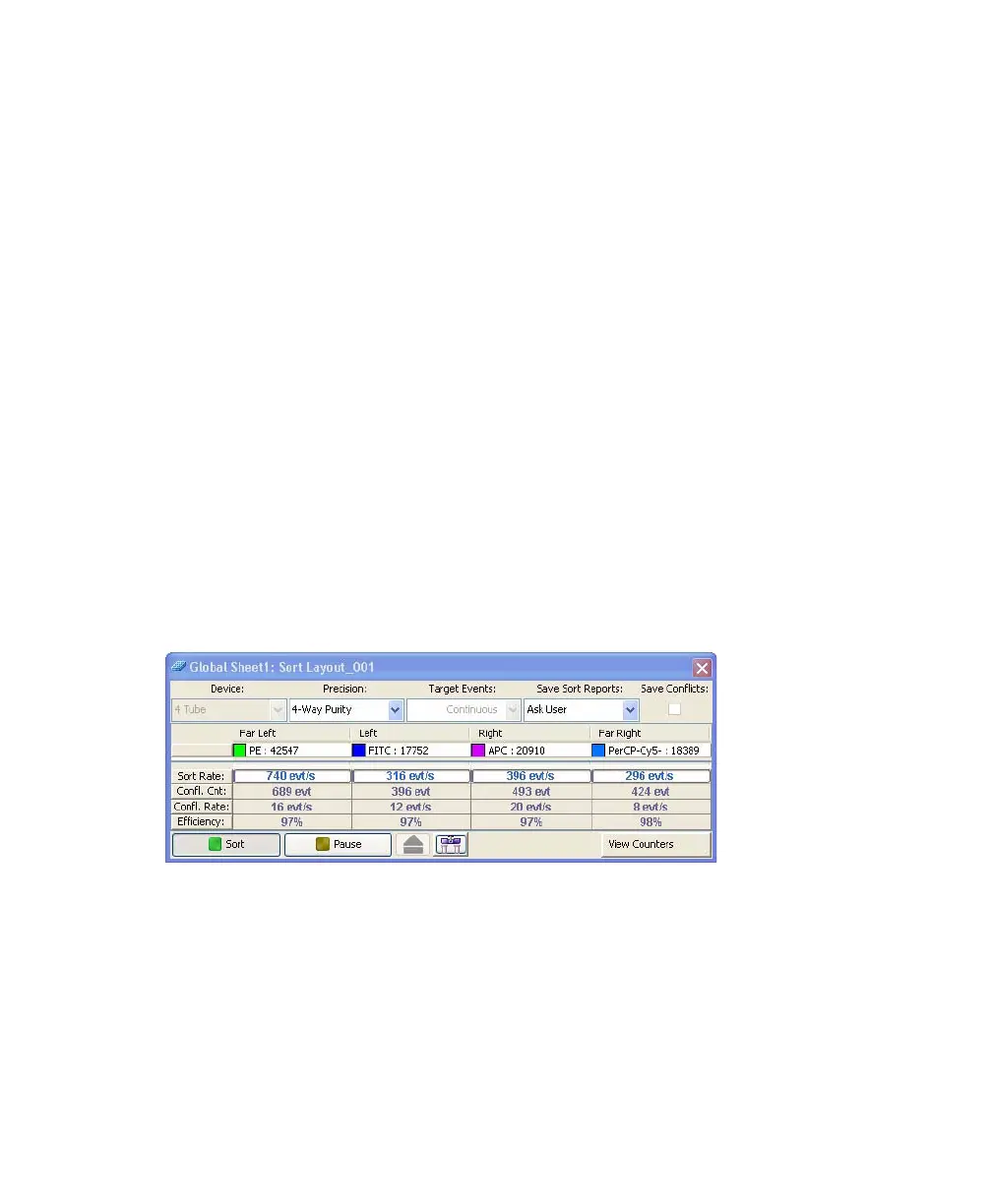
Counters display the following information:
• Sort Rate—number of events per second that met the sort criteria and were
sorted
• Conflict Count—number of events that met the sort criteria but were not
sorted because of conflicts
• Conflict Rate—number of conflicts per second
• Efficiency—number of sorted events/(sort conflicts + sorted events) x 100
Monitoring a Sort
During sorting, each sort location field displays the number of actual sorted
events (Figure 3-11). When a target number is specified, the field displays the
actual number of events along with the number of target events.
A progress bar appears behind the Sort Rate counter field showing the progress
of the sort.
Figure 3-11 Sort Layout during sorting



 To Next Page